
Why Your Laptop Screen Washes Out in Sunlight
A laptop screen stays readable in sunlight when two specs line up: the SDR brightness figure measured in nits, and a screen finish that scatters reflected light. Brightness does most of the work, and the finish decides how much of the sky you see bouncing back at you.
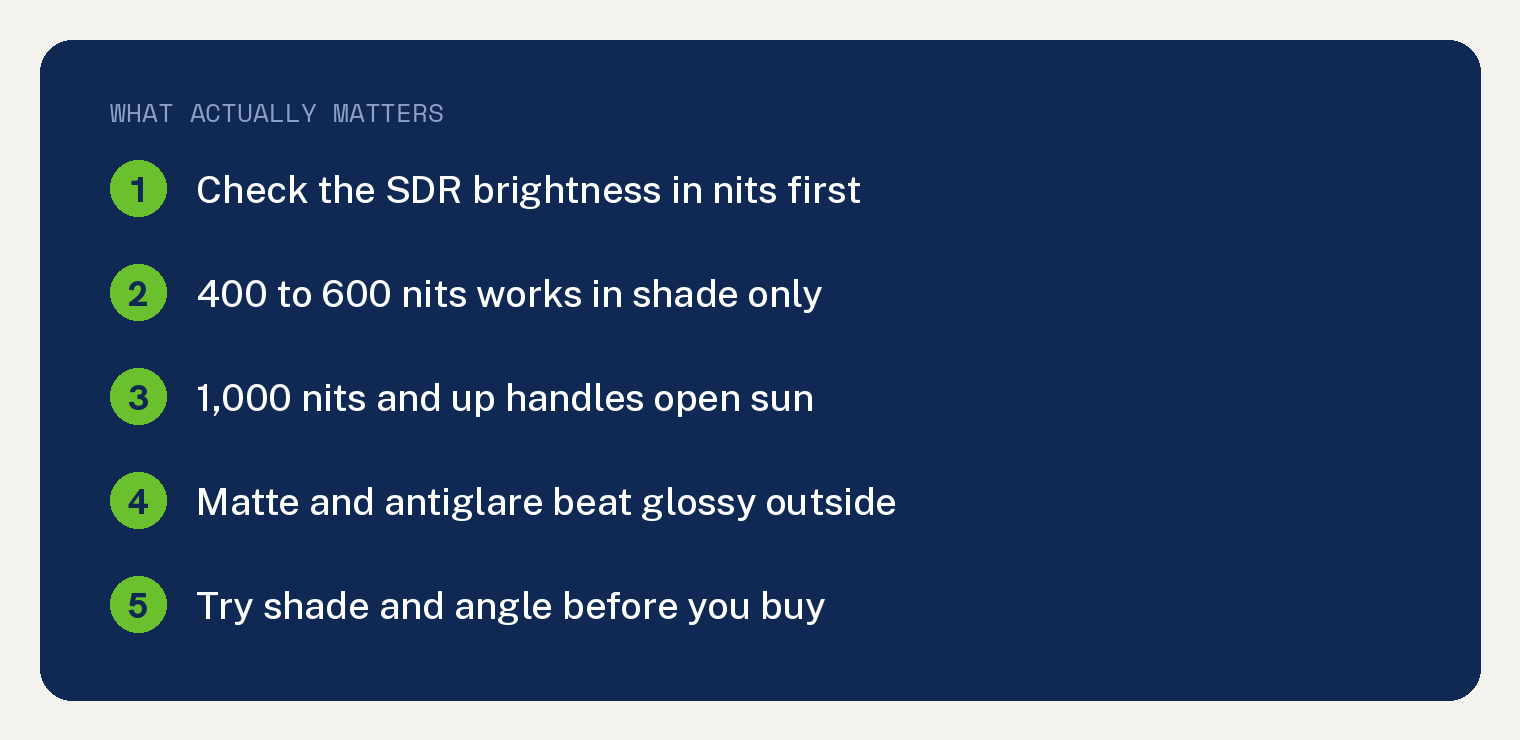
Most mainstream laptops with published figures land between 400 and 600 nits. The MacBook Pro is the mainstream exception at 1,000 nits SDR, and rugged machines built for open sun climb higher still.
Here is what the manufacturers actually publish, and what those numbers mean on a patio at noon.
How many nits do you need to see a laptop screen outside?
There is no industry standard for a sunlight readable laptop. Brands use the phrase freely, and no certification sits behind it.
What you can do is compare the figures each maker prints on its own spec page.
Apple lists 500 nits for the MacBook Air in both screen sizes. That is a single figure covering normal use, with no separate outdoor rating.
Apple lists the 14 inch and 16 inch MacBook Pro at up to 1,000 nits SDR, and labels that number outdoor. The same panel is rated 1,000 nits sustained full screen and 1,600 nits peak under XDR, which Apple marks HDR content only.
That split trips people up. The 1,600 nit figure describes small bright highlights inside HDR video, so a spreadsheet or a web page will never reach it.
When you compare laptops for outdoor use, the SDR number is the one that matters.
Microsoft lists 600 nits SDR maximum on the Surface Laptop tech specs page for the 13.8 inch and 15 inch sizes.
Getac lists 1,400 nits on its product page for the B360, a rugged 13.3 inch laptop sold for field work. Durabook lists 1,200 nits for the Z14I.
A practical guideline, drawn from those figures
Read those published numbers together and a rough ladder appears. Treat it as a guideline pulled from spec sheets, since no official threshold exists.
- 400 to 500 nits. Comfortable in shade. Washed out with sun on the screen.
- 600 nits. Usable in bright open shade.
- 1,000 nits and up. Readable with daylight falling on the panel.
- 1,200 to 1,400 nits. The rugged field laptop range, sold for open sun all day.
Does a matte screen beat a glossy one in sunlight?
Outdoors, yes. A glossy screen reflects a sharp image of whatever sits behind you, and outside that usually means the sky.
A matte or antiglare finish scatters that same light across the surface. The reflection spreads into a soft haze you can see through.
Brightness and finish solve different problems. Nits push the image through ambient light, while the finish controls how much of your surroundings lands back in your eyes.
Apple offers a nano texture display as a configure to order option on the 14 inch and 16 inch MacBook Pro. Apple does not list that option for the MacBook Air.
One honest gap: Apple publishes no separate brightness figure for the nano texture version. Its spec page gives you no direct way to compare that surface against the standard glass.
Microsoft publishes an anti glare display option on the 13.8 inch Surface Laptop for Business 8th Edition, listed as anti glare with an integrated privacy screen and certified to ISO 9241 part 307.
The 15 inch lists that anti reflective screen as its only finish, and on the 13.8 inch it is the default choice against the anti glare option.
The nano texture surface also asks for more care. Apple ships a polishing cloth only with that option.
Apple tells you to clean that screen with the cloth it ships in the box. If you are cautious about screen care generally, our guide to cleaning a MacBook safely covers the basics.
How do the brightest mainstream laptop screens compare?
These three are the models whose brightness figures come straight from the maker’s own tech specs pages.
| Spec | MacBook Air 13.6 | MacBook Pro 14 | Surface Laptop 15 (8th Ed) |
|---|---|---|---|
| Rated brightness | 500 nits | 1,000 nits SDR, outdoor | 600 nits SDR max |
| Panel | LED backlit IPS | Liquid Retina XDR | PixelSense Flow |
| Matte option | None listed | Nano texture, configure to order | None listed |
| Best for | Shade and indoor work | Open sun and bright decks | Touch users at mid brightness |
Rugged laptops beat every one of them on paper. The tradeoff is bulk, since these machines are thick and heavy compared with a consumer ultraportable, and laptop weight is the first thing you notice carrying one.
They are also sold mostly to utilities and field crews. Buy one only if you work in open sun most days.
If you are shopping outside the Apple and Microsoft lineups, check the spec page before anything else, because brightness is inconsistently published across Windows brands. Our HP and Acer laptop comparison walks through how those two label their displays.
What can you do with the laptop you already own?
The cheapest real fix costs nothing at all. Before you shop, work through these in order.
- Plug in and go to full brightness. Most laptops dim on battery to save power, and running a screen at maximum outdoors drains it quickly. Our guide to laptop charging wattage explains what your adapter can keep up with.
- Turn off automatic brightness on a Mac. Open System Settings, click Displays in the sidebar, and switch off Automatically adjust brightness. The slider then stays where you put it.
- Turn off automatic brightness on Windows 11. Open Settings, go to System > Display > Brightness, and clear the box for Change brightness automatically when lighting changes.
- Put the sun behind the screen. Sit so the open lid blocks direct light from hitting the panel. You should see the washed out grey lift within a second.
- Find real shade. An umbrella, an awning, or a porch roof does more than any brightness upgrade you can buy.
- Tilt the lid a few degrees. Reflections move fast. A small angle change often slides the sky off the part of the screen you are reading.
- Switch to light mode. A white background drives the panel at full output, which helps text hold up against reflected light.
- Add a matte screen film. Antiglare films for laptops cut mirror reflections on a glossy panel for far less than a new machine.
Work down that list before you spend anything, since shade and screen angle cost nothing to try.
Common questions about laptop screens in sunlight
How many nits is enough for outdoor use?
There is no official threshold, so use the published figures as your yardstick. Screens in the 400 to 600 nit range work in shade, and the laptops marketed for direct sun start around 1,000 nits and run to 1,400.
Is OLED or LCD better in sunlight?
Panel technology matters less than the two numbers on the spec sheet: the brightness figure and whether the finish is matte.
Watch the peak HDR rating on any panel, because a peak figure describes small bright highlights inside HDR video. A full white page sits down at the lower sustained number. Apple’s own MacBook Pro listing shows that gap, rating the panel 1,000 nits sustained full screen against 1,600 nits peak for HDR only.
If you are weighing OLED for other reasons, we covered OLED and laptop battery life separately.
Can you make a glossy laptop screen matte?
You can get close with a stick on antiglare film cut for your screen size. It will not match a factory matte panel, and you take on the usual risk of bubbles and dust when applying it.
Why does my laptop screen dim when I go outside?
Two things usually cause it. Laptops step brightness down on battery power to stretch runtime, and ambient light sensors adjust output on their own.
Plug in the charger, then turn off automatic brightness in your display settings. The screen should jump back up right away.
Do rugged laptops really work in direct sunlight?
Their spec pages carry the highest published brightness figures on the market, with Getac listing 1,400 nits for the B360 and Durabook listing 1,200 nits for the Z14I. They are built for utility and public safety crews, so expect weight, thickness, and pricing aimed at fleets.
Thanks for this article! My current laptop with only 300 nits and even with it’s anti-glare screen, is no match for the outdoor light!
I’ll take this article with me when I go shopping for my next one!