
Do Fitbits Work Without A Phone? Your Guide to Hands-Free Fitness
You know that moment when you’re heading out for a run and realize you left your phone at home? If you’re wearing a Fitbit, you might wonder if your workout will even count without your phone by your side. It’s a totally fair question, especially since so many fitness trackers seem glued to our smartphones these days.
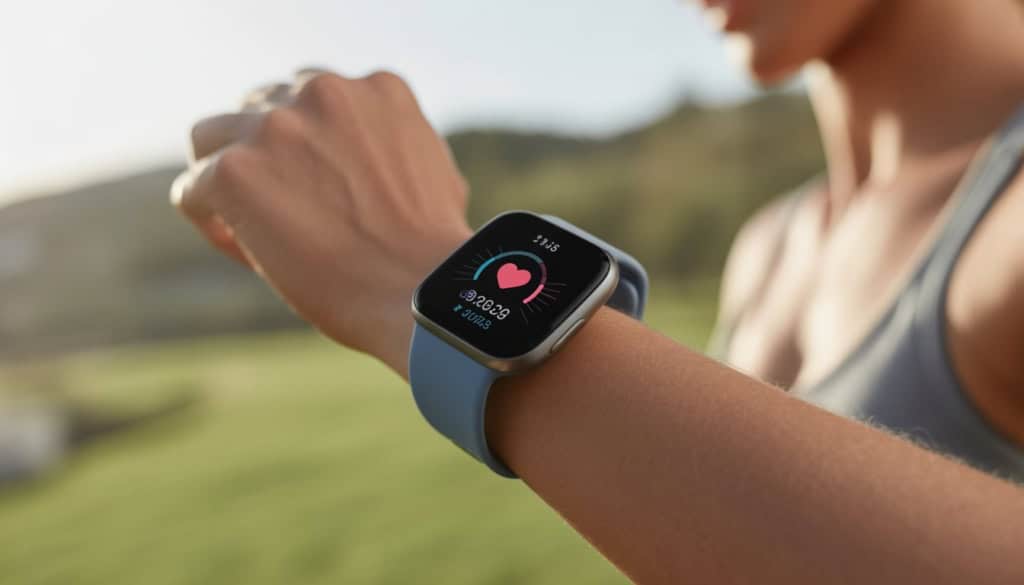
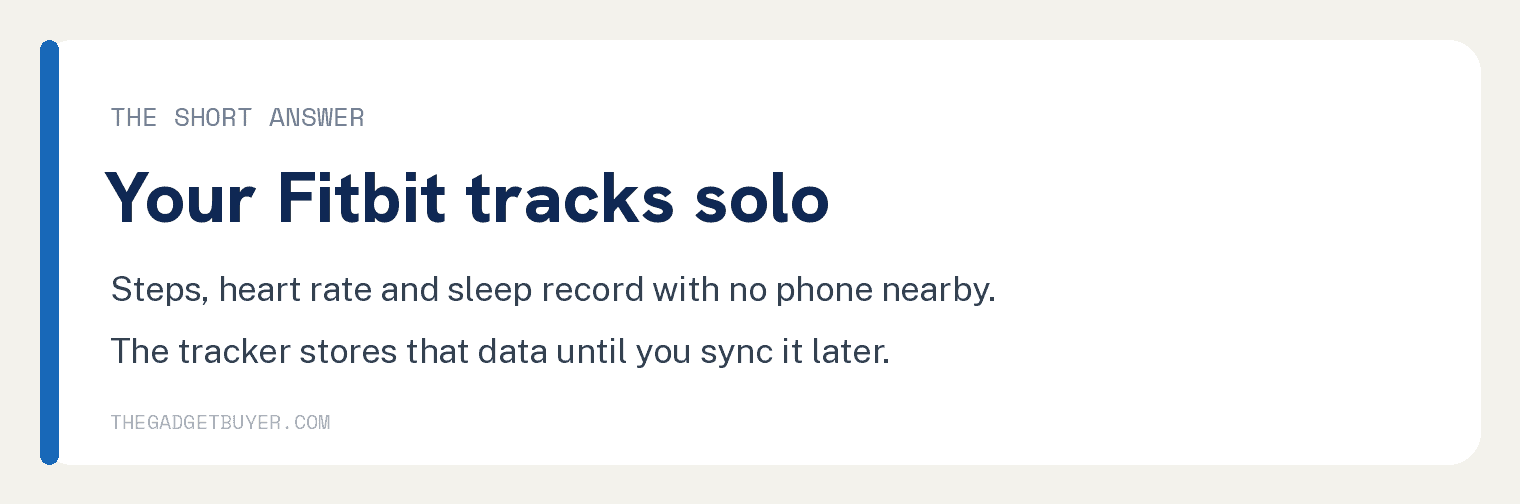
Yes, your Fitbit will track your steps, heart rate, and most activities just fine without your phone nearby. Fitbit devices can track health data independently, storing everything right on the device itself. Think of your Fitbit like a little computer on your wrist that keeps working whether your phone is in your pocket or sitting on your kitchen counter.
But here’s where it gets interesting. While your Fitbit doesn’t need your phone to do its main job, there are some cool features you’ll miss out on when you go phone free. Many of those extras, like notifications and syncing to the app, run over a Bluetooth connection to your phone. We’ll walk through exactly what works, what doesn’t, and how to make the most of your Fitbit whether you’re team phone free or prefer staying connected.
How Fitbits Work When You Don’t Have Your Phone
Your Fitbit becomes a standalone fitness tracker that keeps working even when your phone is nowhere to be found. It stores days worth of data internally and tracks most of your key health metrics without missing a beat.
What Fitbits Can Track on Their Own
Your Fitbit is like a mini computer on your wrist that doesn’t need your phone to do its main job. It tracks your steps, distance, and calories burned all by itself using built in sensors.
Basic tracking features that work solo:
- Steps and distance walked
- Calories burned throughout the day
- Active minutes and hourly activity
- Sleep patterns and sleep stages
- Heart rate monitoring (on models with heart rate sensors)
The heart rate monitor keeps working 24/7 without your phone. Your Fitbit can track your heart rate even when you’re completely disconnected from any device.
Your sleep tracking also works great on its own. The fitness tracker monitors when you fall asleep, how long you sleep, and what sleep stages you go through. You’ll see all this data once you sync up later.
What won’t work without your phone:
- GPS route mapping on Inspire models, which use your phone for GPS
- Text and call notifications
- Music controls
- Real time data viewing on the app
Think of your Fitbit like a digital diary that keeps writing even when no one’s reading it.
How Long Fitbits Store Your Data
Your Fitbit has built in memory that acts like a tiny storage unit for your health data. Most Fitbit models can store data internally for about 7 days, and Google says older data might be deleted past that point.
Google publishes one storage figure: data is stored on your watch or tracker for 7 days. If you have not synced in over 7 days, older data might be deleted. Google does not publish a separate figure for each data type.
This means you could go on a week long camping trip without your phone and not lose any important fitness data. Your Fitbit keeps everything safe until you get back to civilization.
When you finally sync with the app, you’ll see your heart rate patterns, sleep stages, and activity throughout each day you were disconnected.
If you go longer than 7 days without syncing, Google says older data might be deleted. Sync inside that week and nothing on the tracker is at risk.
Which Fitbit Models Handle Independence Best
Not all Fitbit devices are created equal when it comes to working without your phone. Some models shine as standalone fitness trackers, while others really need that phone connection.
Best standalone performers:
- Fitbit Charge series: Great battery life and comprehensive tracking
- Fitbit Versa series: Stores music locally and has built in GPS on some models
- Fitbit Sense series: Advanced health sensors work independently
The Charge models are particularly good for seniors without smartphones because they focus on essential health tracking rather than smart features.
Models that need more phone support:
- Inspire models, which use your phone’s GPS for routes
- Older models like Charge 3, Versa 2 and Luxe, which also use phone GPS
Your newer Fitbit models handle independence much better than older ones. They have better sensors and longer battery life to keep tracking when you’re phone free.
The difference that matters is which sensors a model carries, and whether it can record a GPS route with no phone along.
Syncing, Setup, and Getting Around Phone Free Limitations
You can set up your Fitbit without owning a smartphone, though you will need to borrow one. Google’s instructions point to a phone running the Google Health app for the first pairing, and after that the core fitness tracking runs on the tracker itself.
How to Set Up Fitbit Without a Smartphone
Setting up your Fitbit without a smartphone is totally doable, but you’ll need to think outside the phone box. Your Fitbit device can walk you through the basics right on its screen.
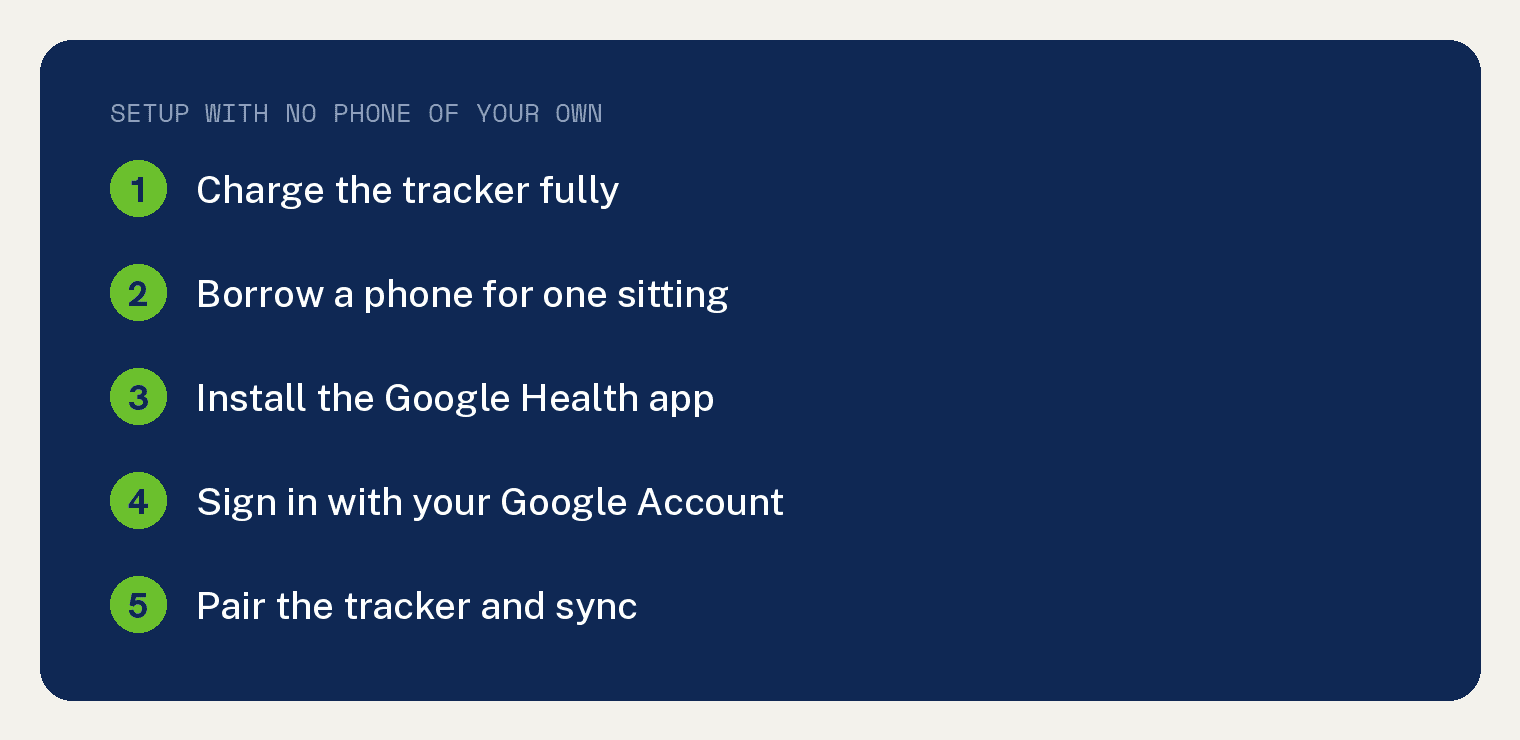
Start by charging your device fully. Google then asks you to use a phone with the Google Health app, which is where your Google Account is created and the tracker is paired.
You’ll still need internet access somewhere. Borrowing a friend’s phone for the initial setup works perfectly, and you only need it for that one sitting.
Once you’re past the initial hurdle, your Fitbit becomes surprisingly independent. It tracks steps, heart rate, sleep, and calories without needing constant phone contact.
Can You Sync a Fitbit Through a Computer?
Update for 2026: setup and syncing run through the Google Health app on a phone. The Fitbit app was renamed the Google Health app on May 19, 2026, and the old desktop sync software has been retired.
If you do not own a phone, borrow one long enough to install the Google Health app, sign in with your Google Account and sync. Your history lives in that account, so it is waiting for you the next time you connect.
For a current breakdown of what the tracker handles on its own, read our guide to the Fitbit features that work without a phone.
What Features You’ll Miss (and Which Still Rock)
Let’s be real about what changes when you use your Fitbit without the app. Some stuff just won’t work, but plenty still does.
What keeps working:
- Step counting and distance tracking
- Heart rate monitoring
- Sleep tracking
- Basic workout detection
- On device GPS on Charge 4, Charge 5, Charge 6, Sense and Versa 3
- Timer and alarm functions
What you’ll miss:
- Detailed insights and trends
- Food logging
- Social challenges with friends
- Smartphone notifications
- Music control
- Quick replies to messages
Your Fitbit’s screen shows basic daily stats. You can see steps, calories, heart rate, and distance right there on your wrist.
The biggest limitation? You lose those detailed weekly and monthly reports that help you spot patterns. But if you just want to know “did I move enough today?” your Fitbit has you covered completely.
I understand that some of the fitbit’s functions will be available without a cell phone, but is it possible to use the inspire 2 with its Bluetooth turned off?
How to turn it off?
I do not want to be exposed to the Bluetooth radiation while wearing it.
If this cannot be done, mine is for sale.
Please email me your response.
thank you!
can i just use the fitbit without the phone? can i just use the watch?
is it a waste of money?
jan