
Charge an iPad With an iPhone Charger? Yes, Apple Says
Yes, you can charge an iPad with an iPhone charger. Apple’s adapter page says you can use any adapter on its list “to charge your iPhone, iPad, Apple Watch, or iPod”, and the 5W brick that shipped with most iPhones before iPhone 11 is on that list.
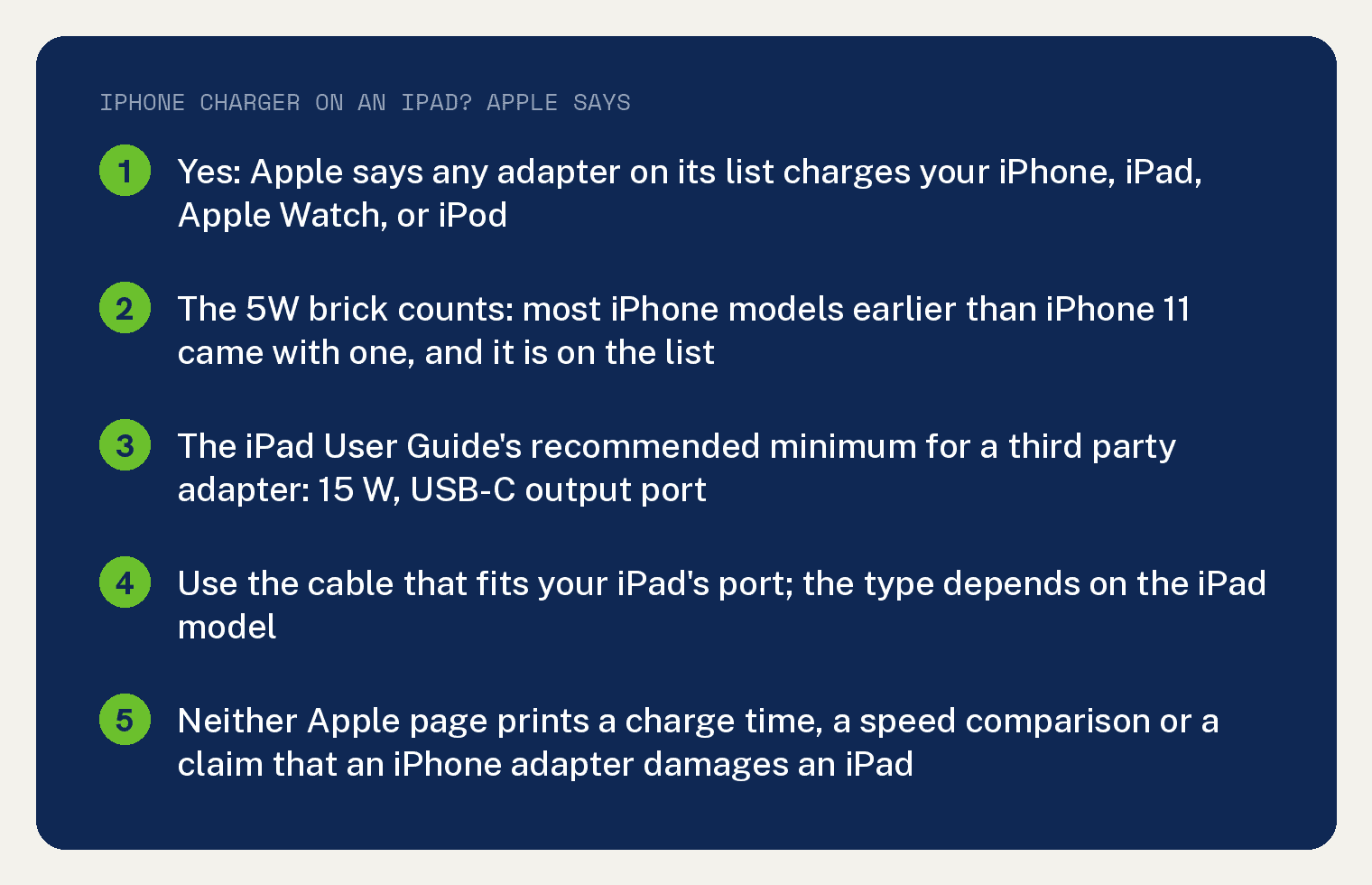
The iPad User Guide adds one line worth knowing before you settle for the small brick. For a power adapter that is not Apple’s, it recommends a minimum of 15 W from a USB-C port, and the 5W iPhone brick sits well under that.
The cable has to fit your iPad’s port, which depends on the model. Neither Apple page prints a charge time or a damage warning for an iPhone adapter on an iPad, and this article says so where it matters.
Will an iPhone charger charge an iPad?
Yes, as long as the adapter is one Apple lists or one that meets safety standards. The adapter page puts it in one sentence: “You can use any of the adapters listed below to charge your iPhone, iPad, Apple Watch, or iPod.”
That list runs from the 20W USB-C adapter down to the 5W adapter, with 18W, 12W and 10W models in between. Apple also allows “a Mac USB-C Power Adapter or third-party adapters that comply with applicable safety standards”.
The small brick older iPhones came with counts. In Apple’s words, “Most iPhone models earlier than iPhone 11 came with a 5W power adapter in the box.”
Newer iPhones come with no adapter at all, so the iPhone charger you reach for is whatever brick you bought or kept. Apple’s line is that “iPhone models no longer include a power adapter in the box.”
Which adapter does Apple recommend for an iPad?
Apple’s adapter page allows any listed adapter for an iPad, the 5W one included. For a brick from another maker, the iPad User Guide sets a recommended minimum.
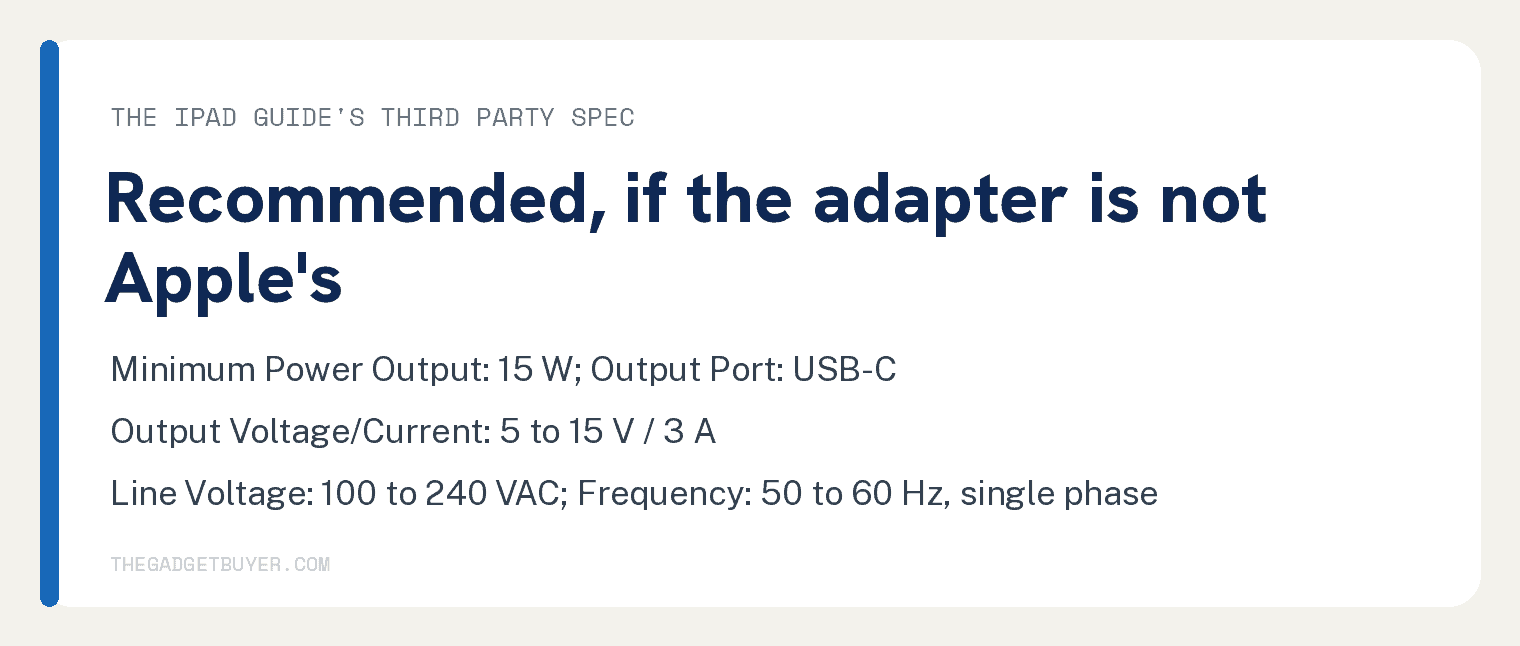
Its lead in reads: “If you use a third-party power adapter, it should meet these recommended specifications:”. The five lines under it are frequency (50 to 60 Hz, single phase), line voltage (100 to 240 VAC), output of 5 to 15 V at 3 A, “Minimum Power Output: 15 W”, and a USB-C output port.
Read together, the two pages say this: a 5W iPhone brick is allowed because Apple lists it, and a third party brick should reach 15 W because the guide recommends it. If you are buying a replacement anyway, the 15 W USB-C spec is the one to shop against.
Is it safe to charge an iPad with an iPhone charger?
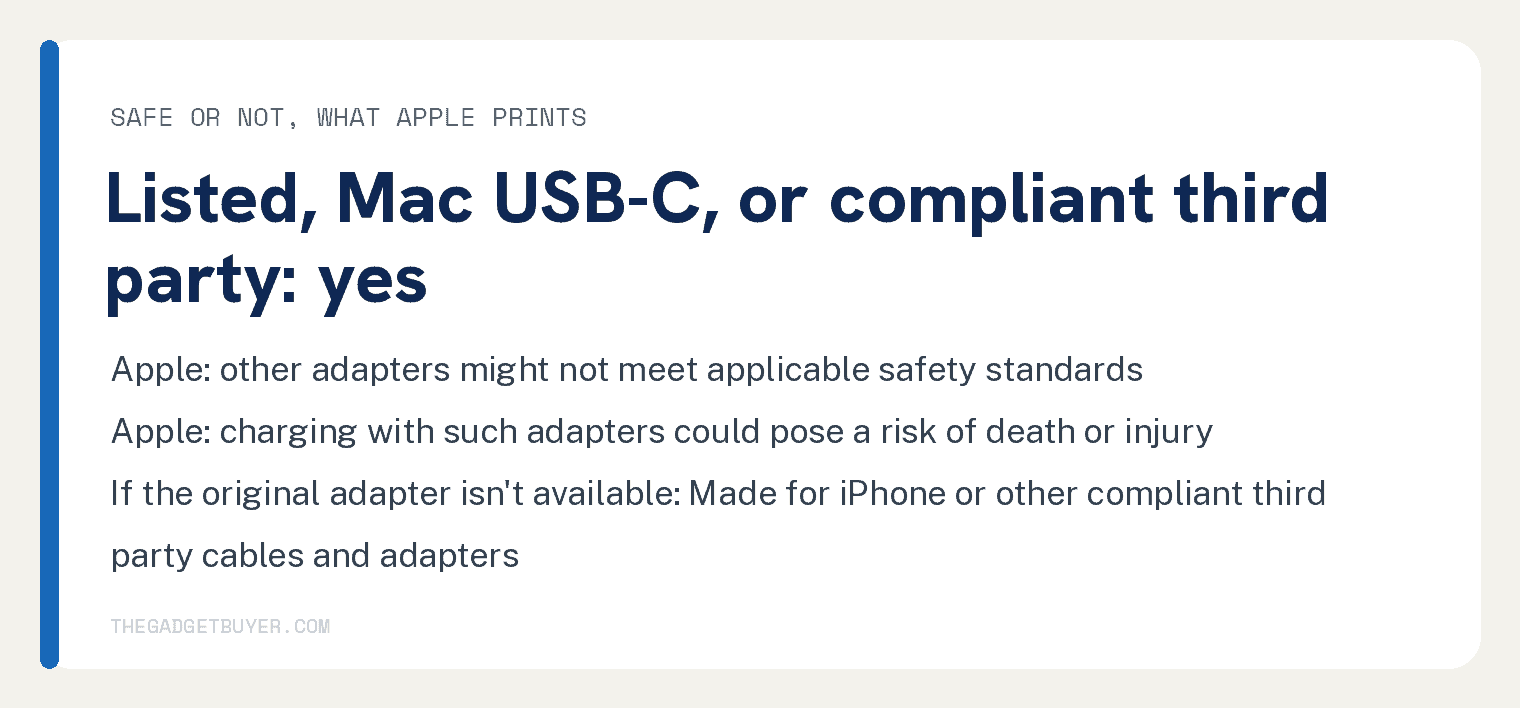
With an Apple adapter or a compliant one, yes. The warning Apple prints is about other adapters, which might not meet safety standards: “Other adapters might not meet applicable safety standards, and charging with such adapters could pose a risk of death or injury.”
If your original adapter is gone, Apple’s replacement route covers “Made for iPhone” or other third party cables and power adapters “that are compliant with applicable country regulations and international and regional safety standards.”
On mains power, Apple’s adapters “are designed for use with power sources rated to provide 100V AC to 240V AC at 50Hz to 60Hz.”
Which cable do I need?
The one that fits your iPad. The iPad User Guide says “The type of charge cable depends on your iPad model”, and its two cable headings are the USB-C Charge Cable and the Lightning to USB-C Cable.
On the iPhone side, Apple’s adapter page says the phone “continues to work with existing power adapters and USB-A to Lightning cables”. Check the plug on your iPhone cable against the port on your iPad before you count on it.
A computer works as a power source too. The guide says “You can also use the charge cable to connect iPad to your computer for charging”.
What Apple’s two pages do not say
Neither page prints how long an iPad takes to charge on any adapter, and neither says an iPhone adapter charges an iPad slower. The strings slow, slower, faster, hours and minutes each count 0 on both pages.
Neither page says an iPhone adapter damages or overheats an iPad: damage and overheat count 0 on both. The adapter page’s safety line, quoted above, is about adapters that might not meet safety standards.
Neither page gives a table of which iPad models take Lightning and which take USB-C. The guide says the cable depends on the model, so check the port on your own iPad.
Related on this site: an iPad that won’t charge, an iPad that won’t turn on, which iPad to buy, and charging an iPhone overnight.
Frequently asked questions
Can I charge an iPad with a 5W iPhone charger?
Yes. The 5W adapter is on Apple’s list, and Apple says any adapter on that list charges an iPad. The iPad User Guide’s 15 W recommended minimum applies to third party adapters, so it does not rule the Apple 5W brick out.
Will an iPhone charger charge an iPad slowly?
Apple’s two pages cited below print no charge time and no speed comparison between adapters. The word fast appears on the adapter page for the USB-C to Lightning cable and for the 18W adapter, and the adapter sentence names iPhone 8 or later only: “The Apple 18W USB-C power adapter can fast charge your iPhone 8 or later”.
Can I use an iPad charger on an iPhone?
Yes. Apple’s sentence covers every listed adapter and every device on it: “You can use any of the adapters listed below to charge your iPhone, iPad, Apple Watch, or iPod.”
What if I buy a third party charger for my iPad?
Match the iPad User Guide’s recommended specifications for a third party adapter: a USB-C output port, 5 to 15 V at 3 A, a minimum of 15 W, line voltage of 100 to 240 VAC, and 50 to 60 Hz single phase. Apple’s safety line still applies, so stick to adapters that comply with applicable safety standards.