
Roku Low Power Warning: Roku’s Four Fixes in Order
A Roku low power warning means the player is being fed from the TV’s USB port and the port is not giving it enough power, and Roku’s own list of fixes ends at the wall outlet: plug the player in with its own adapter. Roku calls that one “the most reliable solution.”
Roku’s page opens with the cause: “Your Roku player (Streaming Stick, Stick Plus, Stick 4K, or Express) can be USB powered via the TV’s USB port. But sometimes the TV’s USB port doesn’t supply enough power.”
What the Roku low power warning looks like
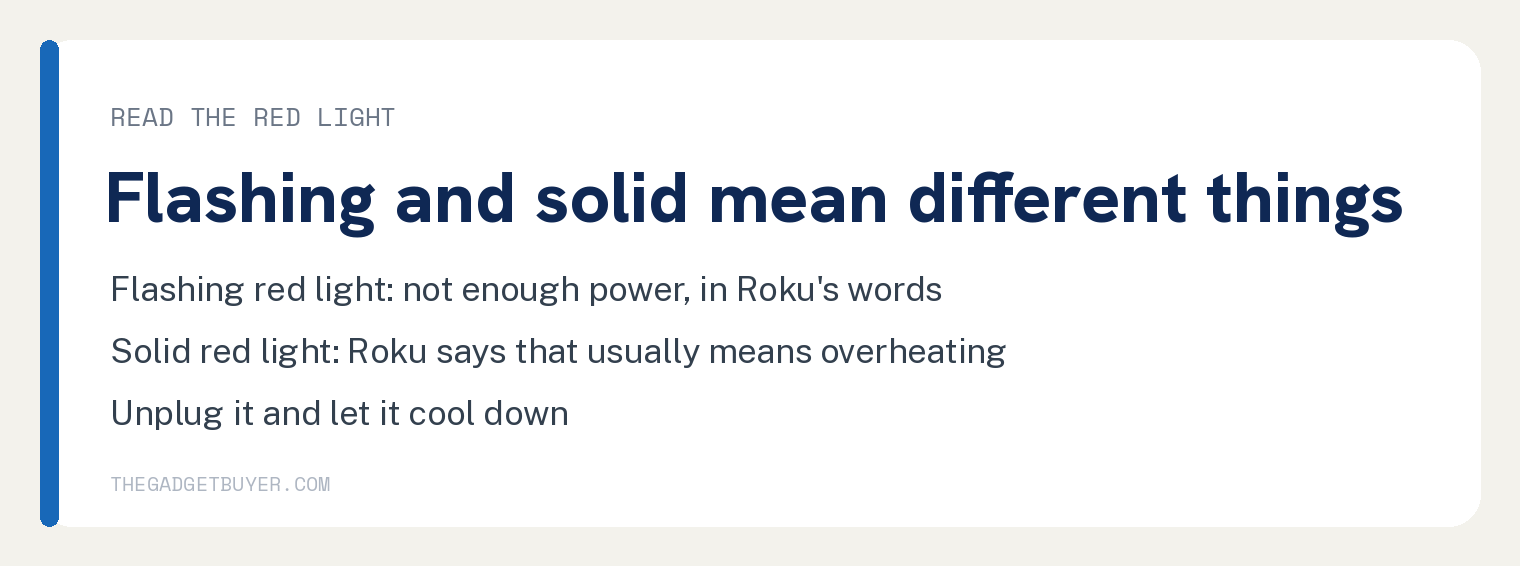
Roku’s page says “When that happens, your Roku player can act strangely, crash, or show warning signs.” Its lead in reads “Here are ways your Roku player warns you about low power:” and the two signs are “Flashing red light: means not enough power” and “On-screen “low power” or “insufficient power” message: your Roku player is telling you it can’t get enough power from the TV through the USB port”.
A solid red light is a different problem. Roku’s note says that if the red light is solid “(not blinking), that usually means it is overheating. Unplug it and let it cool down.”
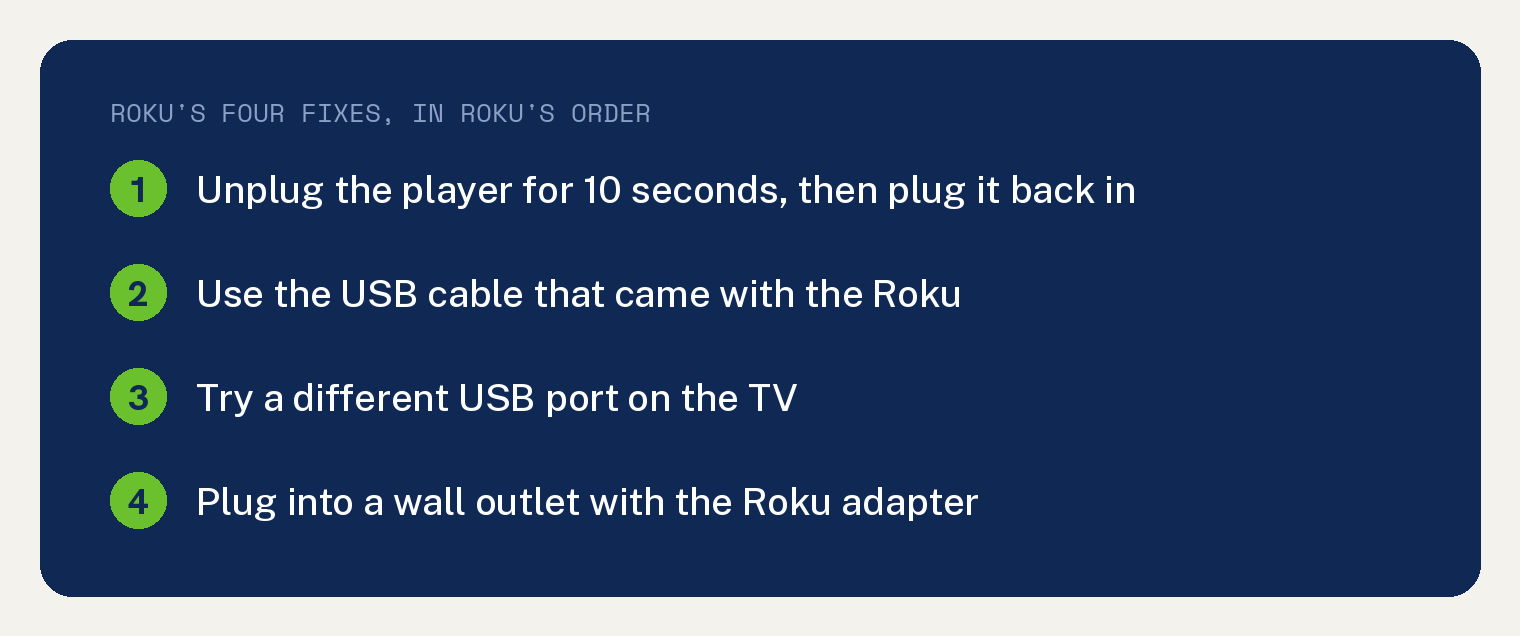
Roku’s four fixes, in Roku’s order
Under its heading “What you can do”, Roku’s page lists its fixes. The first is “Restart your Roku device”: unplug it for 10 seconds, “then plug back in. This sometimes resets the power draw.”
The second is “Use the Roku USB cable”.
Roku’s reason reads “Make sure you’re using the cable that came with your Roku device. Some cables can’t carry enough current, which causes the low-power issue. If you switched cables earlier, switch back.”
The third is “Try a different USB port on your TV”.
Roku says “If your TV has more than one USB port, plug the Roku’s cable into a different port. Some ports provide more power than others. Some older ports (USB 2.0) may struggle to supply enough.”
The fourth is “Plug the power into a wall outlet instead of the TV USB”.
Roku’s page says “This is the most reliable solution. Use the player’s USB cable and its USB power adapter, and plug into a wall outlet. That gives a steadier, stronger power source.”
Why Roku calls the wall outlet the most reliable solution
Roku’s reasons read “Your Roku player won’t depend on the TV’s USB power (which can fluctuate).” and “It can stay powered even when you turn off the TV, so it boots faster.”
If you have no adapter, Roku’s section “If you don’t have a power adapter” says to “use one that matches the required specs:” 5V “and 1A (5 volts, 1 amp) or equivalent. Using one that gives less power often causes problems”.
Roku’s page prints no figure for how much power a TV’s USB port supplies. Searched on the article body of that page on 12 October 2026, the strings watt, USB 3, 2A and 0.5A each return zero hits, and the only voltage or current figures on the page are 5V and 1A.
| Power source | What Roku’s page says |
|---|---|
| TV USB port | Can fluctuate; some ports provide more power than others |
| Wall outlet with the Roku adapter | The most reliable solution, a steadier, stronger power source |
| Another adapter | Must match 5V and 1A or equivalent |
| Our pick | Give the three checks a minute each, then move to the wall outlet. |
If the warning keeps coming back
Roku’s extra tips say “Avoid long, low-quality USB extension cables as they may drop the voltage too much over distance.”
Roku’s last line reads “If the problem keeps coming back, even when plugged into a wall, the Roku device or its USB port might be damaged. Contact Roku support.”
If your stick is a Fire TV Stick, see why you have to keep unplugging your Firestick. If the Roku powers up and the remote is the thing that will not wake it, see why a Roku remote power button stops working, and if you are choosing between the two sticks, see Roku vs Fire Stick 4K.
Questions readers ask
Can I keep powering my Roku from the TV’s USB port?
Roku’s page allows it and names the catch in the same breath: the player “can be USB powered via the TV’s USB port. But sometimes the TV’s USB port doesn’t supply enough power.” Its fix list ends with the wall outlet as “the most reliable solution.”
What adapter does a Roku stick need?
Roku’s page says to use the player’s own USB power adapter, and if you do not have one, one that matches 5V “and 1A (5 volts, 1 amp) or equivalent.”
Does a flashing red light mean the Roku is broken?
Roku’s page says “Flashing red light: means not enough power”. Its last line keeps the damaged case for after the wall outlet test: “If the problem keeps coming back, even when plugged into a wall, the Roku device or its USB port might be damaged.”