
Your Fitbit Versa 2 Works With the Google Health App
Your Fitbit Versa 2 works with the Google Health app. Google’s own Versa 2 setup page tells you to “create or log in to your Google Health account and connect your watch.”
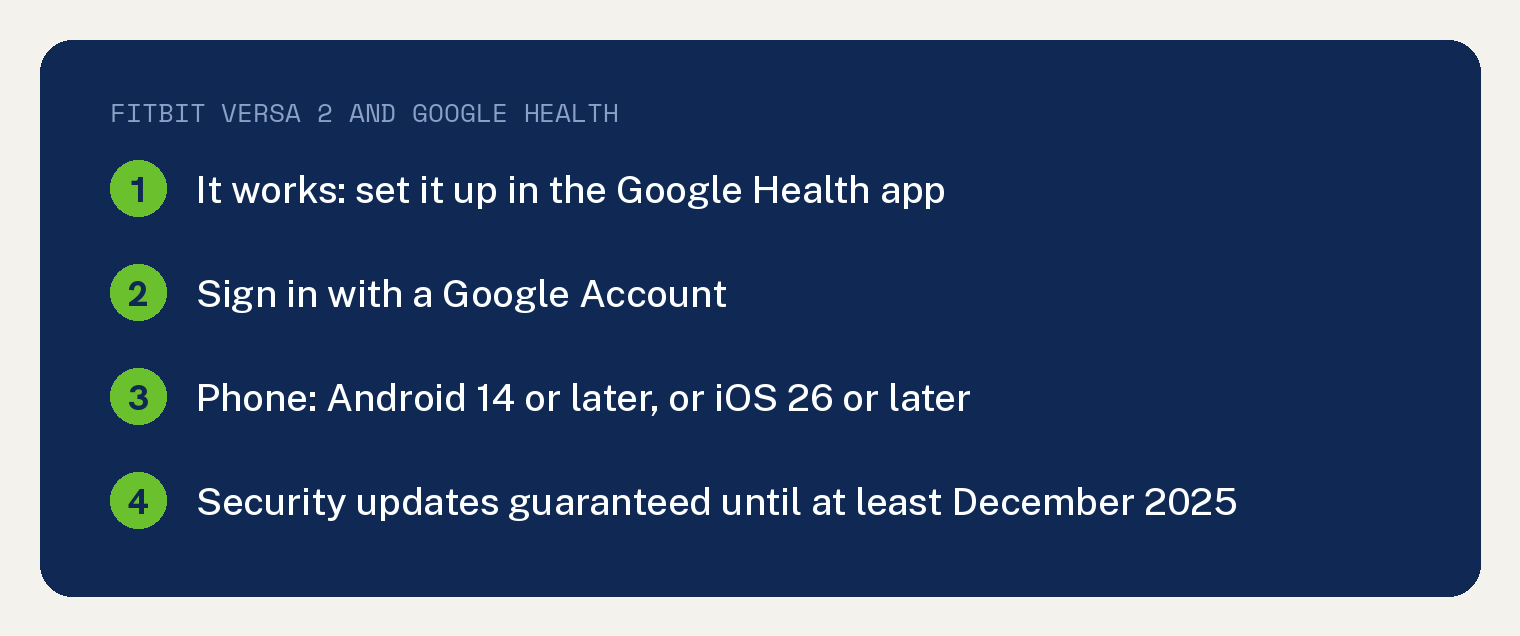
You need a Google Account and a phone on Android 14 or later or an iPhone on iOS 26 or later.
Does the Fitbit Versa 2 still work with the Google Health app?
Yes. Starting May 19, 2026, the Fitbit app became the Google Health app, and Google’s Versa 2 guide now sits in its Google Health Help Center with setup done in the new app.
Once the watch is connected, Google says you can “See your complete health and fitness data on your watch and in the Google Health app”.
That same Versa 2 page says: “Add, delete, and customize apps on your watch through the Google Health app.”
What do you need before you connect a Versa 2?
Google’s Google Health app setup requirements page says “Beginning May 19th, Fitbit account users need to move to a Google Account in order to access the Google Health App.”
Still signing in with an old Fitbit account?
Google’s setup requirements page says: “You can still download or delete your data any time before we begin processing data deletions on July 15, 2026. The deletion process will take some time. Some users may be able to migrate their accounts during this period.”
Our guide for when you can’t move your Fitbit account to Google walks through what gets in the way.
Your phone has to meet Google’s minimum too. The app needs “An Android phone with Android 14 or higher” or “An iPhone with iOS 26 or higher”.
Google adds that “Certain devices may experience compatibility issues even if they meet the requirements” and names four phones: the Huawei P8 Lite, Huawei P9 Lite, Xiaomi Mi 6 and Huawei P20 Lite.
How do you add a Versa 2 in the Google Health app?
If you already use the Google Health app, Google’s Fitbit setup page gives short steps for adding a Fitbit to an existing account:
- Open the Google Health app.
- At the top left, tap Connections, then Add device.
- Choose your device and follow the on screen instructions.
After it connects, your watch is listed under Devices. Google says “Details such as your device’s last synced time and battery percentage will appear.”
If the watch connects and your numbers stop updating, our guide to a Fitbit not syncing with the Google Health app walks through the sync fixes.
Which other older Fitbits work with the Google Health app?
Eleven older Fitbit models, the Versa 2 included, each have a get started page in the Google Health Help Center. Each of those pages sets the device up with a Google account and the Google Health app.
All eleven have also passed the date on Google’s security update table. Putting the two side by side is our work, built from those Google pages.
| Fitbit model | Security updates guaranteed until at least |
|---|---|
| Luxe | June 2026 |
| Inspire 2 | April 2026 |
| Versa 2 | December 2025 |
| Versa 3 | December 2025 |
| Charge 5 | December 2025 |
| Sense | September 2025 |
| Charge 4 | March 2024 |
| Charge 3 | December 2022 |
| Inspire | December 2022 |
| Inspire HR | December 2022 |
| Versa | December 2021 |
Not sure which one is on your wrist? Here is how to tell which Fitbit you have.
What does a passed security update date mean for your Fitbit?
It means Google’s minimum promise has run its course. Google says its Fitbit devices “will receive security updates for at least 2 years after the applicable device is last sold on Fitbit.com or the Google Store.”
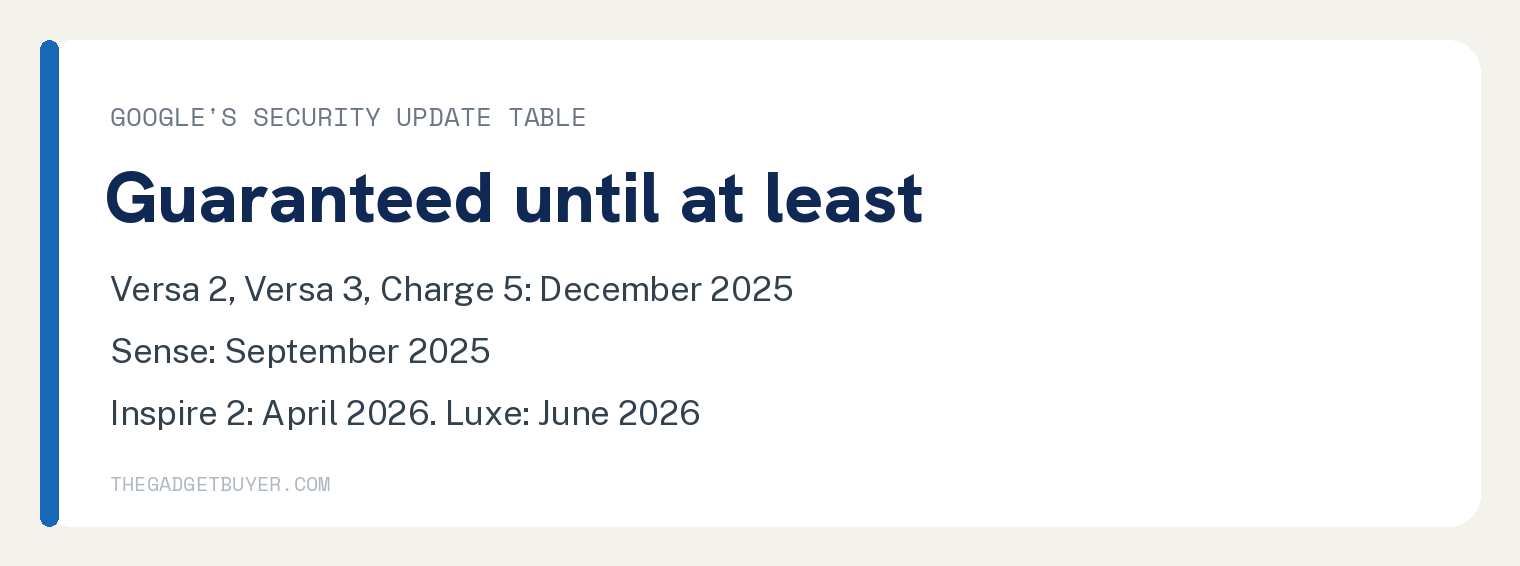
So the dates in the table are floors. The column on Google’s security updates page reads “Guaranteed security updates until at least:”.
Google’s Fitbit legacy device policy says: “Eventually we must discontinue software updates, support and ability for our devices to pair with the Fitbit app.”
Support may also narrow once updates stop. The same policy says “once a device is no longer receiving software updates, our team may no longer be able to provide in-depth support or troubleshooting for your device.”
A warranty replacement may still be possible. Google writes, “Your legacy device may still be eligible for a warranty replacement even after it is no longer receiving software updates”.
More Versa 2 and Google Health questions
Does Alexa still work on a Versa 2 with the Google Health app?
Yes. Google’s Versa 2 page says “To use Alexa, the Google Health app must be open and running in the background on your phone.” Google’s voice assistant page adds: “Amazon Alexa is only available in certain languages and countries at this time.”
Can I use the Google Health app with my old Fitbit account?
No. Google’s page on the redesigned app says “If your Fitbit app is connected to a Fitbit account instead of a Google account, you will need to move your Fitbit account to Google to use the Google Health app”.
Google’s setup requirements page adds: “The deletion process will take some time. Some users may be able to migrate their accounts during this period.”
Where did the Fitbit app go?
It became the Google Health app. Google’s page on the redesign says: “Starting May 19, 2026, the Fitbit app will become the Google Health app”. Our explainer on where the Fitbit app went covers the switch in full.