
Fitbit Not Syncing? Fix It in the Google Health App
A Fitbit not syncing usually needs three quick moves: bring the tracker next to your phone, restart the tracker, and reopen the Google Health app.
Fitbit syncing now runs through the Google Health app, which replaced the Fitbit app in May 2026. A lot of sync problems trace back to that switch.
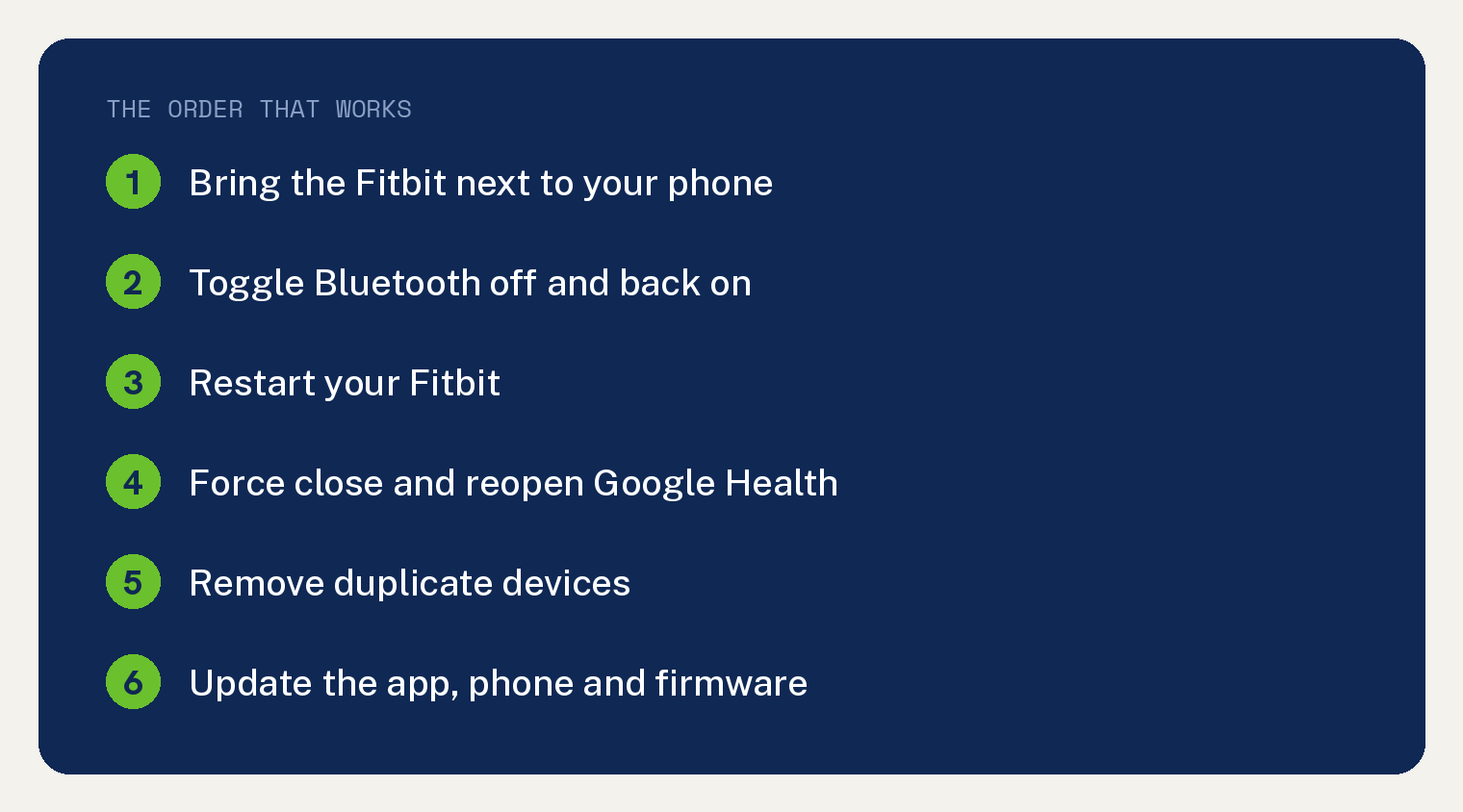
Work through the steps below in order. They follow Google’s official sync troubleshooting, checked in July 2026.
Why is your Fitbit not syncing?
Syncing needs three things: a charged tracker, Bluetooth, and the Google Health app talking to Google’s servers. Break any link in that chain and your steps stop updating.
The most common breaks are distance and duplicates. Google says the tracker must stay near your phone, and a second phone or tablet signed into the same account can hijack the connection.
If your phone still has the old Fitbit app, that is your first clue. It no longer syncs, and our explainer on where the Fitbit app went covers the switch.
How do you fix a Fitbit that will not sync?
1. Bring the Fitbit next to your phone
Set the tracker within a few feet of the phone. Google’s first troubleshooting step is closeness, since Bluetooth fades fast through walls and floors.
2. Check Bluetooth is on
On Android, swipe down from the top of the screen and look for the Bluetooth icon. On iPhone, open the Settings app and tap Bluetooth.
Toggle it off, wait 10 seconds, and toggle it back on. A stale Bluetooth session clears out this way.
3. Restart your Fitbit
Most Fitbit watches restart from Settings on the watch itself: open Settings, scroll to Restart or About, and confirm. Trackers with a button restart by holding the button, and older models restart from a charging cable button press.
When the clock face returns, open the Google Health app and pull down on the screen to sync.
4. Force close and reopen the Google Health app
Swipe the app away in your phone’s app switcher, then open it again. The app syncs on open, so watch for your step count to tick up.
5. Hunt down duplicate devices
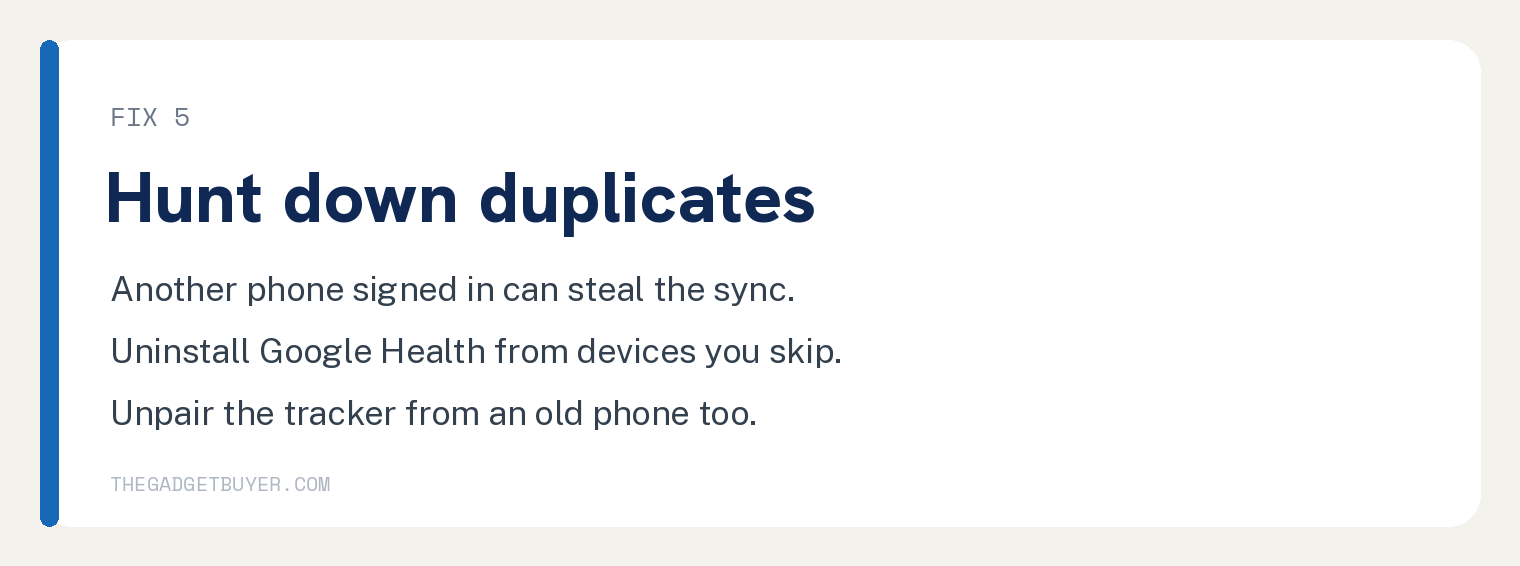
Google warns that other phones or tablets signed into your account can steal the sync. Uninstall the Google Health app from devices you do not use.
Also make sure the tracker is not paired in the Bluetooth settings of an old phone sitting in a drawer.
6. Update everything
Check the app store for a Google Health app update, and check your phone for a system update. Then look inside the app for a pending Fitbit device update, since an old firmware version can block syncing.
7. Reinstall the Google Health app
Google lists this as the last resort. Delete the app, restart the phone, reinstall from the app store, and sign in with the same Google account.
Your history lives in your account, not the app, so a reinstall does not erase your data.
What if the Fitbit still will not sync?
At this point the tracker itself is suspect. Check that the battery actually holds a charge, because a tracker that dies mid day misses sync windows, and our guide to a Fitbit losing battery fast covers that repair path.
My family owned three Fitbits, and all three eventually died beyond repair faster than the price justified. One came back through a warranty replacement, so a claim is worth filing if yours is under a year old.
A watch that freezes or refuses to respond has its own fix list in our guide to a Fitbit Versa 4 that is not working. And if you are deciding whether to repair or move on, our breakdown of how long a Fitbit lasts gives you the honest math.
Frequently asked questions
Does my Fitbit still sync without the old Fitbit app?
Yes. The Google Health app took over syncing in May 2026, and your Fitbit account moved to a Google account sign in. The old app no longer does the job.
How do I force my Fitbit to sync right now?
Open the Google Health app with the tracker nearby and pull down on the device screen. Syncing also runs on its own throughout the day when Bluetooth stays on.
Will I lose my Fitbit data if it stops syncing?
The tracker stores recent data on board, commonly about a week of detail, so sync soon after fixing the problem. For a full backup, see our guide on how to export your Fitbit data.
Do I need Fitbit Premium to sync?
No. Syncing and basic stats are free. Premium adds extra insights but has nothing to do with the Bluetooth connection.