Where Did the Fitbit App Go? Google Health Explained
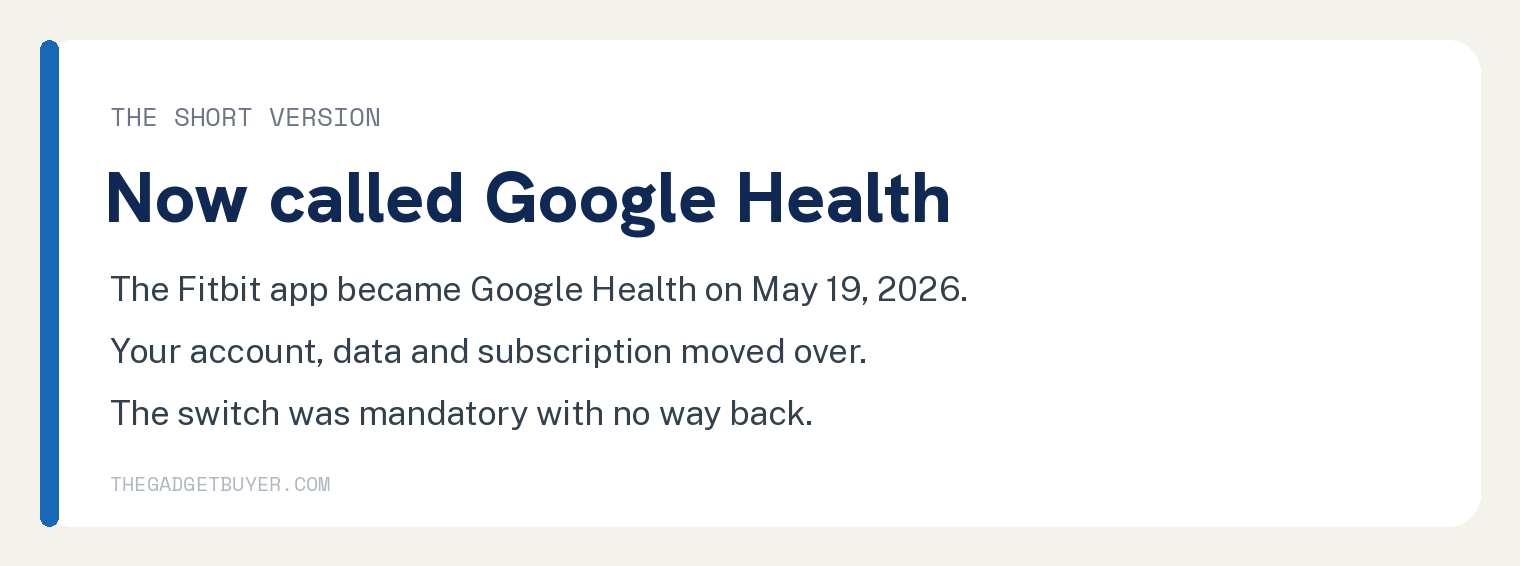
Where did the Fitbit app go? It became the Google Health app on May 19, 2026.
Your account, your data, and your subscription moved over automatically.
Look for a new icon on your phone named Google Health. It replaced the Fitbit icon during the update, so your tracker still syncs to the same place.
The switch was mandatory and there is no way to go back to the old app. Here is what changed, what got removed, and one deadline you should know about.
What Happened to the Fitbit App?
Google has owned Fitbit since 2021, and in May 2026 it folded the Fitbit app into its new Google Health app.
The update rolled out automatically between May 19 and May 26, 2026. You did not have to download anything new.
Your Fitbit device still works the same way. It syncs to the Google Health app just like it synced to the Fitbit app.
One requirement: the app now runs on a Google account. If you were still using an old Fitbit account, the app walks you through moving it to Google.
What Does the Google Health App Look Like?
The redesigned app is organized into four tabs along the bottom of the screen.
Today shows your daily stats, like steps, heart rate, and calories.
Fitness holds your workouts and exercise history.
Sleep shows your sleep tracking, duration, and trends.
Health gathers longer term signals like heart health and wellness data.
If you pay for the premium tier, there is also a new AI coach. Fitbit Premium itself was renamed Google Health Premium, and your subscription carried over automatically.
What Features Did Google Remove?
This is the part that stings for longtime Fitbit users. Several beloved features did not survive the move.
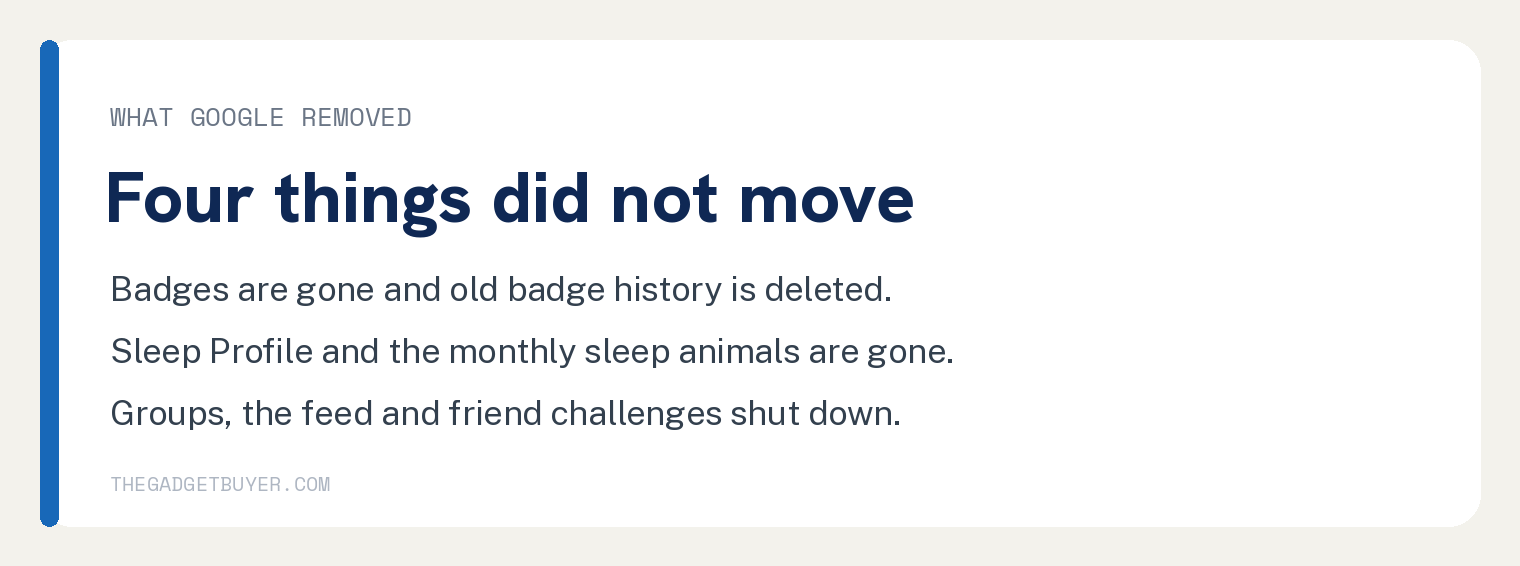
Badges are gone. No new badges are earned, and your old badge history is being deleted.
Sleep Profile is gone, which means no more monthly sleep animals.
The social features are gone too. Groups, the community feed, and friend challenges were all shut down.
The old fitbit.com web dashboard was also retired. Your data now lives in the phone app.
Deadline: Save Your Old Fitbit Data by July 15, 2026
Here is the time sensitive part.
Data tied to the removed features, like your badge history, group posts, and Sleep Profile records, is only available to download until July 15, 2026. After that date Google deletes it for good.
To save a copy, request an export of your account data:
- Open a web browser and go to Google Takeout at takeout.google.com.
- Sign in with the Google account your Fitbit uses.
- Select your Fitbit data and follow the prompts to request the download.
- Google emails you a link when your file is ready. Save that file somewhere safe.
If you never used badges, groups, or Sleep Profile, you can skip this. Your steps, sleep, and workout history stayed in the new app.
Why Does My Fitbit Say It Cannot Connect?
A few users hit sync problems right after the switch. Two quick fixes solve most of them.
First, update the app. Open the App Store or Google Play, search for Google Health, and install any waiting update.
Second, sign in with the right account. If your phone has more than one Google account, check which one is shown in the app’s settings.
If your login itself is the problem, our guide on why you cannot log in to Fitbit walks through it.
Is It Worth Staying With Fitbit After the Switch?
An honest take, because our family has real mileage here.
We owned three Fitbits over the years, and battery life was the weak spot on every one of them. All three died faster than they should have for the price, and only one was replaced under warranty.
Our family eventually stopped buying Fitbits because of it. There are too many other options now.
If your tracker is healthy and you like the new app, there is no reason to leave. Your data and subscription are already moved.
If your Fitbit is on its last legs, the app switch is a natural moment to compare options before buying again. Start with our Garmin vs Fitbit comparison, and check how long a Fitbit lasts before replacement so you know what to expect.
FAQ: The Fitbit App and Google Health
Do I need to buy anything new?
No, your existing Fitbit device works with the Google Health app. Only the app changed.
Did my Fitbit Premium subscription survive?
Yes. It was renamed Google Health Premium and carried over automatically, with the AI health coach added in supported countries.
Did my step and sleep history move over?
Yes, your core health data moved to the new app, including steps, sleep, heart rate, and workouts. Only the data tied to removed features is being deleted, and you have until July 15, 2026 to export that.
Which Fitbit do I have, anyway?
If you are not sure what model is on your wrist, here is how to tell which Fitbit you have.
Is my battery draining faster since the update?
The app change itself should not affect the tracker’s battery. If yours is draining fast, work through our guide on why a Fitbit battery drains so fast.