
Why One AirPod Dies Faster Than the Other
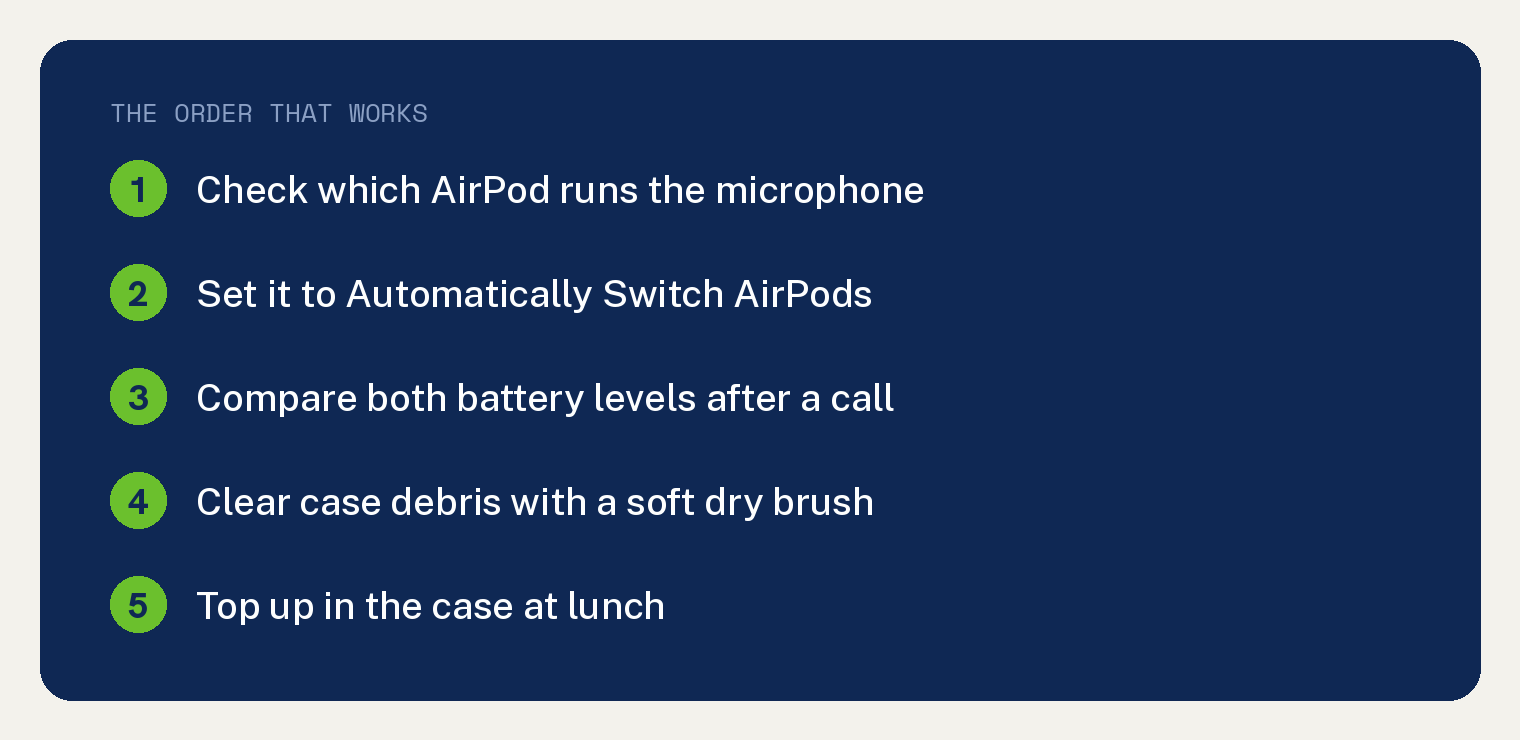
One AirPod handles the microphone on every call, and that extra job is the usual reason one bud runs out ahead of the other.
Apple lets you decide which bud takes that job. Set the microphone to Automatically Switch AirPods so either one can take it.
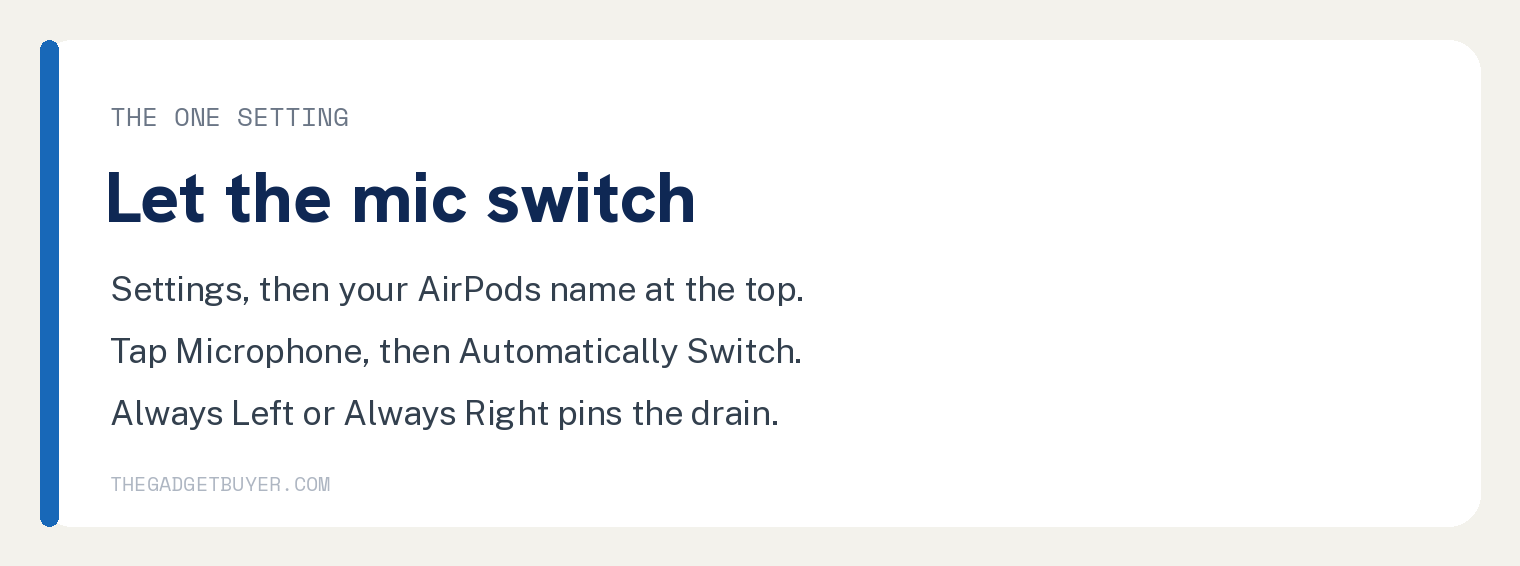
Open the Settings app, tap the name of your AirPods near the top, tap Microphone, then tap Automatically Switch AirPods.
Batteries also age at their own pace, so a small gap between the two is normal after a year or two of daily wear.
Why does one AirPod die faster than the other?
Music plays through both AirPods evenly. A phone call gives one of them a second job.
On a call, one AirPod runs the microphone and sends your voice back to the phone while the other only plays sound.
Apple publishes no per bud battery numbers, so the extra drain is our read on the cause. What Apple does document is that one AirPod takes the microphone job, and that you control which one.
Apple lets you pin that job to one side. Choosing Always Left or Always Right means the same bud does the extra work on every single call.
Habit adds to it. Pulling the same AirPod out of the case first, every time, gives that one more running hours than its twin.
Each AirPod also carries its own tiny battery, and two batteries never wear at exactly the same rate.
How to check which AirPod is doing the microphone work
- Put your AirPods in your ears so they connect to your iPhone.
- Open the Settings app (the gray gear icon).
- Tap the name of your AirPods near the top of the screen.
- Scroll down and tap Microphone.
- Look for the checkmark. It sits next to Automatically Switch AirPods, Always Left AirPod, or Always Right AirPod.
A checkmark on Always Left or Always Right explains the gap on its own.
How to let either AirPod take the microphone
- Stay on that same Microphone screen.
- Tap Automatically Switch AirPods.
- The checkmark moves to that line.
- Tap the back arrow in the top left corner to leave.
Either AirPod can now take the microphone job. Wearing only one means that one handles it.
How to see each AirPod’s battery level
Checking both numbers tells you whether the gap is a few points or a canyon.
- Open the case lid, or take the AirPods out, and hold them close to your iPhone.
- Open the Settings app.
- Tap the name of your AirPods near the top of the screen. The percentage for each AirPod and the case appears on that screen.
- Add the Batteries widget to your Home Screen for a reading any time.
Write down both numbers after a long call. That single check separates a setting problem from a worn battery.
If a bud has gone missing entirely, our guide on how to find lost AirPods covers the tracking steps.
The lunchtime top up that fixes a whole workday
Kern’s wife wears AirPods 3 on Teams calls from about 9am to 5pm most days.
She swaps out about once a day to recharge one bud, and one side dies faster than the other.
On days with a longer lunch break, dropping them on the charger during the break carries her through a full day with no swapping at all.
Apple says 5 minutes in the case gives AirPods 3 around 1 hour of listening time, so a lunch break is more than enough to reset the day.
The same trick works away from your phone, since AirPods pair to other devices too. See using AirPods with an Apple Watch without an iPhone.
When the battery itself is worn
Change the microphone setting first, then watch it for a week.
The AirPods settings screen shows no battery health percentage, so you judge wear by behavior.
A worn battery shows up as one AirPod dropping from full to empty in a fraction of the time the other one lasts, on calls and music alike.
Debris in the case can fake the same symptom. Apple says to clear a charging port with a clean, dry, soft bristled brush, and warns you not to put anything into the charging ports, so leave cotton swabs and toothpicks out of it.
If one bud still empties far ahead of the other, book a service appointment with Apple. AirPods are serviced one bud at a time, and Apple’s Express Replacement Service tells you to send in only the earbud you filed the claim for.
If the sound quality suffers too, our guide on whether AirPods lose volume over time covers what aging really does to them.
Frequently asked questions
Is it normal for one AirPod to die faster than the other?
A small gap is normal, especially for anyone who takes a lot of calls. The AirPod running the microphone works harder than the one only playing audio, and two separate batteries never age in lockstep.
Does using one AirPod at a time make them last longer?
Yes, in the sense that one rests while the other works. Wearing one bud and swapping when it runs low stretches a single charge across a much longer day.
Does this work the same on AirPods 4 and AirPods Pro?
Yes. The Microphone setting with its three options sits in the same place for AirPods, AirPods 4, and AirPods Pro, so the fix is identical across the line. Battery hours differ by model, and the uneven drain pattern does not.
Which AirPod is the microphone by default?
Automatically Switch AirPods is Apple’s default, so either bud can take the job. Whichever one you are wearing handles the microphone when you use only one.
Can I replace just one AirPod?
Yes. Apple services AirPods individually, so a single worn bud does not force you to buy a new pair. Under Express Replacement Service you send in only the earbud the claim covers.
Why does my AirPod sound bad on calls too?
The microphone bud handles both jobs, so a call problem often starts there. Our guide on why your AirPods microphone sounds muffled on calls walks through the fixes.
Do AirPods charge faster in the case than in the wall?
The case is the only way to charge the buds themselves. Keeping the case charged is what lets a short break refill an AirPod.