
Why Your AirPods Microphone Sounds Muffled on Calls
Your AirPods microphone usually sounds muffled on calls because grime is blocking the mic mesh or your AirPods picked the weaker bud. Clean the mesh, then force one AirPod as the mic.
Those two steps fix it for most people in a couple of minutes. Turning on Voice Isolation is the extra step that makes a real difference on newer models.
Callers often notice before you do. My wife is on Teams calls all day with her AirPods 3, and a low or grimy bud is exactly when people say she sounds far away.

Why your AirPods sound muffled on calls
Tiny microphones sit behind a mesh on each AirPod. Earwax, pocket lint, and dust build up there and choke the sound.
Your AirPods also switch which bud is the mic on their own. If it picks a dirty or low battery bud, your voice suffers.
There is one more reason built into Bluetooth itself. On a call, the earbuds drop to a lower quality mic mode, so call audio is usually not as crisp as music.
Fix 1: Clean the microphone mesh
This is the most common fix, and it costs nothing. Look for the small mesh openings on the stem and body of each AirPod.
- Wipe each AirPod with a dry, soft, lint free cloth.
- Gently brush the mic and speaker mesh with a clean, dry, soft bristled brush.
- On AirPods Pro, take off the ear tips to reach the mesh, then put them back when done.
- Do not run them under water or let moisture into any opening, and never poke anything sharp into the mesh.
A dry brush is the safe default at home. Apple’s own mesh method allows a barely dampened brush, but keep any liquid away from the openings.
Test a call after cleaning. A blocked mic that gets cleared often sounds clear right away.
Fix 2: Force one AirPod as the microphone
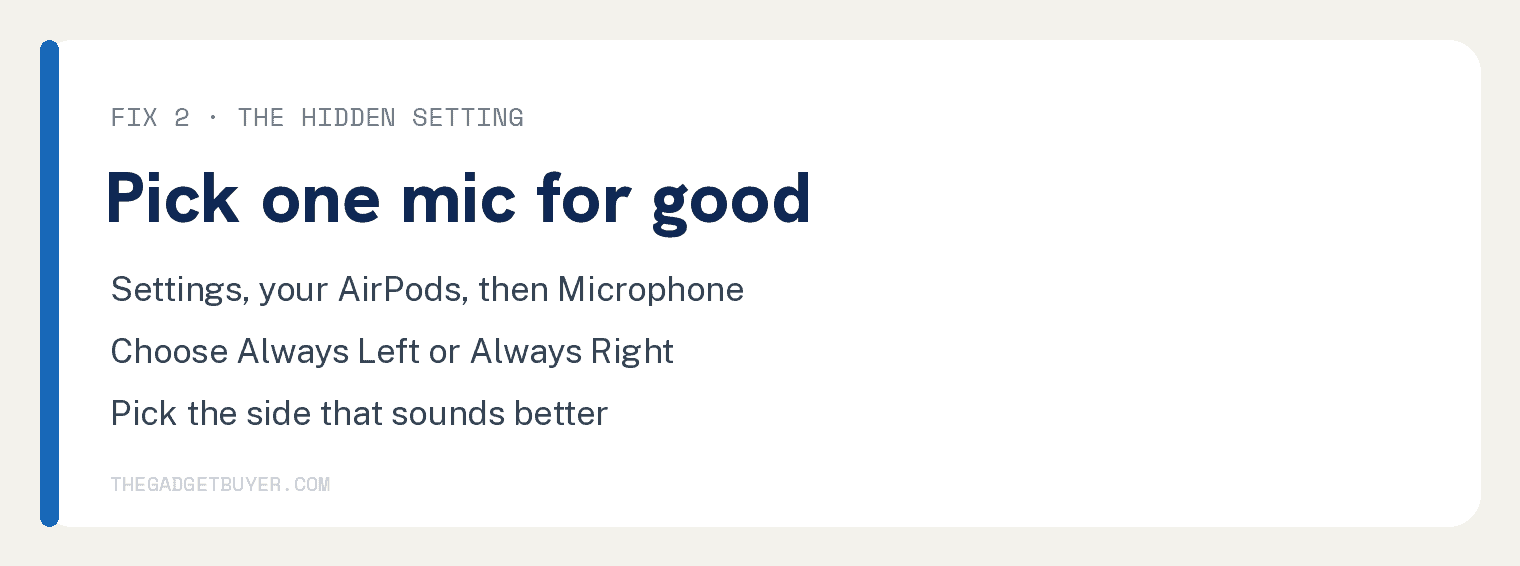
If one bud’s mic is worse, you can stop your AirPods from ever using it. You set the good bud as the permanent mic.
- Open the Settings app on your iPhone.
- Tap your AirPods name at the top of the screen. If it is not there, tap Bluetooth, then the round i next to your AirPods.
- Tap Microphone.
- Choose Always Left or Always Right.
Now that one AirPod is always the mic, even when it is in your ear or the case. Pick the side that sounds better to callers.
Fix 3: Turn on Voice Isolation
Voice Isolation locks onto your voice and cuts background noise like wind and traffic. It works on AirPods 4, AirPods Pro 2, and AirPods Pro 3.
- Start your phone or video call.
- Swipe to open Control Center.
- Tap Mic Mode, then tap Voice Isolation.
Your voice jumps forward and the room noise drops back. On older AirPods like the AirPods 3, this option does not appear.
Fix 4: Charge both AirPods first
A bud running low on battery can sound thin and muffled. Since your AirPods may switch to it mid call, both need charge.
Put both AirPods in the case for 15 to 20 minutes before an important call. If yours quit early on long calls, our guide on AirPods battery life on calls has more.
Fix 5: Update, then reset as a last resort
Software bugs can hurt call audio too. Keep your iPhone on the latest update, which also updates your AirPods in the background.
If nothing else works, reset your AirPods and pair them again. The reset button and timing differ by model, so follow Apple’s steps for your exact AirPods.
If nothing worked
A mic that stays muffled after all of this may have failed. That is a hardware problem, not a settings one.
Contact Apple Support or book a Genius Bar visit. If your AirPods are under warranty or AppleCare, a replacement bud is often cheap or free.
Fixes at a glance
| Fix | When to try it | Time |
|---|---|---|
| Clean the mesh | First, always | 5 minutes |
| Force one mic | One side sounds worse | 1 minute |
| Voice Isolation | Noisy background | 1 minute |
| Charge both buds | Muffled late in calls | 20 minutes |
| Update or reset | Nothing else helped | 10 minutes |
Frequently asked questions
Why do my AirPods sound clear on music but muffled on calls?
Calls use a lower quality Bluetooth mic mode, so they rarely match music quality. A clean mic and Voice Isolation get you as close as possible.
How do I choose which AirPod is the microphone?
Open Settings, tap your AirPods name at the top, then tap Microphone. Pick Always Left or Always Right to lock in the better bud.
Does cleaning the AirPods mic really help?
Yes, more than anything else. A mesh clogged with wax or lint is the top cause of a muffled AirPods microphone, so a gentle clean often fixes it.
Do AirPods 3 have Voice Isolation for calls?
No. Voice Isolation on AirPods works with the AirPods 4, AirPods Pro 2, and AirPods Pro 3. If yours keep swapping to your phone mid call, see our fix for AirPods that keep switching devices.
Why does only one AirPod sound bad on calls?
That bud’s mic is likely dirty or failing. Clean it first, and if it still sounds off, force the other one as the mic, much like when one AirPod is louder than the other.