
Your AirPods Battery Quits Before Your Last Call
The AirPods battery number on the box is a listening time, not a calling time, and Apple does not publish a calling time for any current model.
That gap is why your AirPods die at 3pm even though the spec says five hours.
The fix is a second pair, rotated one at a time, and it costs nothing if you already have an old set in a drawer.
Here is what Apple actually rates these for, and how to get through a full day of calls anyway.
What is the real AirPods battery life?
These are Apple’s published figures. Every one is measured at 50% volume.
| Model | One charge | With the case | 5 minutes charging |
|---|---|---|---|
| AirPods 4 | Up to 5 hours listening | Up to 30 hours | Around 1 hour |
| AirPods 4 with Active Noise Cancellation | Up to 4 hours with noise cancelling on, up to 5 hours with it off | Up to 20 hours with it on, up to 30 with it off | Around 1 hour |
| AirPods Pro 3 | Up to 8 hours with noise cancelling on | Up to 24 hours | Around 1 hour |
| AirPods Max 2 | Up to 20 hours with noise cancelling on | No case battery | Around 1.5 hours |
Notice what every single figure in that first column says. Listening.
Why does Apple not publish a talk time?
It used to. It stopped.
Check the tech spec pages for AirPods 4, AirPods Pro 3, and AirPods Max 2 and you will find no talk time at all. Not for a single charge, not with the case.
The last model Apple published one for is the AirPods 3, back in 2021, at up to 4 hours of talk time on a charge and up to 20 with the case.
Even that is fading. The figure survives on some of Apple’s international pages while the US tech specs have been stripped down to listening time only.
So the honest answer to “how long do AirPods last on calls” is that Apple no longer says. Anyone handing you a confident number for AirPods 4 or Pro 3 made it up.
What we can say is that talk time was always the lower number when Apple published both. A call runs the microphone continuously, and the earbud is transmitting, not just receiving.
Why do calls drain AirPods faster than music?
Here is where honesty matters more than a tidy explanation.
Apple documents a handful of things that cost battery, and it puts numbers on each.
- Noise cancelling. On AirPods 4, it is the difference between 4 hours and 5 hours, and between 20 hours and 30 with the case.
- Spatial Audio with head tracking. On AirPods Pro 3, it takes 8 hours down to 7.5.
- Heart rate sensing. On AirPods Pro 3, workouts with heart rate sensing are rated at 6.5 hours. Apple tests that one in Transparency, so it is not a straight subtraction from the 8.
What Apple does not document is a battery cost for microphone use on calls, for Transparency by itself outside the Hearing Aid figure, or for volume. The 50% volume in the specs is a test condition, not a documented variable.
Apple’s only catch all is that battery life depends on device settings, environment, usage, and many other factors.
So take the widely repeated claim that calls cut your battery in half with a grain of salt. Calls clearly cost more than listening, because Apple’s own older talk time figures were always lower. How much more, on a current model, Apple will not say.
How do you get through a full day of calls?
My wife is on Teams calls most of the day, every day, and she solved this without buying anything.
She wears her AirPods 3 as the workhorse pair. When the battery gets weak, she switches to her older AirPods 1 as a fill in while the main pair charges in its case.
That original pair is years old and the battery is clearly weakening now. It is still fine as a fill in, which is all it has to be.
Two honest caveats. She is not charging constantly, and AirPods are not fragile. Heavy all day call use is what makes a backup pair handy.
If you have an old set in a drawer, that is your solution. It does not have to be good anymore. It has to last one meeting.
The one bud rotation
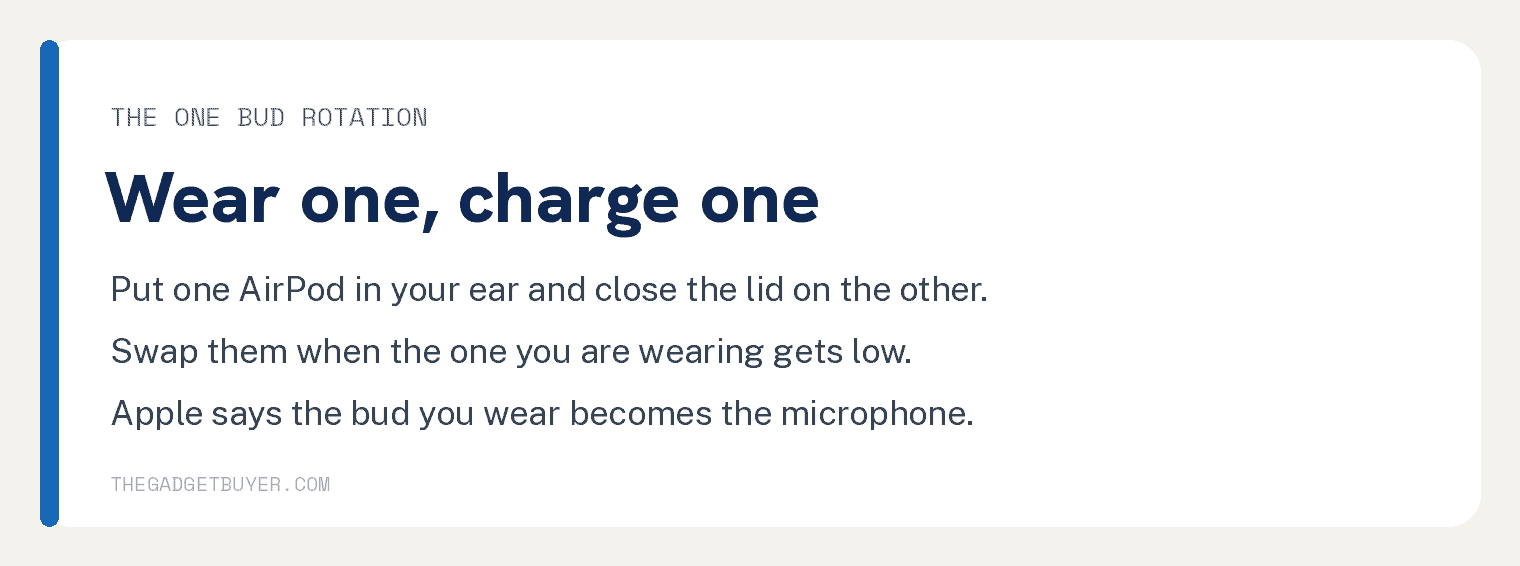
No second pair? Use one AirPod at a time.
- Take one AirPod out of the case and put it in your ear.
- Close the lid with the other one inside so it charges.
- When the one in your ear gets low, swap them.
Whichever bud you are wearing becomes the microphone automatically, so callers hear you normally either way. Apple states this directly: if you are using only one AirPod, that AirPod will be the microphone.
This works well for calls, where you are not listening to stereo music anyway. Our guide on using just one AirPod covers the details, including what to do about the missing audio channel.
What else actually helps?
Four things, in the order they are worth doing.
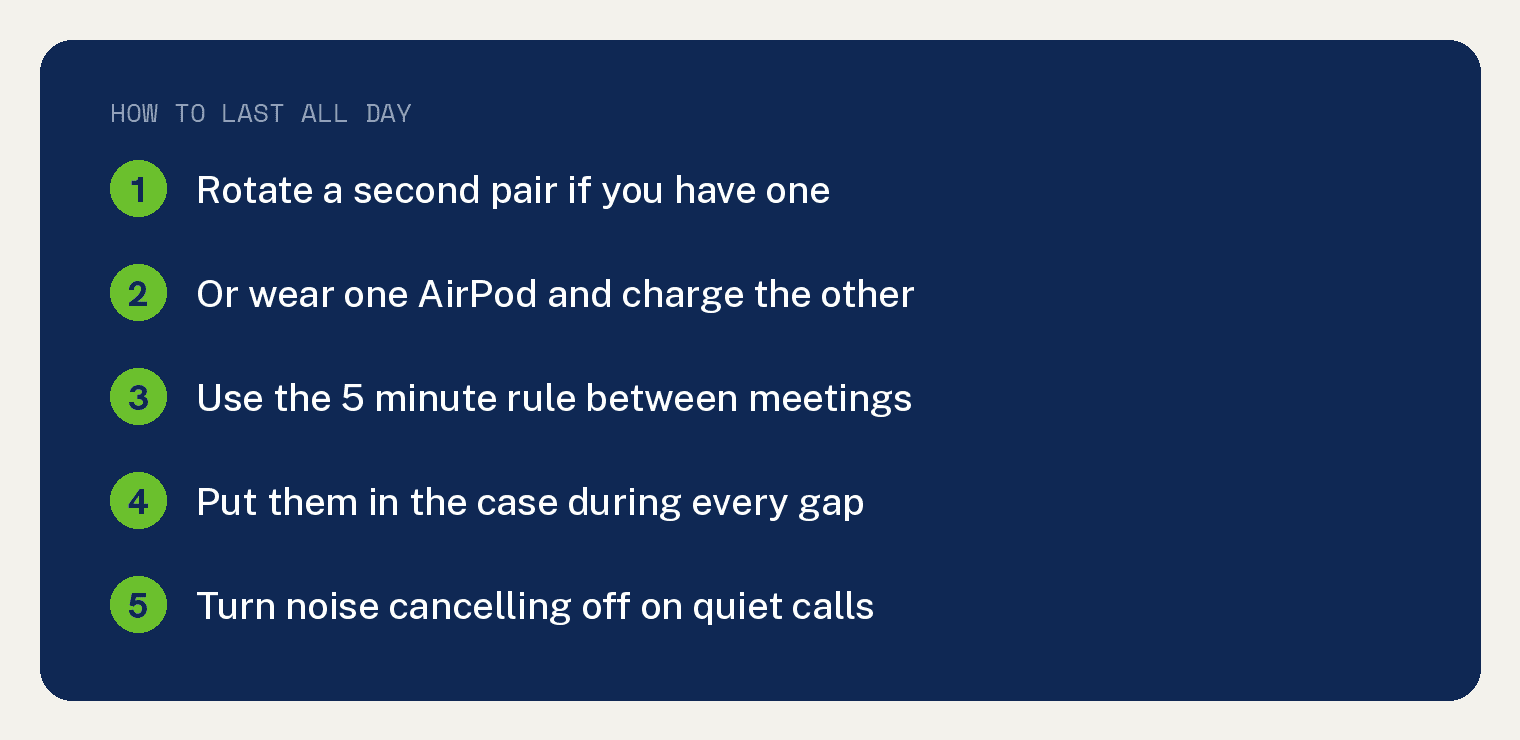
Use the 5 minute rule. Five minutes of charging buys you around an hour on every current model with a case, and around 1.5 hours on AirPods Max 2. Between two meetings, that is enough.
Put them in the case during every gap, not just when they are dying. The case is a charger, not a container.
Turn noise cancelling off on a quiet call. This is the only feature Apple gives you real numbers for. On AirPods 4, switching it off takes you from 4 hours to 5, and from 20 to 30 with the case.
Fair warning on that number: Apple’s 5 hour test also has Spatial Audio and Conversation Awareness switched off, so noise cancelling is not the whole hour. But in a quiet home office you are paying something like 20% of your battery for silence you already had.
Leave Optimized Battery Charging on. Apple says it is designed to reduce wear on your battery and improve its lifespan by reducing the time your AirPods spend fully charged. It covers AirPods Pro and AirPods 3 or later, and it is on by default.
On AirPods Pro 3, there is also Optimized Charge Limit, which adapts to how you actually use them.
Watch for the warnings. Your iPhone tells you at 20%, 10%, and 5%. Treat the 20% alert as your cue to swap, not the 5%.
How do you check AirPods battery?
Two ways, and neither is Control Center on an iPhone, despite what you may have read.
The quick way: open the case lid, or take an AirPod out, and hold it near your unlocked iPhone. A card slides up showing both buds and the case. Apple does not list this among its documented methods, but it works.
The reliable way: open Settings, tap Bluetooth, then tap the blue info button next to your AirPods.
You can also add a Batteries widget to your Home Screen if you want it visible all the time.
Can you check AirPods battery health?
No, and this is the frustrating part.
Your iPhone has a battery health screen showing maximum capacity. Your AirPods have nothing like it.
The AirPods battery screen in Settings holds only Optimized Battery Charging, Optimized Charge Limit, and Charging Notifications. There is no capacity number anywhere.
Apple does not publish a charge cycle rating for AirPods either. Its battery service page covers cycle counts for iPhone, Apple Watch, iPad, and MacBook, and skips AirPods entirely.
So the only real measurement you have is the practical one: how long do they actually last today compared to when you got them? That is unscientific, and it is all you have.
When is it time to replace them?
Apple’s line is generic: all rechargeable batteries have a limited lifespan and may eventually need to be serviced or recycled.
The practical test is whether they still cover your longest normal commitment. If your longest meeting is an hour and they die at 40 minutes, they have stopped doing their job.
If you have AppleCare, Apple says it will replace the battery at no extra charge if capacity drops below 80%. Without it, there is a service fee, and it depends on your model.
Apple’s standard warranty does not cover batteries that wear down from normal use, so an aging pair is on you. Get the current number from the estimator on Apple’s AirPods repair page rather than trusting a figure copied off a forum, and note that authorized providers set their own fees.
Our guide on how long AirPods last and when to replace them goes deeper on that decision.
Frequently asked questions
How long do AirPods last on a phone call?
Apple does not publish a talk time for AirPods 4, AirPods Pro 3, or AirPods Max 2. The last model Apple rated was the AirPods 3, at up to 4 hours. Expect calls to run down faster than the listening figure on the box.
Does noise cancelling really hurt battery life that much?
On AirPods 4, yes. Apple rates them at 4 hours with it on and 5 hours with it off, and 20 hours versus 30 with the case. On AirPods Pro 3, Apple publishes no figure with it off, so no comparison exists.
Is it bad to leave AirPods in the case all day?
No, and Optimized Battery Charging exists specifically to manage the wear from sitting at 100%. Apple’s own advice is to put them in the case when you are not using them.
Do AirPods charge faster in the case or plugged in?
The buds only charge in the case, so the case is your only option for them. Around 5 minutes in the case gives you roughly an hour of listening on every current model that has one.
Why do my AirPods die faster than they used to?
Batteries lose capacity as they age, and AirPods are small enough that you notice it sooner than you would on a phone. There is no battery health readout to confirm it, so the only measure is how they perform now compared to when they were new.
If one bud is dying much faster than the other, that is a different problem, and our guide on why one AirPod behaves differently from the other is a better place to start. If it is the case that will not hold a charge, see our fixes for an AirPods case not charging.
Shopping rather than nursing an old pair along? Our AirPods 4 versus AirPods Pro 3 comparison covers the battery difference between the two current models, and it is the biggest gap in the lineup.