
AirPods Case Not Charging? 6 Fixes That Work
An AirPods case not charging usually comes down to a dirty charging port or a bad cable. Both are five minute fixes.
Work through the six fixes below in order. They follow Apple’s own troubleshooting path, checked against Apple’s current support pages in July 2026.

First, Confirm the Case Is the Problem
Open the lid with the AirPods inside and hold the case next to your iPhone. A card pops up showing the charge level of the earbuds and the case.
If the earbuds charge but the case percentage never rises, the case is the problem. If nothing pops up at all, put the case on a charger and check the small status light.
Amber means it is charging. No light at all after several seconds on power means it is not getting juice.
Confused by the colors? Here is what the lights on AirPods mean.
Fix 1: Charge It the Boring Way for 15 Minutes
Skip the wireless pad for now. Apple’s first step is a plain cable charge.
- Put both AirPods in the case and close the lid.
- Plug a cable into the case. Older cases use Lightning, newer ones use USB C.
- Plug the other end into a wall adapter, and the adapter into an outlet you know works.
- Leave it alone for at least 15 minutes.
A totally drained case can sit dark for a few minutes before it shows any sign of life. Give it the full 15 minutes before judging.
Fix 2: Swap the Cable and the Adapter
Charging cables fail quietly. They keep working with one device and not another, which makes them easy to rule out too early.
Try a different cable, a different wall adapter, and a different outlet. Borrow a phone charger if you need to, since any good USB adapter works.
Also make sure both ends are pushed in firmly. A half seated plug is a classic silent failure.
Fix 3: Clean the Charging Port
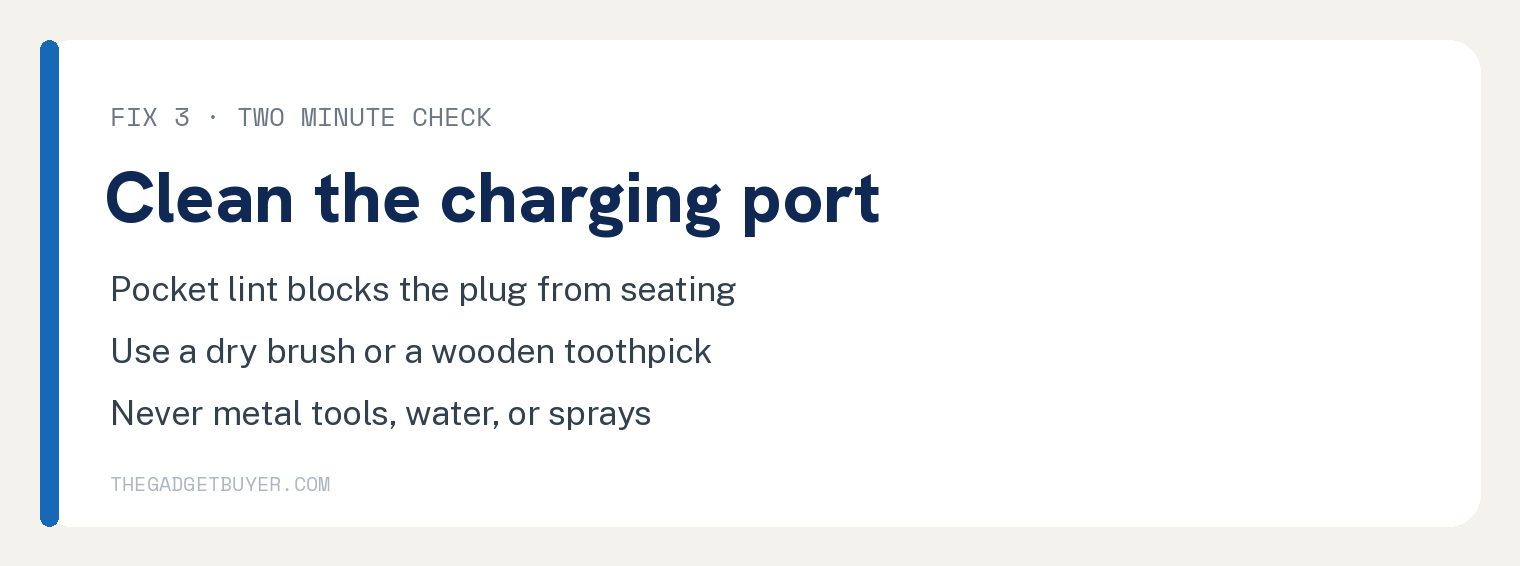
The port on the bottom of the case collects pocket lint, and lint physically blocks the plug from seating.
Shine a light into the port. If you see fuzz packed at the bottom, that is likely your whole problem.
Clean it with a dry, soft bristled brush or a wooden toothpick. Work gently around the edges.
Never use metal tools, water, or cleaning sprays inside the port.
Fix 4: Fix Wireless Charging Problems
If the case charges by cable but not on a pad, position is almost always the reason.
Place the case on the center of the pad with the status light facing up. The light should come on for several seconds, then turn off while it keeps charging.
No light? Slide the case around slowly until it lights up.
Wireless coils are picky about alignment.
Also remember the wireless pad needs to be plugged into a wall adapter with enough power. When in doubt, test the pad with a phone.
Fix 5: Check the Charge Settings on Your iPhone
Newer AirPods can hold back charging on purpose to protect the battery. AirPods Pro 3 have an Optimized Charge Limit setting you can turn off if the case seems stuck below full.
With the AirPods connected, open Settings on your iPhone, tap your AirPods near the top, and look through the charging options.
If your AirPods Pro 3 seem stuck short of a full charge, that is probably Optimized Charge Limit protecting the battery, not a fault.
Fix 6: Reset Your AirPods
A reset clears charging glitches stored in the case’s firmware.
The short version: press and hold the setup button on the case, then pair again. Here is how to reset your AirPods step by step.
After the reset, pair them with your iPhone again.
Trouble reconnecting? See our fix for an iPhone that is not finding AirPods.
If Nothing Worked
A case that stays dead after all six fixes has a hardware problem, usually a worn out battery or a failed port.
Contact Apple Support or visit an Apple Store. You can replace just the case without buying new earbuds, and here is what it costs to replace one AirPod or the case.
One warning before you shop: very cheap replacement cases from random sellers are often counterfeit and charge poorly from day one.
Frequently Asked Questions
Why does my case charge but not my AirPods?
That points to dirty contacts inside the case, the little metal rings at the bottom of each earbud well. Clean them and the earbud stems with a dry lint free cloth.
How long does a full case charge take?
Well under two hours by cable for most cases, a bit longer wirelessly. A 15 minute top up adds hours of listening time.
Can I charge the case without the AirPods inside?
Yes. The case has its own battery and charges fine empty.
Does a dead case battery mean my AirPods are done?
No. The earbuds and case have separate batteries, and Apple sells replacement cases on their own.