
Can’t Move Your Fitbit Account to Google and What Fixes It
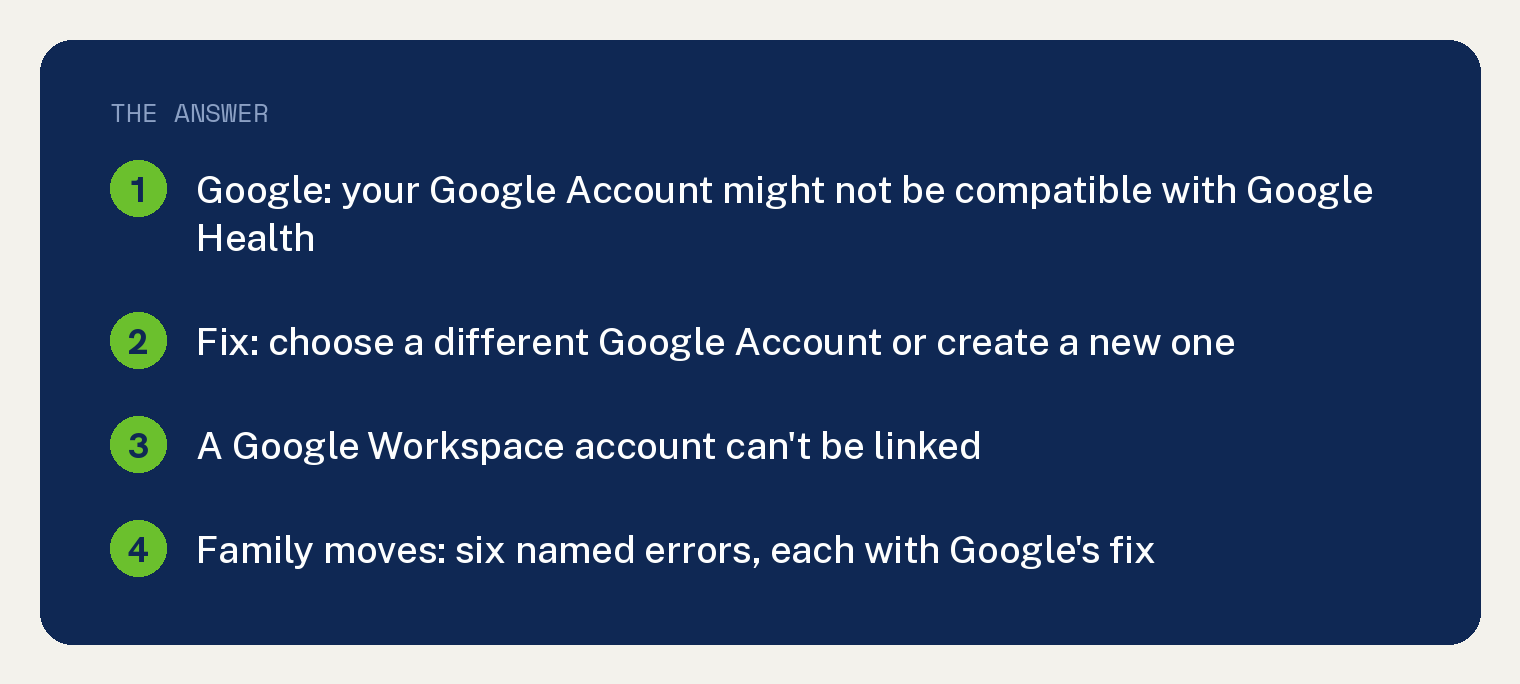
If you can’t move your Fitbit account to Google, Google’s own help page gives, under Troubleshooting, one cause for a single account and six named errors for a family, each with its fix. The single account cause reads: “If you receive an error message when you try to move your account, your Google Account might not be compatible with Google Health. Choose a different Google Account or create a new one.”
Every Google statement below is quoted from that one Google page, which is linked in the Sources section. The order is ours: the symptom you see first, then Google’s fix for it.
The deadline, and how to get back in after it
Google’s Important box near the top of the page reads: “After May 19, 2026, you can no longer access Fitbit with your Fitbit account.” The same box adds that you can “download or delete your data any time before we begin processing data deletions on July 15, 2026.”
Google adds a qualifier to that second date: “The deletion process will take some time. Some users may be able to migrate their accounts during this period.”
If the app has already locked you out, Google prints the way back in under “My Family accounts in the Google Health app to Google Accounts”: “To recover your account, log in to the Google Health app with your Fitbit account and you will see an option to move your account.” Under the same heading Google says: “You will not be able to use other parts of the app until you move to a Google Account.”
If you still need a copy of your history first, this site covers how to export your Fitbit data before July 15.
Which case you are in when you can’t move your Fitbit account to Google
Google splits the troubleshooting into “For my Fitbit account” and “For my Family in the Google Health app”. The table below is our map from what you see to the section of this article that quotes Google’s fix.
| What you see | Where Google covers it | Read |
|---|---|---|
| An error when moving your own account | “For my Fitbit account” | The single account error, below |
| “You can’t link your Google Health account to a Google Workspace account” | The Workspace tip | The Workspace block, below |
| An error while moving a family | “For my Family in the Google Health app”, six errors | The six family errors, below |
The single account error
Under “For my Fitbit account”, Google first asks you to “Confirm that you can move your account:” with four steps: “Open the Google Health app”, “Log in using your Fitbit account”, then “A notification to move your account to access Google Health will appear.” and “Follow the on-screen instructions.”
Then comes the one cause Google names: “If you receive an error message when you try to move your account, your Google Account might not be compatible with Google Health. Choose a different Google Account or create a new one.”
Google’s last line in that section sends anyone still stuck to support: “If you’re eligible but still have a problem moving your account or an issue when you log into Google Health with your Google Account, contact” Customer Support.
Google’s page prints no error code and no error number. The strings error code, error number, Error 4 and Error 5 appear nowhere on it, so this article cannot tell you what a specific code means.
The Workspace block
Google rules out one type of Google Account by name. Its tip reads: “You can’t link your Google Health account to a Google Workspace account. Use a different Google account or create a new one.”
The six family errors, in Google’s words
Under “For my Family in the Google Health app”, Google’s Important line reads: “You must be a primary or secondary guardian, and a family manager of your Google family group to move your children from Fitbit to Google accounts.”
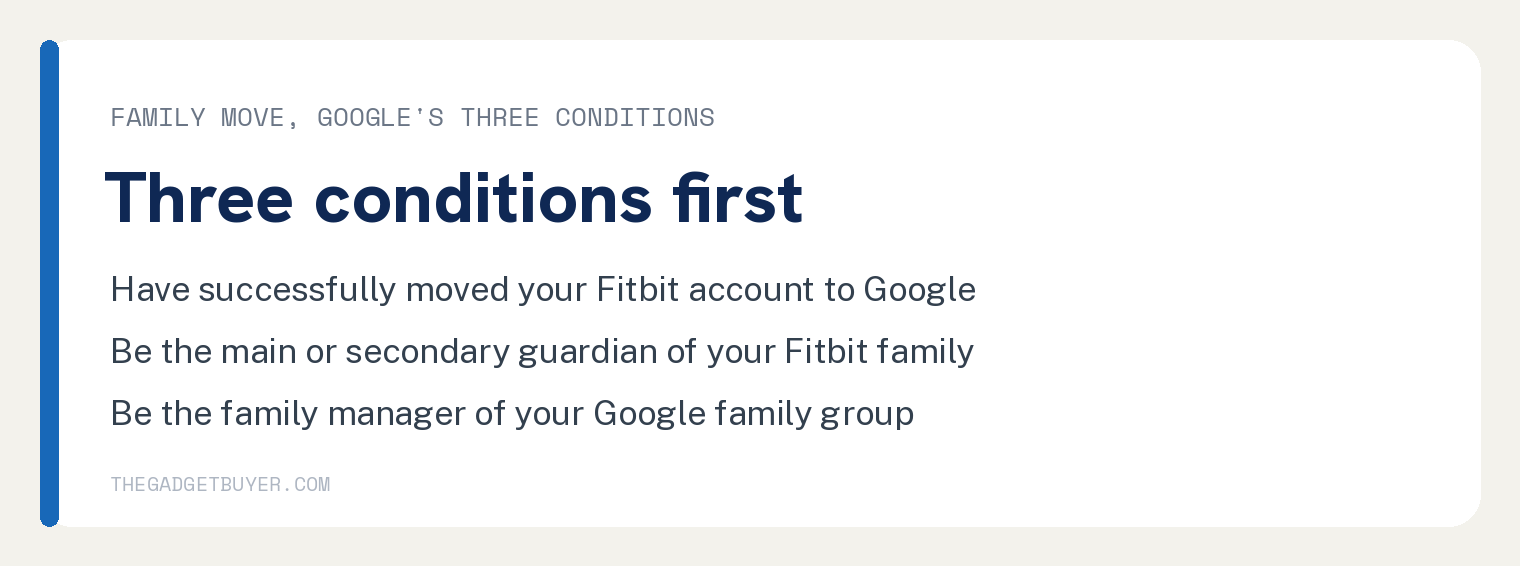
Under “My Family accounts in the Google Health app to Google Accounts”, Google lists three conditions as a checklist: “Have successfully moved your Fitbit account to Google”, “Be the main or secondary guardian of your Fitbit family.” and “Be the family manager of your Google family group.”
Google also says who comes with you: “When you move Fitbit to your Google Account, only your children under 13” (“or the applicable age in your country”) “will move with you. Older children and adults in your family must move Fitbit to Google themselves.”
If you have no Google family group yet, Google says: “If you don’t have a Google family group yet, a family group is created when you set up a Google Account for your child.”
“Your children need to update their Fitbit accounts”
Google’s fix: “Before you or your family can move to Google accounts, your children must update their account or be included as part of a Google Family group.”
“For each child over the age of 13 (or the applicable age in your country):” Google’s step reads “Have them open their Fitbit profile in kid view and upgrade their account to reflect their age as a teen.” Then: “Once their account is updated, your child will have a standard Fitbit account and can move to a Google Account on their own.”
Google adds two more steps: “If you still find your child’s Today tab in the Google Health app, log out and sign in again with your Google Health credentials.” and “Try to move yourself and the younger members of your family to Google accounts.”
“Your child’s Google Account isn’t appearing”
Google prints three branches under this error. The first: “If you created a Google Account for your child with an adult’s birthday, you need to change it:” with the steps “Sign in to your child’s Google Account.”, “In a browser window, sign in to your Google Account”, “Select Personal Info” then Birthday, “Update the birthday.” and “Tap Save”.
The second branch: “If your child is in a different Google family group:” then “Ask the family manager of the other family group to transfer your child’s account supervision to you.” and “After the account is transferred, try to move your family from Fitbit to Google.”
The third branch: “If you’ve never created a Google family group before, and your child is part of a different existing family group:” then “Create a new Google family group.” followed by the same transfer and retry steps.
“This Google Account is in a family group”
Google’s first branch: “If you’re the main or secondary guardian in your Fitbit family and you’re part of an existing Google family group as a member or parent:” then “Leave your current Google family group.”, “Restart the steps to move your family from Fitbit to Google accounts.” and “Create a Google Account for your child. A new family group is also created automatically, and you’ll become the family manager of that group.”
The second branch: “If your child already has a Google Account but is in a different family group:” then “Leave your current Google family group.”, “Ask the family manager of the other group to transfer supervision of your child’s account to you.” and “After the account is transferred, a new Google family group is created and you’ll become the family manager of that group.”
“You have too many people in your Fitbit family”
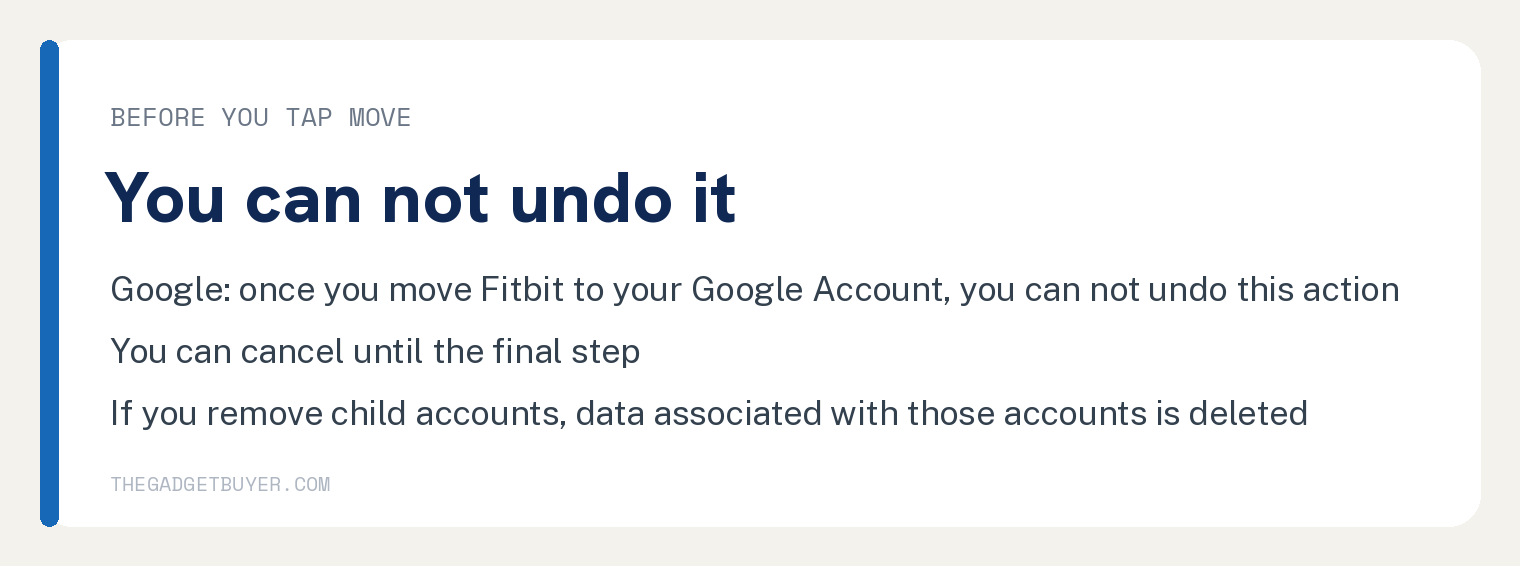
Google’s warning comes first: “If you remove child accounts, data associated with those accounts is deleted.”
Then the fix: “If your Fitbit family has more than 6 people, remove some child accounts.” and “Move yourself and your children to Google accounts.”
“Your Google family group is full”
Google’s fix: “If you can’t make a child account because your Google family group is full, remove someone from the family group or make a new Google family group.”
“You’re in more than one Fitbit family”
Google’s only fix for this row is to “Contact Customer Support”. The page adds one more support case after the table: “If you link the wrong Google Account to Google Health, contact” Customer Support.
If your Fitbit account uses a Gmail address
Google says: “If you created a Fitbit account with your Gmail address, you still need to move Fitbit to your Google Account.”
The steps: “Log in to the Google Health app with your Gmail address.”, “In the top right, tap” Settings, and “If a notification prompts you to move Fitbit to the Google Account, tap the notification and follow the on-screen instructions.”
Google adds a qualifier: “If you’re not ready to move your account, you can continue to use your Gmail address for your Fitbit account as long as it’s supported.”
Two things to know before you tap Move
Google’s warning: “Once you move Fitbit to your Google Account, you can not undo this action.” Its tip beside the steps: “It takes a few minutes to move Fitbit to your Google Account. If you change your mind, you can cancel until the final step.”
On data, Google says: “You’ll keep all historical data that you choose to move to your Google Account.” And: “During the migration process, you have the opportunity to review and make changes to your Fitbit data and setup.”
For what the Google Health app is and how it syncs, this site covers where the Fitbit app went and what Google Health is, and a Fitbit not syncing in the Google Health app.
Frequently asked questions
Does it matter which Fitbit I own?
The words Charge, Versa, Sense, Inspire, Luxe and Pixel Watch print nowhere on Google’s move page cited below. That page says: “A Google Account is now required to sign up for the Google Health app and activate newly-released Fitbit and Pixel devices.”
Can I move back to a Fitbit account afterward?
Google says: “Once you move Fitbit to your Google Account, you can not undo this action.”
Do I need a Google Account before I start?
Google says: “You need a Google Account to complete this process.” Its tip adds: “You can’t link your Google Health account to a Google Workspace account.”
Can a secondary guardian move alone?
Google says: “Secondary guardians can move their Fitbit account to Google as a single adult if they choose to do so.”