
Charge a MacBook With a Phone Charger? Yes, If It Is USB-C
Yes, you can charge a MacBook with a phone charger, as long as the Mac charges over USB-C and the phone’s adapter is a USB-C one. Apple’s Mac adapter page puts it in one line: “If your Mac uses USB-C to charge, you can charge your Mac with any USB-C power adapter or display, even if it provides higher or lower wattage than the adapter recommended for your Mac.”
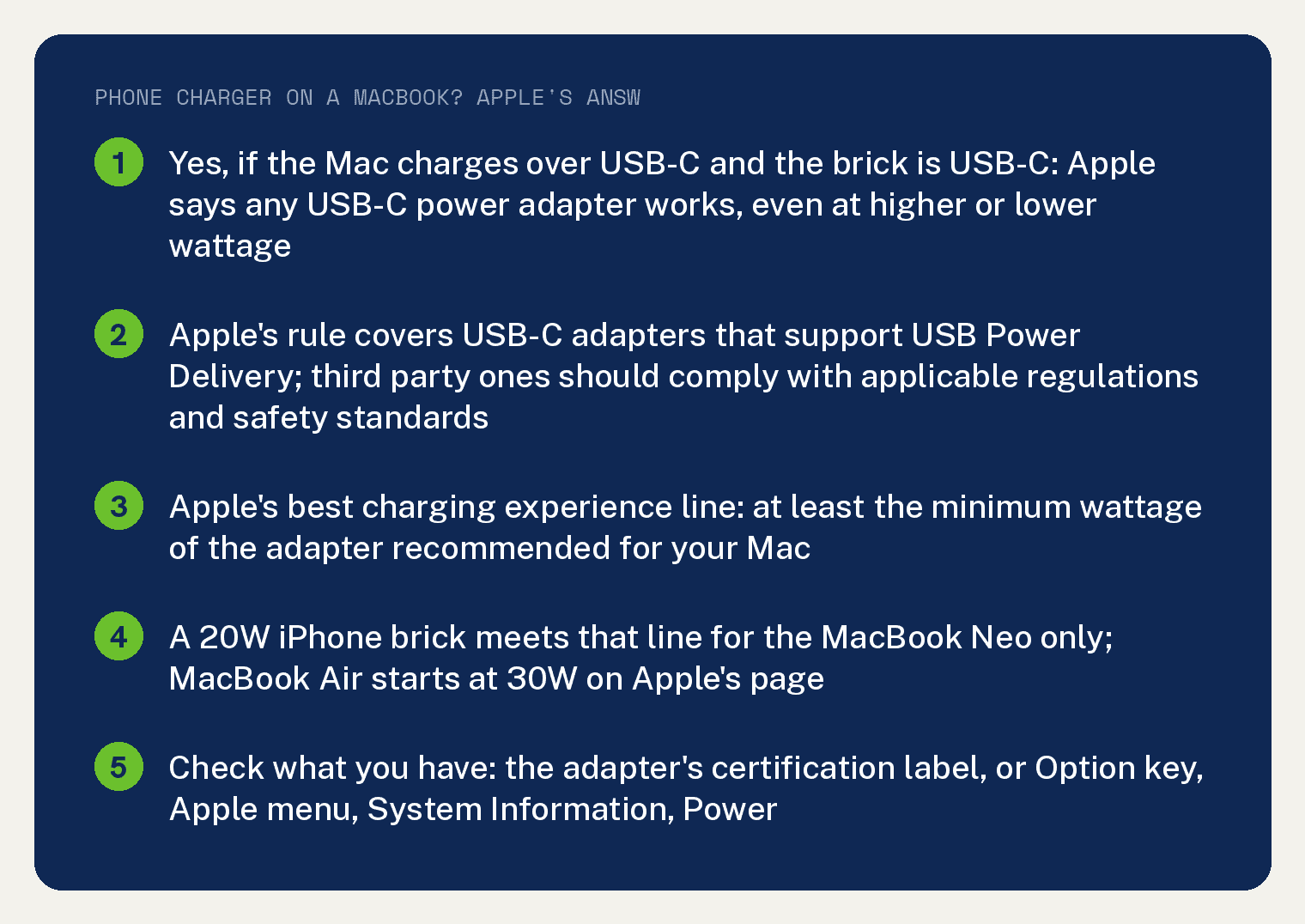
The catch is the second half of that sentence, read with Apple’s best experience line, which asks for at least the minimum wattage of the adapter Apple recommends for your Mac.
Neither Apple page prints how long a charge takes on a small adapter, and neither says a low wattage adapter harms the Mac. This article gives you what the pages do say and stops there.
Will an iPhone charger charge a MacBook?
If it is a USB-C adapter, yes. Apple’s full condition reads: “If your Mac uses USB-C to charge, you can charge your Mac laptop with any USB-C power adapter or display that supports USB Power Delivery (USB PD).”
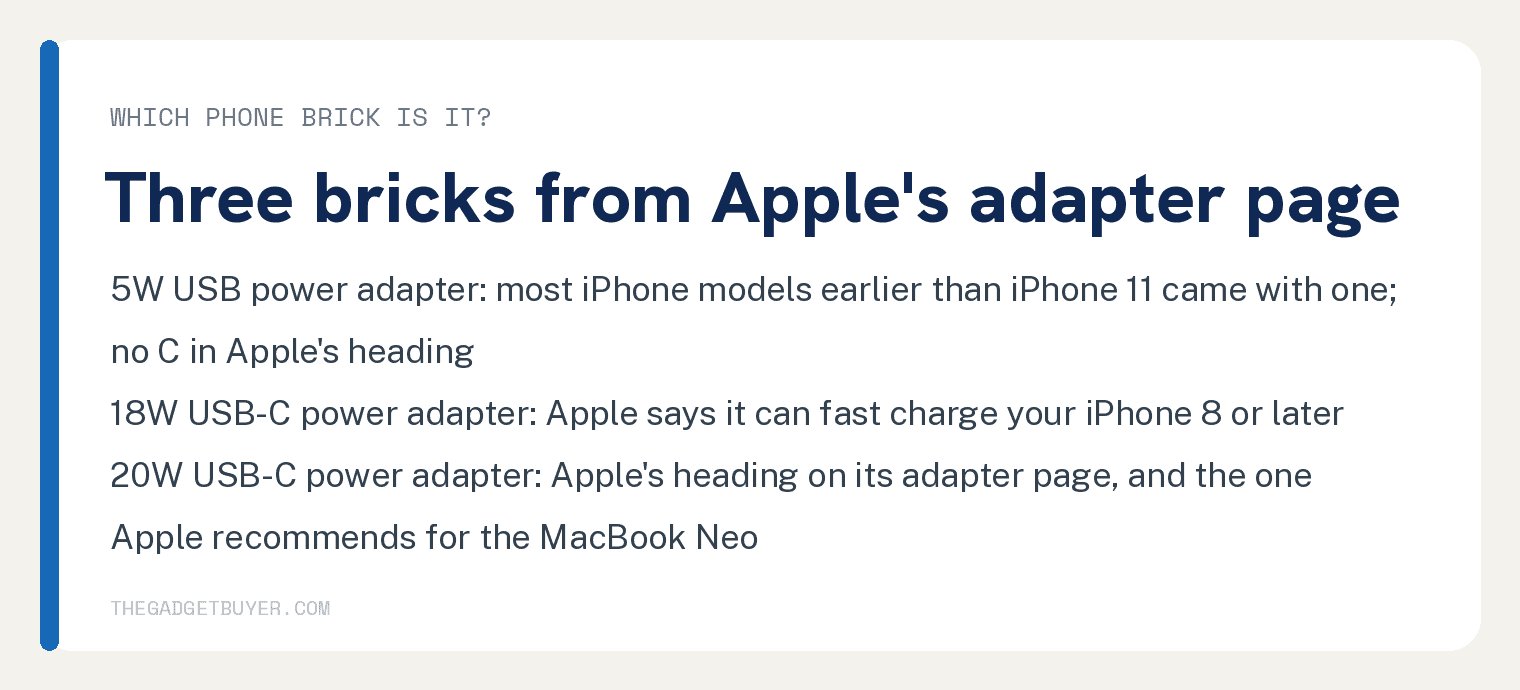
So the question is which phone brick you are holding. Apple’s USB power adapter page lists three kinds that matter here.
The first is the 5W adapter. Apple’s heading for it reads “5W USB power adapter”, with no C, and its line beneath is “Most iPhone models earlier than iPhone 11 came with a 5W power adapter in the box.”
The 18W and 20W bricks sit under USB-C headings on the same page. Apple’s page says “The Apple 18W USB-C power adapter can fast charge your iPhone 8 or later”, and lists the devices that “come with a 20W power adapter in the box”.
Newer iPhones ship with no brick at all. Apple: “iPhone models no longer include a power adapter in the box.”
Is it bad to charge a MacBook with a low wattage charger?
Apple’s two pages print no damage warning for a low wattage adapter. The strings damage and battery health count 0 on both pages cited below.
Apple prints a preference instead. “For the best charging experience, use a power adapter or display that provides at least the minimum wattage of the power adapter recommended for your Mac.”
And a safety line about who made the adapter: “Third-party power adapters or displays should be compliant with applicable international and regional regulations and safety standards.”
The USB power adapter page prints its own warning: “Other adapters might not meet applicable safety standards, and charging with such adapters could pose a risk of death or injury.”
Which phone charger meets Apple’s recommended wattage?
The MacBook Neo is the one Mac on Apple’s page whose recommended adapter is a 20W brick; the string 20W appears once on that page. For the MacBook Neo, Apple’s recommended adapter is the “Apple 20W USB-C Power Adapter and USB-C Charge Cable”.
Every other Mac on the page is recommended with a bigger adapter. The lowest listed for a MacBook Air is the “Apple 30W USB-C Power Adapter”, and the list runs up to the “Apple 140W USB-C Power Adapter and USB-C to MagSafe 3 Cable” for 16 inch MacBook Pro models introduced in 2021 or later.
Read that against the phone bricks: a 20W iPhone adapter meets Apple’s recommended wattage for the MacBook Neo and sits under it for every other model on the page. Apple’s page is the place to find your own model’s line.
The MacBook Air and MacBook Pro groups Apple lists with a USB-C to MagSafe 3 Cable take a USB-C cable too. Apple’s note under those three model groups reads: “These Mac models can also charge with a USB-C charge cable.”
How do I check what my charger is putting out?
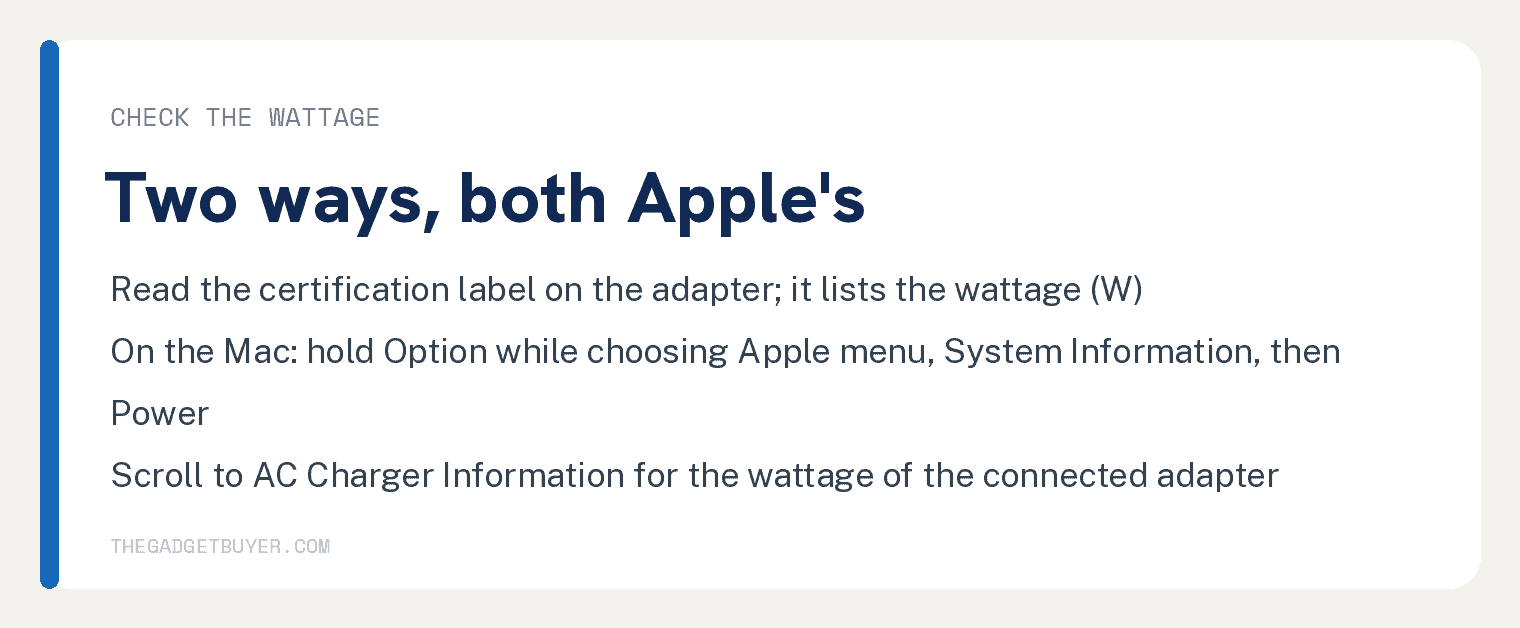
Two ways, both from Apple’s page. The first is the label: “To find out how much power a connected power adapter or display provides, look for its certification label, which lists the wattage (W):”
The second is on the Mac itself. Hold the Option key while choosing the Apple menu, then System Information; Apple’s steps continue “Select Power in the sidebar, then scroll down on the right to find the wattage listed under AC Charger Information:”.
Related on this site: charging an iPad with an iPhone charger, charging an iPhone overnight, and quitting Mail on a Mac.
What Apple’s two pages do not say
Neither page prints how long a MacBook takes to charge on any adapter or says a phone adapter charges it slower. The strings slow, slower and hour count 0 on both.
The Mac page never prints the words phone charger. Its answer is written for USB-C, with no Lightning or USB-A route on it.
Older MacBooks with a MagSafe 2 port are a different case. Apple’s passage for them is about an older MagSafe adapter and a MagSafe to MagSafe 2 Converter, which “is not compatible with MagSafe 3.”
Frequently asked questions
Can I charge a MacBook Air with a 20W iPhone charger?
Yes, if the Air charges over USB-C. Apple’s recommended adapter for a MacBook Air starts at 30W, so a 20W brick sits under Apple’s “best charging experience” line while still meeting its “any USB-C power adapter” rule.
Can I charge a MacBook with a 5W iPhone charger?
Apple’s Mac page covers USB-C adapters that support USB Power Delivery, and Apple’s heading for the 5W adapter reads “5W USB power adapter” with no C. Neither page prints a route from that adapter to a Mac.
Will a phone charger damage my MacBook battery?
Neither Apple page says so. The strings damage and battery health count 0 on both, and the warnings Apple does print are about adapters that might not meet safety standards.
How do I know if my charger is too weak?
Check the wattage on the adapter’s certification label, or on the Mac by holding the Option key while choosing Apple menu, then System Information, Power, AC Charger Information, and compare it with the recommended adapter for your model on Apple’s page. Apple’s words are that if your Mac uses USB-C to charge, any USB-C adapter charges it “even if it provides higher or lower wattage”.