
How to Reset a Forgotten Apple ID Password
To reset a forgotten Apple ID password, open Settings on your iPhone, tap your name, tap Sign In & Security, then tap Change Password. Your device passcode lets you set a new password in under a minute, with no email or old password needed.
Apple now calls it your Apple Account, but most people still search for Apple ID. It is the same login.
Here is how to reset it, whether you have your phone in hand or you are locked out.
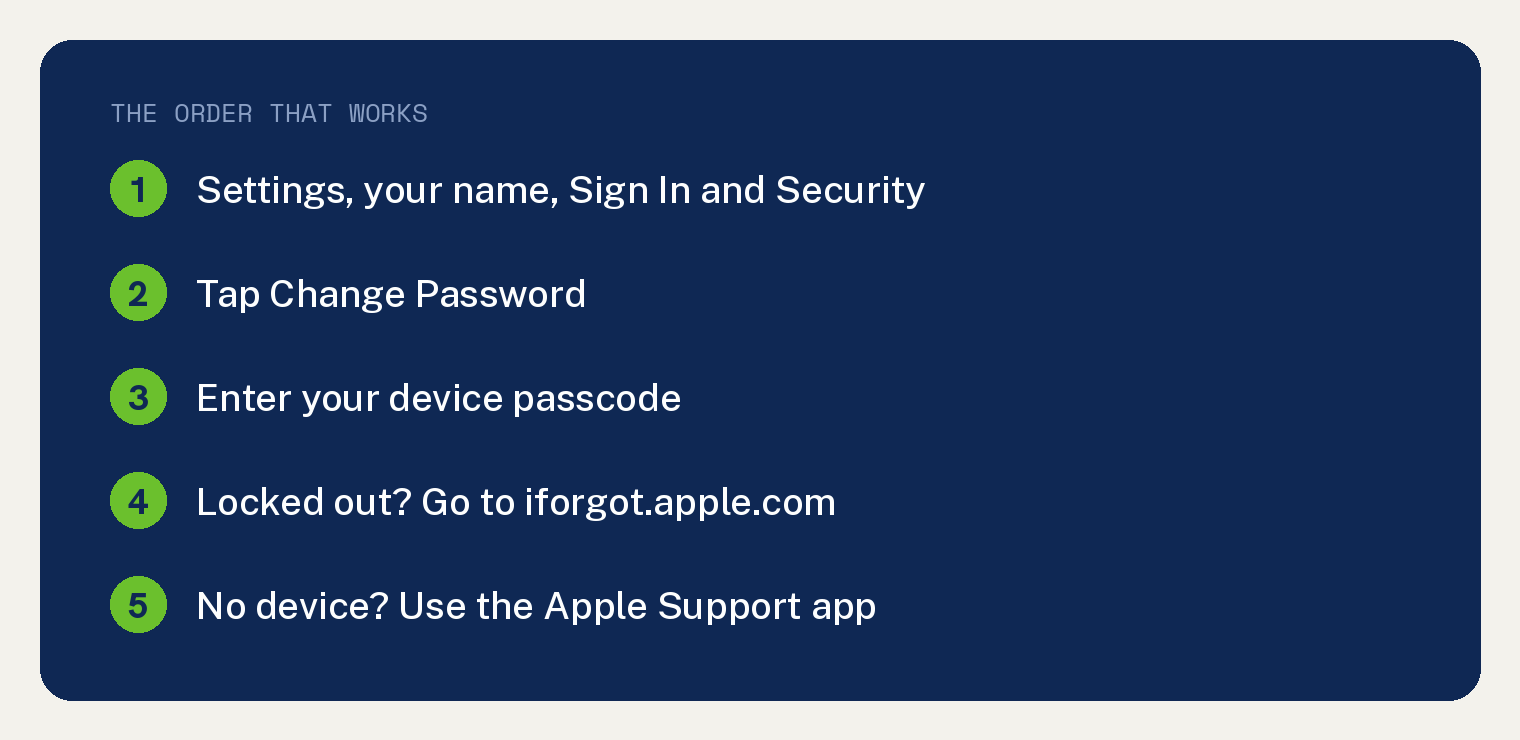
Reset your Apple ID password on a trusted iPhone or iPad
This is the fastest way if you are still signed in on a device you own.
Open the Settings app (the gray gear icon).
Tap your name at the very top of the screen.
Tap Sign In & Security.
Tap Change Password.
Enter the passcode you use to unlock the device.
Type your new password, then type it again to confirm. Tap Change.
Your passcode proves it is you, so you do not need the old password.
What makes a strong Apple ID password
Apple requires at least 8 characters, with an uppercase letter, a lowercase letter, and a number.
Do not reuse a password from another account.
Pick something long that you will remember, or save it in a password manager.
Reset it when you are locked out
If you cannot get into any of your devices, you can still reset the password.
On a phone or tablet, open a web browser and go to iforgot.apple.com.
Enter your Apple ID email or phone number and follow the steps on screen.
You may be asked for a trusted phone number so Apple can send a code.
Reset it using a borrowed device
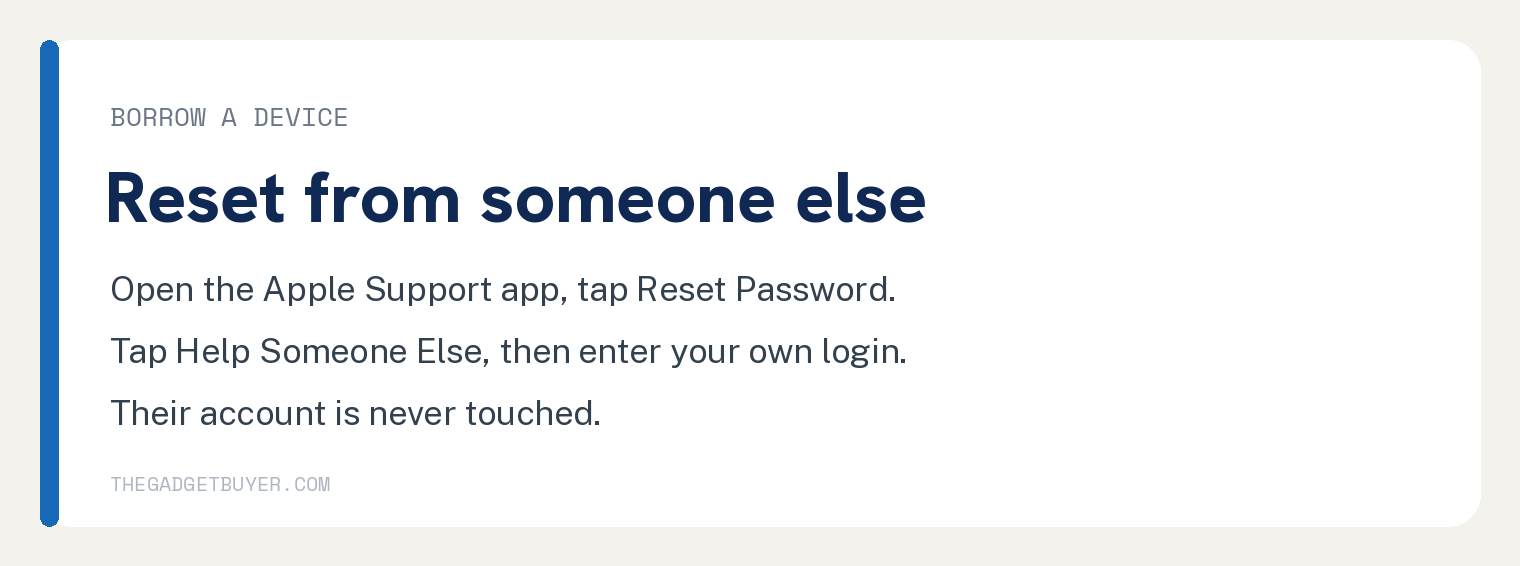
No device of your own? Borrow one from family or a friend.
On the borrowed iPhone or iPad, open the Apple Support app. Download it free from the App Store if it is not there.
Scroll down to Support Tools.
Tap Reset Password.
Tap Help Someone Else.
Enter your own Apple ID email or phone number, then follow the steps.
This does not touch the other person’s account. It only helps you reset yours.
If you still cannot reset it: account recovery
Sometimes Apple cannot verify you right away, so it starts account recovery.
Try to sign in on your device. If you do not know the password, you get the option to start account recovery.
Apple then makes you wait a set period to protect your account from strangers.
You get a text or email when the account is ready. There is no way to speed this up, so add trusted contacts and a recovery key ahead of time to avoid it.
Why Apple sometimes makes you wait an hour
For security, Apple can make you wait about an hour before changing a password or other critical settings.
This blocks a thief who grabbed your phone from instantly locking you out.
If you hit this wait, it is normal. Try again after the time passes.
After you reset your password
Sign in again on each of your devices with the new password.
You may need to re enter it for iCloud, the App Store, and Messages.
If you also want to switch the email tied to the account, see our guide on how to change your Apple ID email address.
While you are in there, it is smart to check where your account is signed in. Our guide on seeing where your Apple ID is being used shows you how.
If your iPhone keeps asking for the password over and over, our guide on an iPhone that keeps asking for your Apple ID password covers that loop.
Frequently asked questions
Can I reset my Apple ID password without the old one?
Yes. On a device you are signed into, Settings, your name, Sign In & Security, Change Password lets you set a new one using just your device passcode.
What is the difference between my Apple ID and my device passcode?
The passcode unlocks the device. The Apple ID password signs into iCloud and the App Store. On a trusted device, the passcode can reset the Apple ID password.
Why does Apple make me wait to reset my password?
It is a security delay called account recovery. It stops someone who stole your phone from locking you out of your account instantly.
Do I need my email password to change my Apple ID password?
Not on a trusted device. You only need the device passcode. If you use iforgot.apple.com without a device, you may need a trusted phone number instead.
Is my Apple ID the same as my Apple Account?
Yes. Apple renamed Apple ID to Apple Account. The login, password, and steps are the same.