
Amazon Charges No Monthly Fee for a Fire Stick
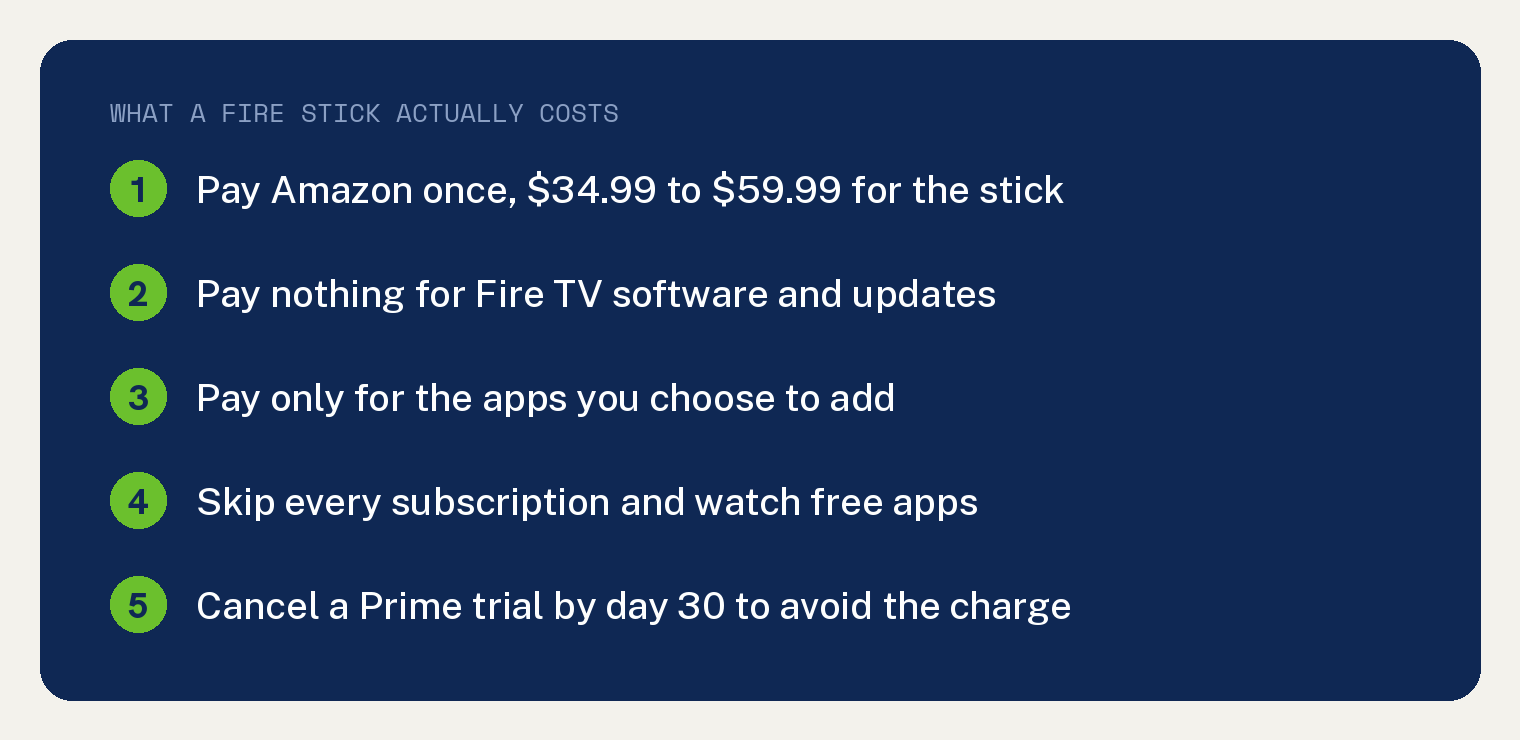
There is no monthly fee for a Fire Stick. You pay Amazon once for the device, and it keeps working with no bill after that.
Amazon does not charge you for the Fire TV software, the home screen, or the updates.
The money shows up from the apps you add. Netflix, HBO Max, Hulu, and Amazon Prime each bill you on their own.
You can also run a Fire Stick at zero dollars a month by sticking to free apps. Both paths are below, with prices pulled from Amazon on July 30, 2026.
What a Fire Stick costs when you buy it
Amazon sells five Fire TV Sticks right now, and two of them share the name Fire TV Stick HD. Each one is a single purchase with no service plan attached.
Amazon sells five versions of the Fire TV Stick. What separates them is the picture, the software, and the WiFi.
| Fire TV Stick | What you get |
|---|---|
| HD, WiFi 5 | 1080p, Fire OS, runs every major app |
| HD, WiFi 6 | 1080p, Vega OS, powers from the TV USB port |
| 4K Select | 4K, HDR10 plus, WiFi 5, Vega OS |
| 4K Plus | 4K, Dolby Vision, WiFi 6, 8 GB storage |
| 4K Max | 4K, Dolby Vision, WiFi 6E, 16 GB storage |
| Best for most | Fire TV Stick 4K Plus: 4K, Dolby Vision, every major app |
Amazon’s listing shows what each model costs today, and these go on sale often, so read the price there rather than anywhere else.
None of the five carries an activation fee, a service plan, or a contract.
Amazon’s new Vega software runs on the WiFi 6 version of the Fire TV Stick HD and on the 4K Select, and it installs only apps from the Amazon Appstore.
YouTube TV has no app on those two models today. Netflix, Apple TV, Disney Plus, HBO Max, Hulu, Peacock, and Paramount Plus all run on Vega.
Pick the WiFi 5 version of the HD, the 4K Plus, or the 4K Max if you subscribe to YouTube TV.
Both HD versions sell under the same name at the same price. Check the box for WiFi 5 before you buy.
The stick and the software carry different names, which trips people up. Our explainer on the difference between a Firestick and Fire TV sorts that out in a minute.
What actually charges you every month
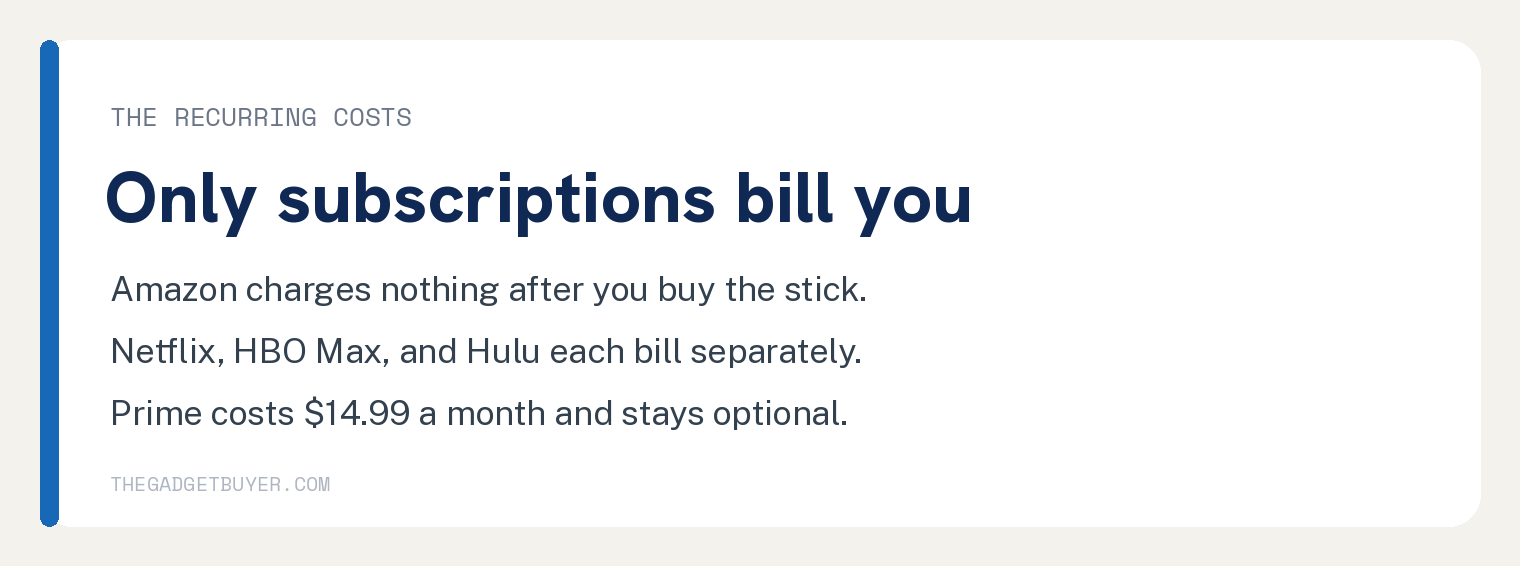
Every recurring charge on a Fire Stick comes from an app or a membership you signed up for.
Here is the whole picture in one place.
| What it is | Recurring cost | Required to use the stick |
|---|---|---|
| Fire TV Stick | $0 after purchase | Yes, one payment |
| Fire TV software | $0 | Yes, included |
| Fire TV Channels | $0 | No, optional |
| Amazon Prime | $14.99 a month or $139 a year | No |
| Prime Video Ultra | $4.99 a month on top of Prime | No |
| Netflix and Hulu | Each app sets its own price | No |
| Tubi and Pluto TV | $0 | No |
| Cheapest setup | $0 a month | Free apps only |
Amazon replaced the older Prime Video Ad Free add on with Prime Video Ultra at $4.99 a month.
That change matters more than the price. Prime Video now caps standard members at 1080p, so 4K on Prime Video takes the Ultra add on even after you buy a 4K stick.
Other apps still stream 4K on a 4K stick without any Amazon add on.
Our guide on whether a Firestick needs a subscription walks through the account side of setup.
Do you need Amazon Prime for a Fire Stick?
No. A Fire Stick sets up and runs on a free Amazon account.
Prime costs $14.99 a month or $139 a year, and Amazon lists both prices on its membership page.
Prime adds Prime Video, faster shipping, and other perks. Every other app on the stick works without it.
Plenty of people buy a stick to watch Netflix or Hulu and never touch Prime.
How to run a Fire Stick for zero dollars a month
The free path is real, and setup takes about five minutes.
Amazon redesigned the Fire TV home screen in February 2026 and dropped the old app grid. Voice search works the same on every version, so use that.
- Press the Home button on your remote. The home screen loads with a row of your installed apps.
- Press the voice button on the remote, the one with the microphone icon, and say “Tubi.” The Tubi page opens on screen.
- Select Get or Download. The button changes to Open once the install finishes.
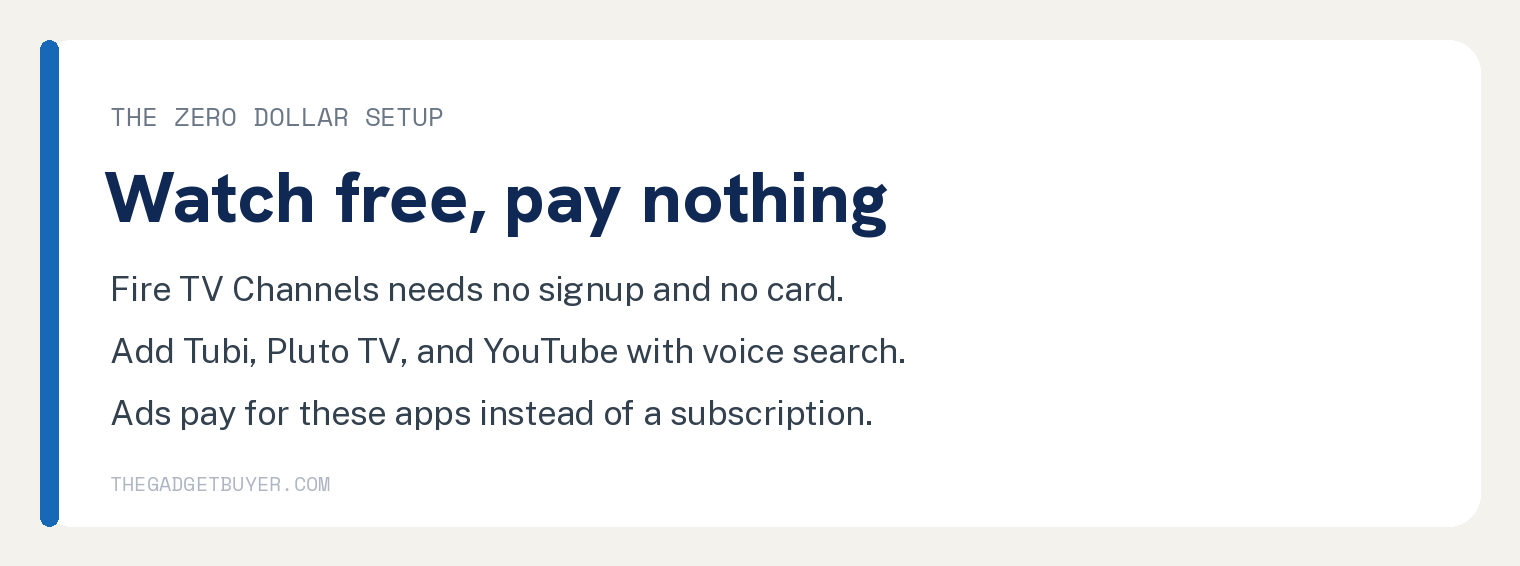
- Do the same for “Pluto TV” and for “YouTube.” Each one downloads at no charge and asks for no card.
- Press Home and scroll along the app row to Fire TV Channels, which came with your stick. You should see a live guide filled with channels.
- Pick a channel and press the select button. Video starts with no account and no signup.
Fire TV Channels carries news, sports, entertainment, cooking, travel, and music from hundreds of channels.
Ads pay for all of it. That is the trade you make for a $0 bill.
Broadcast stations work a little differently. Read how to get local channels on a Firestick before you spend anything extra.
The Prime trial charge that catches people
Amazon offers a 30 day free Prime trial during setup, and the button is easy to hit by accident.
Accept it, forget it, and Amazon starts billing you for Prime on day 31.
Check your status on a phone or a computer instead of the TV.
- Go to amazon.com and sign in with the account your stick uses.
- Open Account and Lists in the top right corner of the page.
- Choose Memberships and Subscriptions. Everything Amazon bills you for shows up on this page.
- If Prime is listed and you want out, open Manage Membership, then select End Membership.
- Follow the prompts. Amazon confirms the end date on screen when it is done.
Apps billed outside Amazon, such as Netflix, never appear on that page. Cancel those on each company’s own website.
The long run cost of a streaming stick
A streaming stick is a one time purchase that keeps paying you back.
I run a Roku Streaming Stick 4K on a 2017 Sony Bravia at home, because the streaming apps built into that TV were slow and painful to use.
One purchase gave that TV a fast dashboard again. Amazon works the same way on the Fire TV side: hardware once, software free.
For this update I pulled every price and spec from Amazon’s live product pages on July 30, 2026, including the two different sticks that share the Fire TV Stick HD name.
If you are picking between the two brands, our Roku and Fire Stick comparison lays out the call I made for my own TV.
Sticks do wear out eventually. See how long a Firestick lasts and what Amazon promises for the honest lifespan.
Freezing is a separate problem with a free fix. Our steps for a Firestick you keep having to unplug handle that one.
Monthly fee for a Fire Stick: questions people ask
Is there a monthly fee for a Fire Stick?
No. Amazon charges once for the hardware and never bills you again for the device or its software. Any recurring charge you see comes from a streaming app or an Amazon membership you signed up for.
Do you have to pay for Amazon Prime to use a Fire Stick?
No. A free Amazon account is all you need to set up and use the stick. Prime stays optional at $139 a year.
Can you use a Fire Stick without an Amazon account?
No. The stick registers to an Amazon account during setup so it can download apps and remember your settings. Creating that account costs nothing and takes a couple of minutes.
What happens to your Fire Stick if you cancel Prime?
It keeps working. You lose the Prime Video catalog that comes with membership, and every other app, setting, and purchase stays right where it was.
Are the free channels on a Fire Stick really free?
Yes. Fire TV Channels needs no subscription, no credit card, and no signup. Ads run during the programming, which is how Amazon pays for the service.
how much is the yearly subscription for amazon fire stick
THANK YOU!!! For this very valuable information!