
Why Is My Smart TV So Slow? The Fixes, in Order
Why is my smart TV so slow? Samsung’s answer is memory: “The more apps you run on your TV, the more memory it uses and when the memory gets low, it can start to run a little slow.”
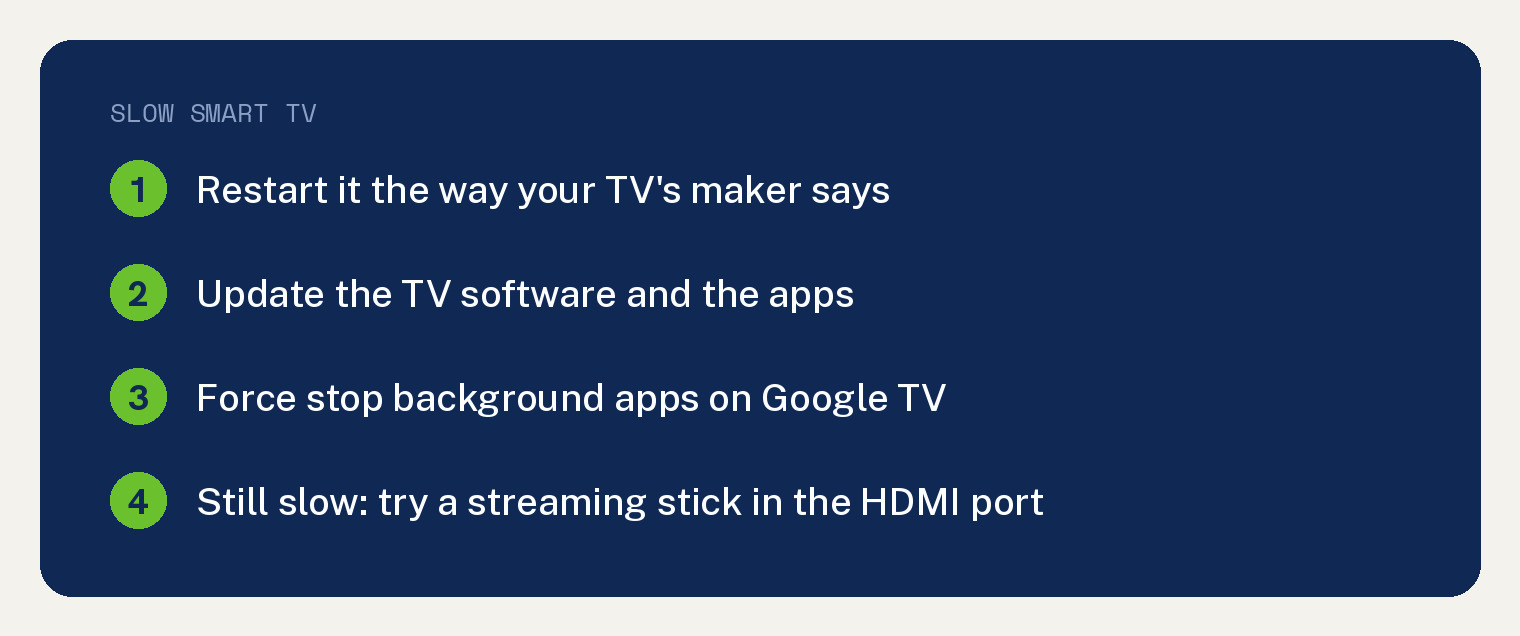
Start with a full restart the way your TV’s maker describes it, then update the software. If it is still slow after that, Roku’s restart page says a Roku device “also has an operating system that runs software applications,” and Roku’s TV requirements page says Roku streaming players “will work with any television with an HDMI connection.”
Step 1: Restart the TV the right way
On a Roku TV, a tap of the power button is not a restart. Roku says a system restart “is not the same as pressing the power button on the remote or the physical power button on the TV itself.”
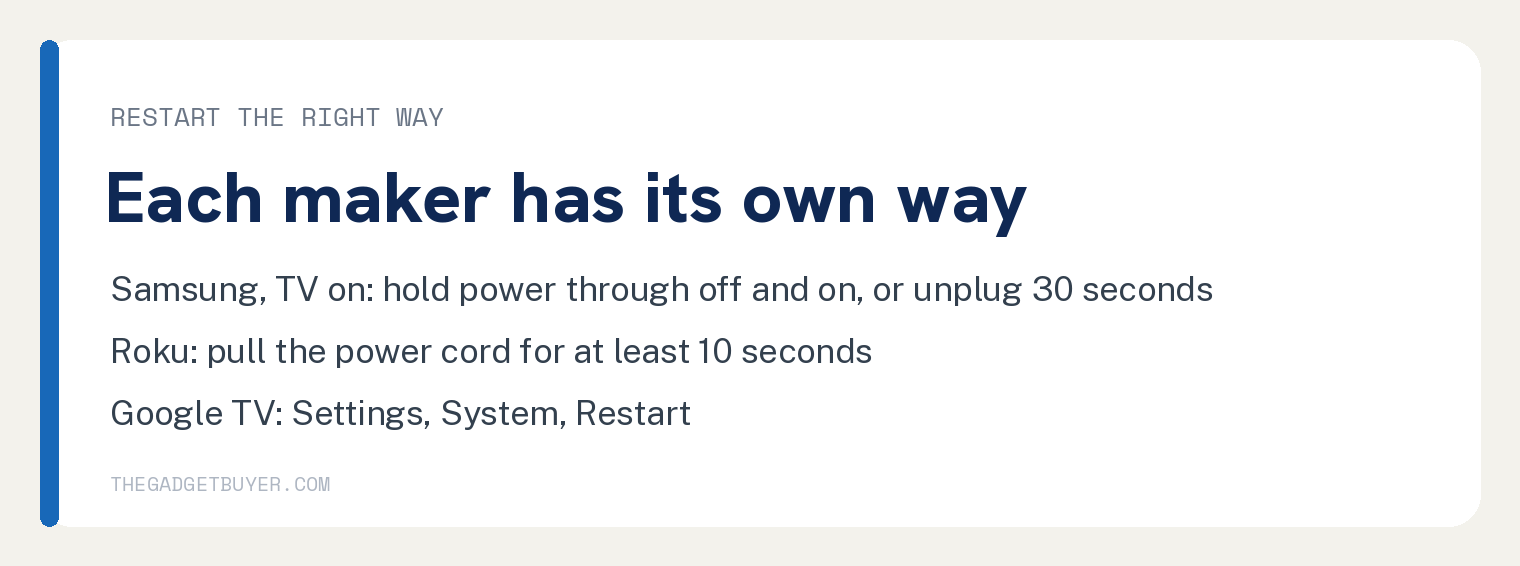
On a Samsung TV, Samsung calls it a cold boot. With the TV on, hold the remote’s power button and keep holding while the TV turns off and back on.
Without the remote, Samsung says to unplug the power cord with the TV on, wait 30 seconds, plug it back in and turn the TV on. Samsung says the memory cache is then cleared and “your TV should start running normally again.”
On a Roku device, Roku’s restart is “removing the power cord from your Roku device for at least 10 seconds before plugging it back in.” Roku also puts a System restart option in its Settings menu.
On a Google TV device, go to Settings from the Google TV home screen, then System, then Restart, and confirm Restart.
Step 2: Update the system and the apps
Samsung’s page says: “Keeping your TV’s software up to date will ensure it runs smoothly.”
On Google TV, search for Google Play Store, go to the profile picture or initial at the top right, then select Manage apps & games, Updates, Update all. Then from the Google TV home screen, select Settings, System, About, System update.
Give it time while that runs. Google’s page says: “Your TV might be slower while app updates are in progress.”
Step 3: Close apps running in the background
Google’s slow TV page has you force stop each recently opened app. From the Google TV home screen, select Settings, then Apps, pick an app under Recently opened apps, select Force stop, then OK, and repeat for the rest.
Google also lists a Quick Start option under Settings, System, Power & Energy, and says “These steps can vary by device.”
Step 4: If only video stutters, test the network
On a Roku device, Roku says that if the image is jerky and pixelated now and then, try streaming video on another device on the same network, such as a phone or laptop.
If the other device stutters too, Roku points you to its tips for improving the Wi-Fi. If the picture freezes now and then on a Roku player, Roku also suggests trying a different HDMI cable, at least for a test.
Step 5: Try a streaming stick before a new TV
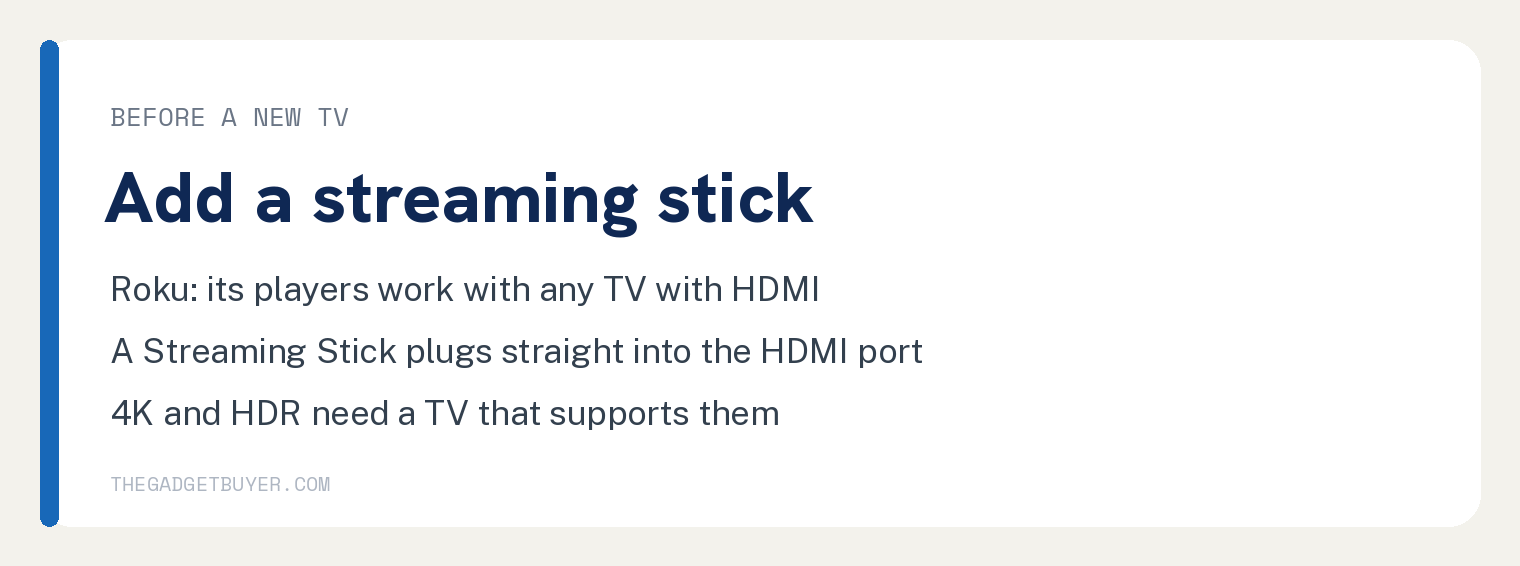
Roku’s restart page says a Roku device “also has an operating system that runs software applications.” Roku’s TV requirements page says all Roku streaming players, the Streaming Stick included, work with any television with an HDMI connection.
Roku’s TV requirements page says: “A Roku Streaming Stick connects directly to the HDMI port on your TV, and does not need an HDMI cable.” A 4K Roku player only shows 4K on a TV that supports 4K, and HDR needs an HDR TV.
I bought my own Sony Bravia new in 2017. I used it for 8.5 years, and over the last year or two its built in system got painfully slow, and I came close to buying a new TV.
The picture was still everything I needed, so I tried a Roku Streaming Stick 4K instead. It saved me hundreds of dollars, and now the TV acts like a brand new TV.
Restart methods by maker
| TV system | Restart the maker describes | Wait the maker states |
|---|---|---|
| Samsung | Hold the remote power button through off and on, or unplug the TV | 30 seconds unplugged |
| Roku | Pull the power cord, or Settings, System, Power, System restart | At least 10 seconds unplugged |
| Google TV | Settings, System, Restart | None given on Google’s page |
Frequently asked questions
Why does my smart TV get slower over time?
Samsung’s slow TV page says: “Your Smart TV or Odyssey Ark gaming screen uses memory just like your phone or PC. The more apps you run on your TV, the more memory it uses and when the memory gets low, it can start to run a little slow.”
None of the four maker pages behind this article, Samsung’s, Google’s and Roku’s two, says why a TV slows down over the years.
Does unplugging a smart TV make it faster?
On a Samsung TV, Samsung’s page says: “With the TV turned on, unplug the TV’s power cord from the power outlet.” After you “Wait 30 seconds” and plug it back in, Samsung says “The memory cache is cleared and your TV should start running normally again.”
On a Roku device, Roku’s page says a system restart “is performed by removing the power cord from your Roku device for at least 10 seconds before plugging it back in.”
Will a streaming stick work on an older TV?
Roku says its streaming players work with any television with an HDMI connection. You only get 4K or HDR if the TV supports them.
Should I delete apps to speed up my TV?
None of the four maker pages behind this article, Samsung’s, Google’s and Roku’s two, tells you to delete apps or free up storage. Samsung’s fix for low memory is the cold boot, and Google’s slow TV page has you force stop recently opened apps.
For app trouble, see Samsung TV Apps Not Loading: Start Where Samsung Starts and YouTube Not Working on Smart TV? Google’s Two Steps First. If you are choosing a stick, Roku vs Fire Stick: The One I Put on My Own TV compares two.