
Can You Play a PS5 Without Internet? Mostly, Yes
Yes, you can play a PS5 without internet, and that includes the Digital Edition. Once a game is downloaded, it plays offline.
There is one setting you have to turn on first, and almost nobody mentions it: Console Sharing and Offline Play.
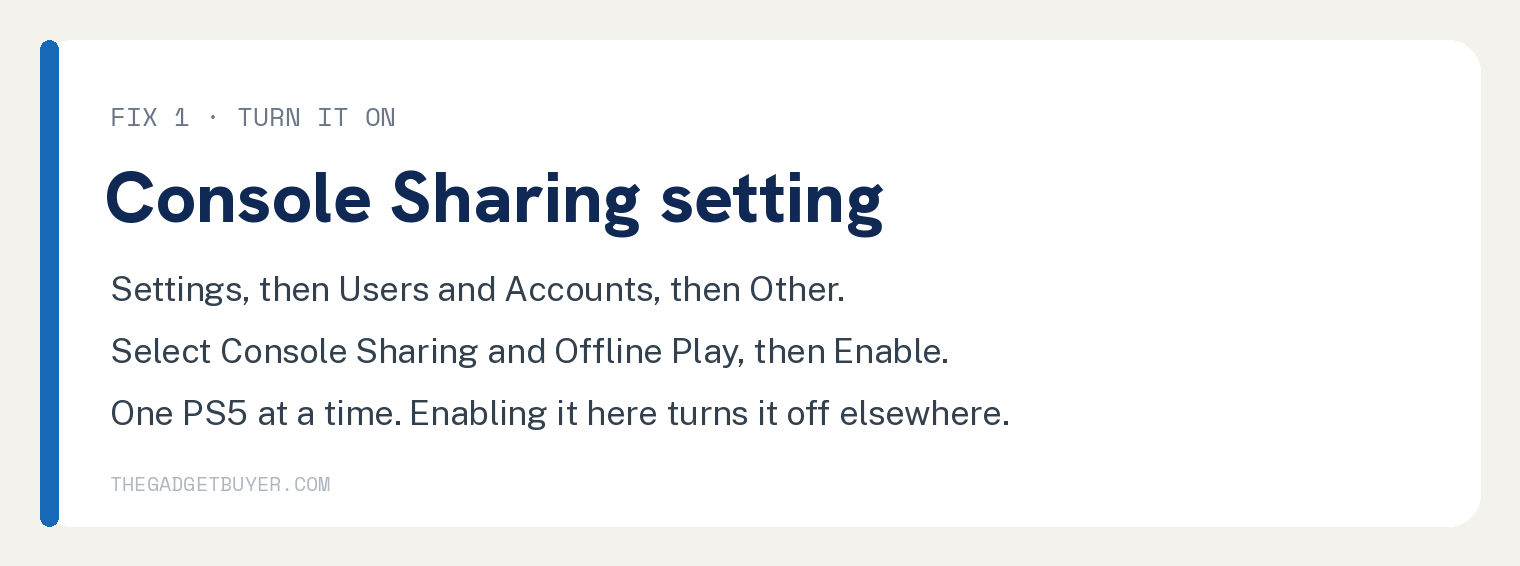
Go to Settings, then Users and Accounts, then Other, then Console Sharing and Offline Play, and select Enable. Sony’s own description of what that unlocks is “play your games and media even when the console is offline.”
The old advice that a Digital Edition needs internet to work is wrong. It needs internet to buy and download a game. Playing it afterward is a different thing.

Do you need internet to set up a PS5?
For the initial setup, yes, in practice.
You sign in to your PlayStation account, the console pulls a system software update, and on a Digital Edition you need the PlayStation Store to get any game at all.
After that, the console can live offline. The line to remember is that internet is a delivery requirement, not a playing requirement.
How do you turn on Console Sharing and Offline Play?
This is the step that makes offline play reliable, and it takes about 15 seconds.
- Press the PlayStation button and go to Settings (the gear icon in the top right).
- Select Users and Accounts.
- Select Other.
- Select Console Sharing and Offline Play.
- Select Enable.
Sony says this is turned on automatically for the first PS5 you ever sign in to. If you bought a used console, or this is your second PS5, it may not be, so check.
Two limits worth knowing. You can only have it enabled on one PS5 at a time, so turning it on here means turning it off on your old console.
And you cannot remotely deactivate all your devices more than once every 6 months, so do not burn that option casually.
Base PS5 or Digital Edition: does it still matter?
Less than it used to, and that changes the old answer to this question.
The Digital Edition and the PS5 Pro can both take an add on Disc Drive, sold separately. So “digital means no discs forever” is no longer true.
One catch if you go that route, and it matters here more than anywhere: Sony notes an internet connection is required to pair the Disc Drive to the console during setup.
| Model | Storage | Disc drive | Plays offline once downloaded? |
|---|---|---|---|
| PS5 | 1 TB | Built in | Yes |
| PS5 Digital Edition | 825 GB | Optional add on | Yes |
| PS5 Pro | 2 TB | Optional add on | Yes |
For someone without reliable internet, the difference that matters is how you get the game in the first place. Offline play works the same on all three models.
With a disc, you drive to a store and you are playing tonight. With the Digital Edition, a 100 GB download on a slow connection is a real obstacle.
That is the honest way to frame the choice, and it is different from what most articles tell you.
What will not work offline?
Plenty works. Some things really do not, and you should know which before you count on it.
Always online games. Some titles require a live connection by design, no matter which console you own. Multiplayer shooters and live service games are the usual suspects.
Messages and the store. Anything that has to talk to Sony’s servers is out until you reconnect.
If you see a padlock icon next to a game, that is usually a license check failing rather than a broken install.
Game patches. Some games ship needing a day one patch to run properly. No connection means no patch.
What works fine offline?
Sony lists it directly. With Console Sharing and Offline Play enabled, anyone using your PS5 can play your games and media offline, and play anything you purchased and downloaded.
That covers single player campaigns, local multiplayer on the couch, and disc games on a console with a drive.
PlayStation Plus games too, which is not what most articles claim. Sony lists downloaded Monthly Plus games and catalog games among the benefits Console Sharing and Offline Play covers.
What they do need is an active membership and a title still in the catalog. A lapsed subscription or a game that left the catalog shows up as a padlock, and that is a license problem rather than an offline problem.
Your saves keep working locally. Cloud backup is the part that waits for a connection.
Trophies sync to your account automatically, and there is a manual Sync Trophies option if they fall behind.
What if a downloaded game will not launch offline?
Work through this in order.
- Check Console Sharing and Offline Play is enabled. Settings, Users and Accounts, Other, Console Sharing and Offline Play. This is the fix most of the time.
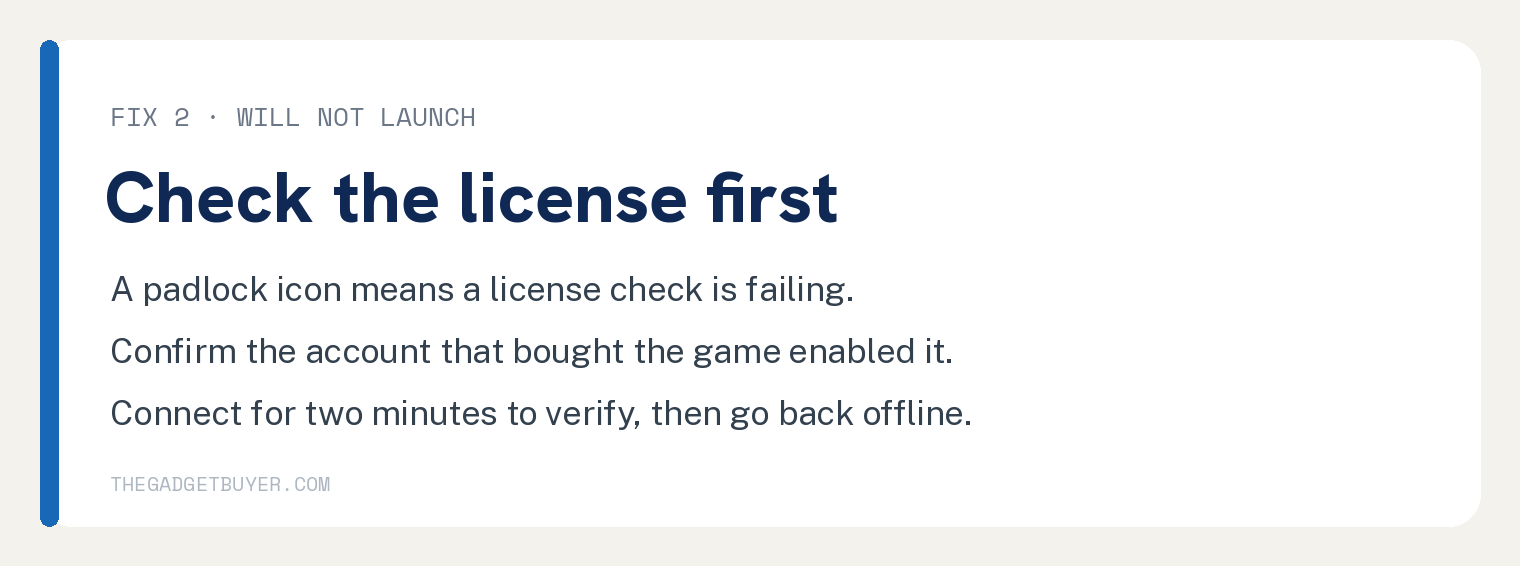
- Make sure the account that bought the game is the one that enabled it. Sony is explicit that the user who turned it on has to be the purchaser.
- Look for a padlock icon. A padlock means a license or network check, not a corrupt file.
- If it came from PS Plus, check your membership is still active. The game itself works offline, but a lapsed subscription does not.
- Connect briefly and launch it once. Getting online for two minutes lets the license verify, and then you can go back offline.
- Restart the console. A full restart clears a stuck license state more often than it should.
If your connection is the underlying problem rather than a choice, our guide on eliminating packet loss on the PS5 covers the network side.
Frequently asked questions
Can you play a PS5 Digital Edition with no internet at all, ever?
Not from the box. You need a connection to sign in, update the system software, and download at least one game. After that, it plays offline as long as Console Sharing and Offline Play is enabled.
Do PS5 disc games need internet?
The disc itself does not, but many modern games ship with a day one patch that fixes real problems. The game will usually launch without it, though it may not run the way the developer intended.
Can you play PS Plus games offline?
Yes. Sony lists downloaded Monthly Plus games and catalog games among the things Console Sharing and Offline Play covers. Your membership still has to be active, and the game has to still be in the catalog.
Can two PS5 consoles both have offline play enabled?
No. Sony allows Console Sharing and Offline Play on one PS5 at a time, so enabling it on a new console turns it off on the old one.
Does the PS5 Pro come with a disc drive?
No. The PS5 Pro is an all digital console, and the Disc Drive is sold separately, same as it is for the Digital Edition.
If you are still filling out a new console, our guides on finding downloads on the PS5 and finding your game library cover where everything actually lives. If PS Plus is what you are weighing, see whether you need PS Plus to play Call of Duty online.
And for the accessory question everyone hits in week one, here is how long a PS5 controller takes to charge.
So how do you use the PS5 base model to play a video game?