
Fitbit Won’t Charge? 7 Fixes That Work
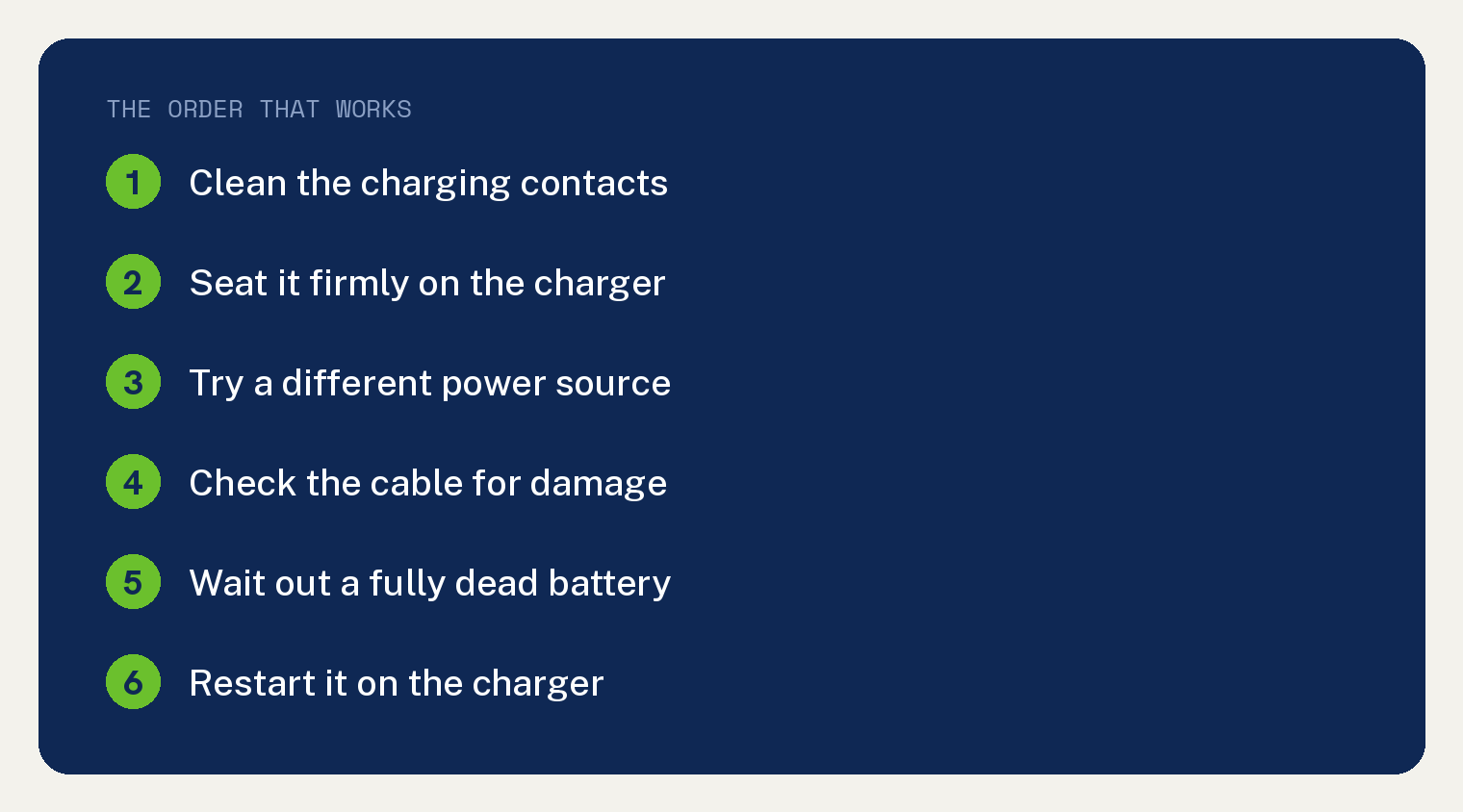
When your Fitbit won’t charge, the fix is almost always the charging contacts or the cable. Clean the gold dots on the back of the tracker and on the charger, seat it firmly, and plug it into a wall outlet.
Most Fitbits that seem dead are just held back by a little dirt or a loose connection.
Work through the steps below in order, and give the tracker a full hour on the charger before you give up.
Why won’t my Fitbit charge?
A few things stop a Fitbit from charging.
Dirty gold contacts are the top reason, since sweat and skin oil build up there over time.
A worn cable, a weak USB port, or a tracker that needs a restart can also be the cause.
In my own family we owned three Fitbits, and battery trouble showed up on all of them, so a charging problem is worth taking seriously before the battery gets worse.
If yours also drains fast between charges, our guide on why a Fitbit loses battery quickly covers that side of it.
Fix 1: Clean the charging contacts
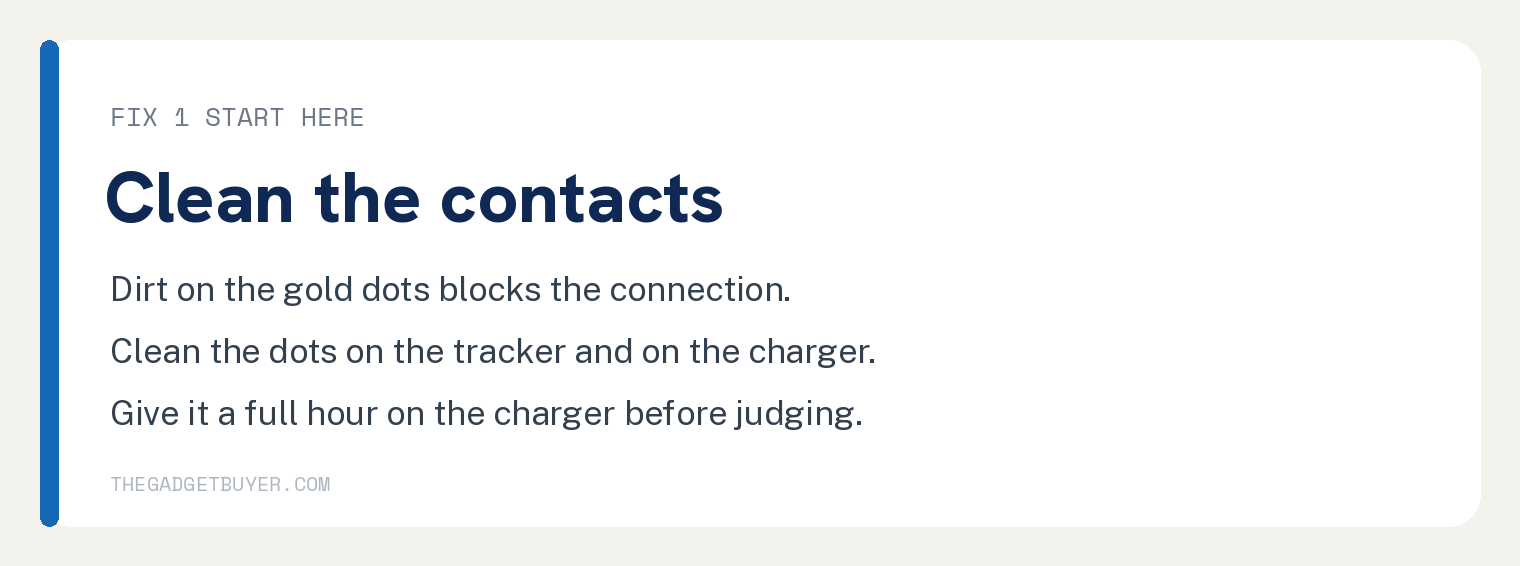
This solves the most common charging problem.
- Look at the back of your Fitbit for the small gold dots.
- Dip a cotton swab in rubbing alcohol and gently scrub those dots.
- Clean the matching gold pins on the charging cable the same way.
- Let both dry for a minute.
- For stubborn buildup, rub the gold dots firmly with a clean pencil eraser to lift grime the alcohol cannot.
Snap the tracker back on the charger and watch for the battery icon.
Fix 2: Seat the tracker firmly on the charger
A loose fit means no charge.
Press the Fitbit onto the charger until it clicks or snaps into place.
You should see a battery symbol or a small light within a few seconds. If not, wiggle it slightly until the contacts line up.
Fix 3: Try a different power source
The outlet or port may be the real problem.
Plug the charger straight into a wall outlet with a phone style adapter, not a computer or a power strip that might be off.
A wall outlet gives steady power and rules out a dead USB port.
Fix 4: Check the cable for damage
A bad cable is a common hidden cause.
- Unplug the charging cable.
- Press each gold pin on the cable with your finger.
- Watch that each pin springs right back up.
- If a pin stays pushed in or feels stuck, the cable is worn and needs to be replaced.
Use only a Fitbit charger made for your model, since the cables are not all the same.
Fix 5: Wait out a fully dead battery
A totally empty Fitbit acts strange at first.
If the battery is at zero, the screen can stay black for several minutes after you plug it in.
Leave it alone on the charger for a full hour before you decide it is not working.
Fix 6: Restart your Fitbit on the charger
A restart can wake a frozen tracker that will not show a charge.
The steps vary by model, but most Fitbits restart by holding the side button, or by pressing the button while it sits on the charger, for about 10 seconds until you see the logo.
Look up your exact model’s restart steps in the Google Health app if you are not sure.
Fix 7: Cool it down or warm it up
Temperature can block charging.
If the Fitbit is very hot or very cold, it may pause charging to protect the battery.
Move it to a room temperature spot and try again after a few minutes.
If nothing worked
If your Fitbit still will not charge after cleaning, a new cable, and a wall outlet, the battery or the tracker may be failing.
Check your warranty first. One of our three family Fitbits was replaced under warranty, so it is always worth asking before you buy a new one.
If it is out of warranty and the battery keeps letting you down, it may simply be time to replace it.
Wondering how long these should last? See how long a Fitbit lasts before replacement. And if it charges but will not sync, read how to fix a Fitbit that will not sync in the Google Health app.
Frequently asked questions
How long should I charge a dead Fitbit?
Give it a full hour on a wall outlet. A completely dead Fitbit can show a black screen for several minutes before the battery icon appears.
Can I use any cable to charge my Fitbit?
No. Fitbit chargers are model specific and clip on in a certain way. Using the wrong cable means it will not connect or charge.
Why does my Fitbit charge slowly or die fast?
Dirty contacts, a worn cable, or an aging battery all cause slow charging and quick drain. Clean the contacts first, then judge whether the battery itself is worn out.
Is it bad to charge my Fitbit every day?
Daily charging is fine, but try not to leave it plugged in for hours after it is full. Steady heat from constant charging wears a battery down faster.