
Google Health Sleep Score Missing Means No Sleep Stages Yet
A Google Health sleep score missing from a night you tracked means the app logged the sleep but got no sleep stages, and Google builds the score from stages. Google’s rule on its Sleep Score page: “To get a Sleep Score, you need to receive sleep stages.”
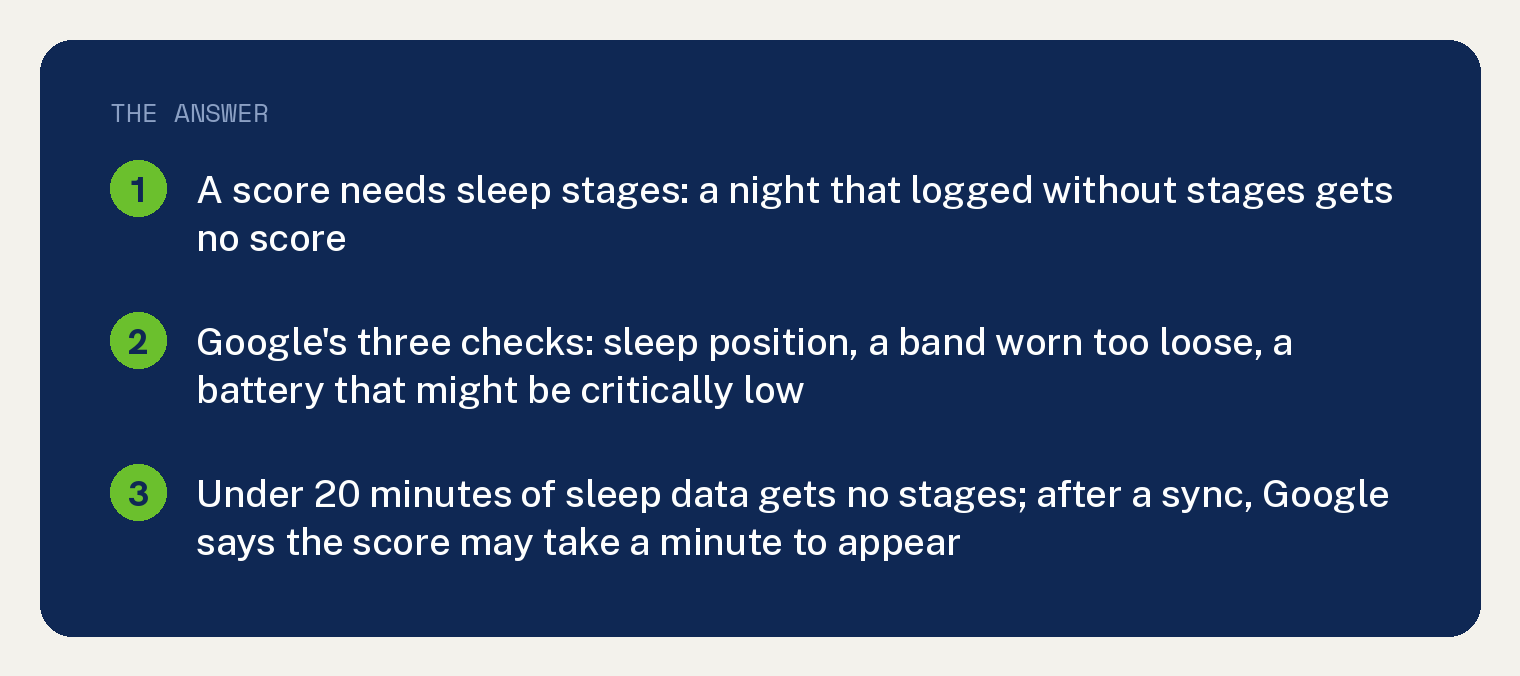
The three things Google tells you to check for a night without stages are your sleep position, a band worn too loose, and a battery that might have been critically low. Fit and charge are the two you can change tonight.
Why is my sleep score missing in the Google Health app?
The score comes from sleep stages, and that night did not get any. Google prints the rule in two places on its Sleep Score page, in a note under its explanation of the score and again in its “Missing a sleep score?” answer.
The note reads: “Your device needs to track sleep stages to determine your sleep score.”
Stages come from your heart rate and movement through the night. Google’s stages page: “While you sleep, your device monitors tiny changes in your heart rate, known as heart rate variability (HRV).”
What stops the sleep stages from being calculated?
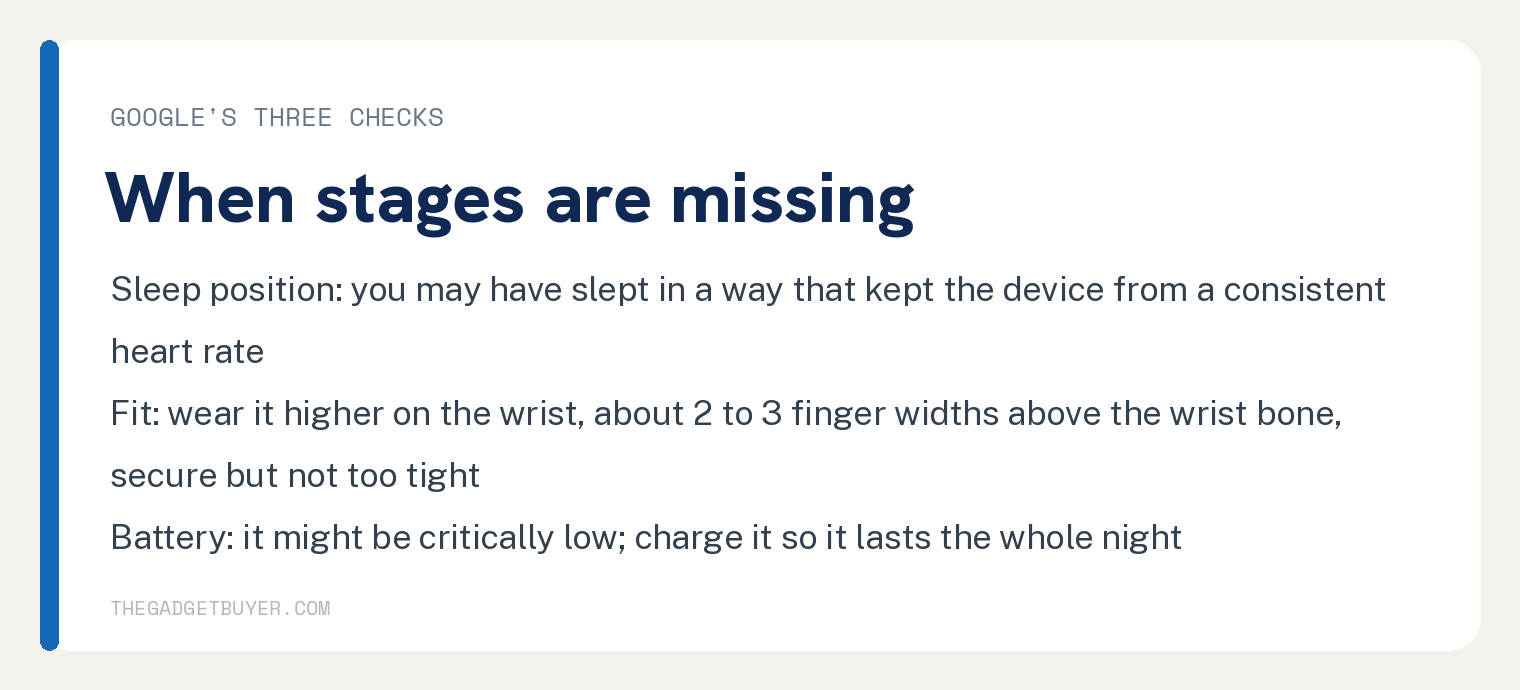
Google’s stages page has a section called “What to do if your sleep stages are missing”, and it opens with a line that covers the score too: “If you received a sleep log, but it did not calculate your sleep stages or your score, check the following:”. Three checks follow.
- Sleep position. Google says you “may have slept in a position that prevented your device from getting a consistent heart-rate”.
- A loose band. Google’s words: “For best results, wear your device higher on your wrist – about 2-3 finger widths above your wrist bone. The band should feel secure but not too tight.”
- A low battery. Google’s third check reads “Your device’s battery might be critically low”, and its Sleep Score page says under Track your sleep: “Make sure your device’s battery has enough charge remaining to last for the entire time you are intending to sleep.”
Start with the fit and the charge, the two you can change tonight. Move the band up your wrist, snug it, and charge the device before bed.
Does my Fitbit or Pixel Watch track sleep stages?
Google’s rule is about heart rate tracking, with two named exceptions. The stages page opens with: “If you use a Fitbit device or Pixel watch with heart-rate tracking (except Fitbit Charge HR or Fitbit Surge) to track your sleep, you can find a record of your sleep stages.”
Neither Google page names any other model as unable to record stages. If your device tracks heart rate and is not a Charge HR or a Surge, Google’s rule says it can record stages.
If the tracker never logged the night at all, that is a different problem, covered in our guide to a Fitbit not tracking sleep.
Was it a nap or a short sleep?
Short sleeps get no stages, so no score. Google’s floor is 20 minutes of sleep data.
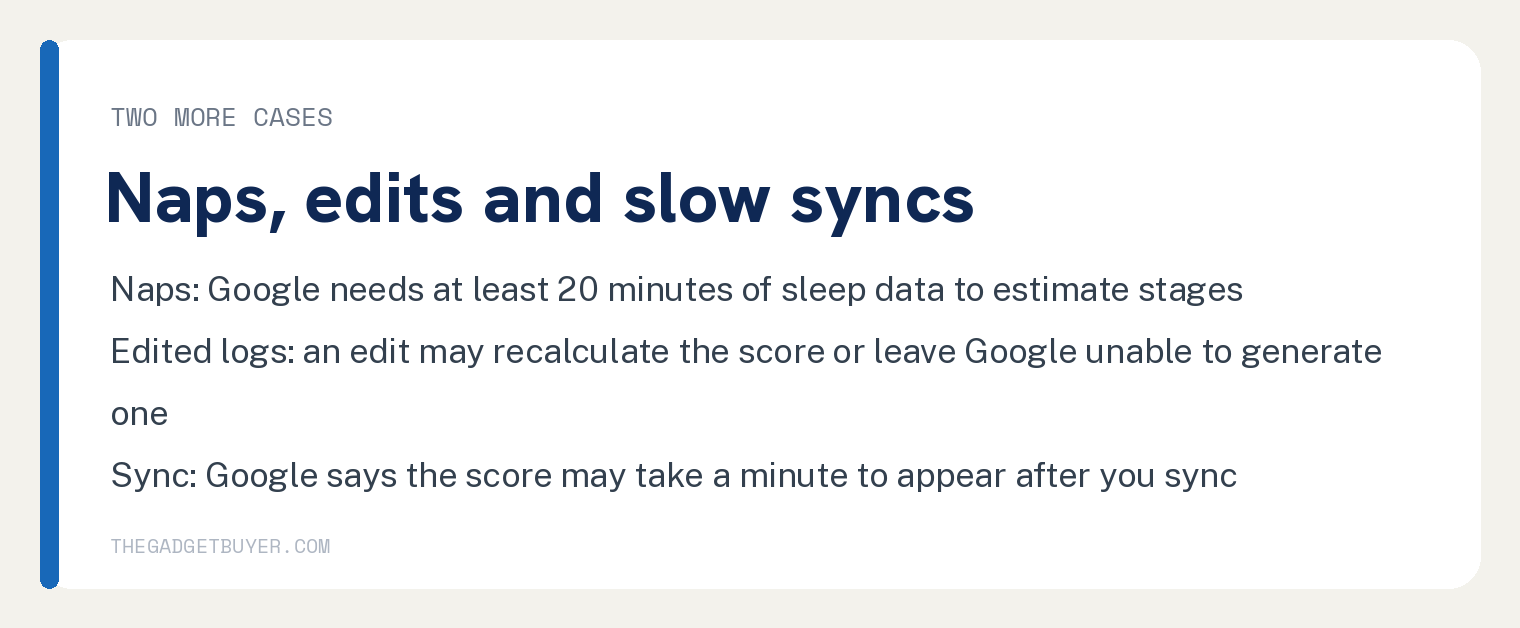
Google’s words: “Your device needs at least 20 minutes of sleep data to estimate your sleep stages, so you won’t find sleep stages for shorter sleep periods.” Google adds that for some naps it “may not be able to fully detect accurate stages but ensure we log your nap.”
Did you edit the sleep log?
Editing the start or end time can change the score or remove it. Google says an edit “may result in a recalculation of your Sleep Score”, and that if you extend your time asleep, the app “may generate a new Sleep Score which may not be fully accurate or might not be able to generate a Sleep Score from the edited data.”
Did the score just not show up yet?
Sync the device and give it a minute. Google’s tip under “Missing a sleep score?” reads: “When syncing your device, it may take a minute for your Sleep Score to appear.”
The stages page says the same about the progress bar: “You may need to wait a minute until the progress bar at the top of the app finishes syncing to see your updated sleep metrics.”
If the device will not sync at all, see our guide to a Fitbit not syncing in the Google Health app.
Where do I find the sleep score once it appears?
Google’s steps for the app: wear your Fitbit device to bed, sync it when you wake up, open the Google Health app, tap the Sleep tab, then tap Sleep duration and then Score.
Some devices show it on the wrist. Google’s page names the Fitbit Sense 2 and Fitbit Versa 4: “Swipe left or right from the clock face to find the Sleep tile. Your sleep score is displayed under the sleep duration.”
On a Google Pixel Watch, Google says to press the crown, swipe up to the Google Health app, open it, and swipe up to the Sleep card, where the score sits under the sleep session. For other Fitbit devices Google says to swipe up from the clock face to see your daily stats, including your most recent sleep session.
If you are still looking for the old Fitbit app, our guide to where the Fitbit app went covers the move.
Frequently asked questions
Can I turn the sleep score on or off?
No. Google prints no on switch for the score, and its page says: “You can’t turn off your Sleep Score at this time.”
Is a missing sleep score a known bug?
Neither Google page names a bug, an outage or an account move as a cause of a missing score. The causes they print are missing sleep stages, sleep position, a loose band, a battery that might be critically low, a sleep shorter than 20 minutes or a nap Google could not fully stage, an edited log, and a sync that has not finished.
Do I need Google Health Premium to get a sleep score?
Google’s rule for getting a score names sleep stages and no subscription: “To get a Sleep Score, you need to receive sleep stages.” The word Premium appears on the two pages beside coach and insight features, never in the rule for getting a score.
Why is my sleep score lower than it used to be?
Google changed the algorithm and says your sleep has not suddenly gotten worse. Google’s page: “Note that as you transition from the legacy Sleep Score to the new algorithms, you may see your new Sleep Score drop several points.” The next line reads: “Your sleep hasn’t suddenly gotten worse.”
Does an Apple Watch get a Google Health sleep score?
Neither of the two Google pages this article rests on names the Apple Watch, Garmin or any third party device, so they do not answer it. For sleep tracking on the watch itself, see our guide to an Apple Watch not tracking sleep.