
How to Transfer Xfinity Internet to a New Address Online
How to transfer Xfinity internet to a new address starts at xfinity.com/moving. Sign in, look up the new address, enter a phone number, the stop date for the old address and the new address, click Keep Moving through the plan and installation screens, and accept the terms on the review page.
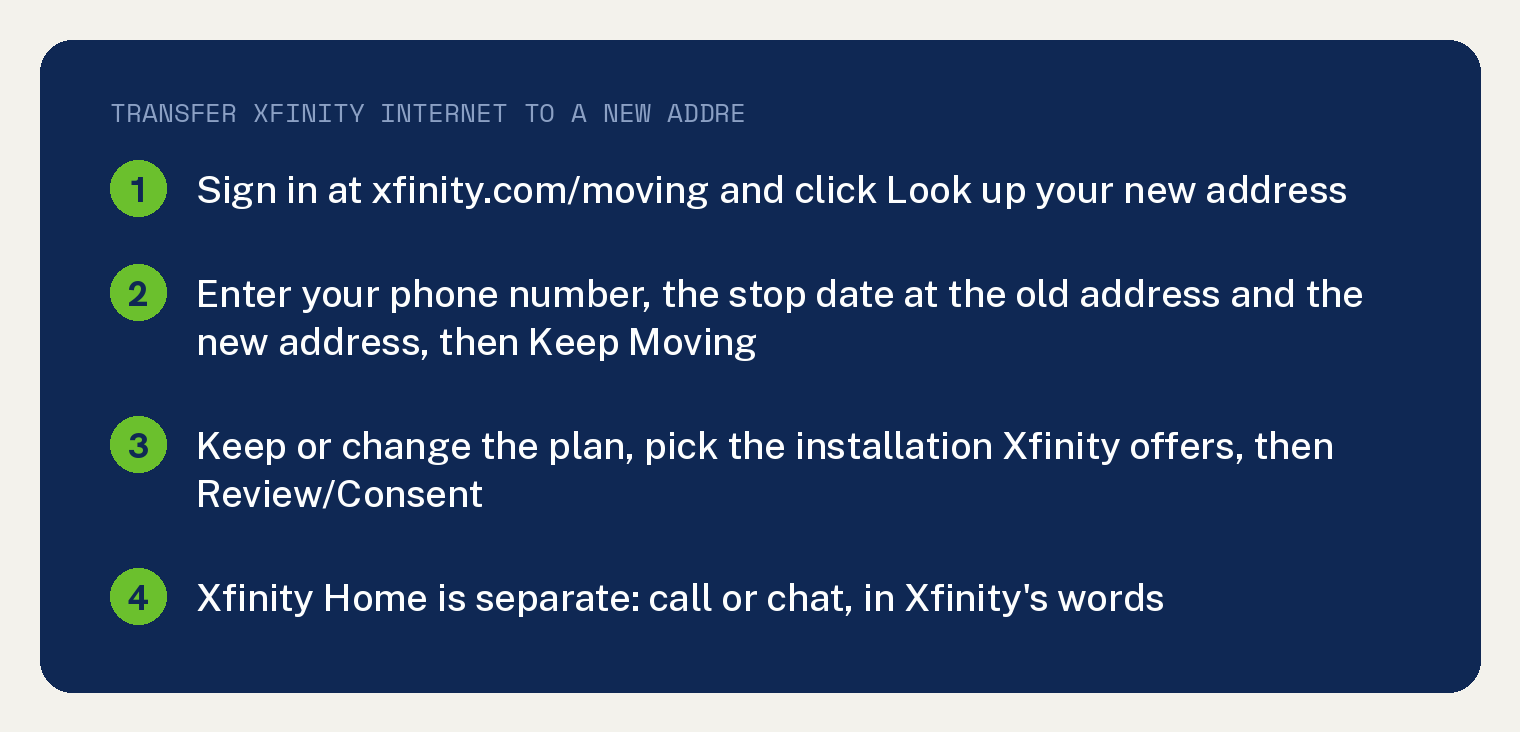
Xfinity’s move page covers internet, TV and Voice in that one online flow: “It’s easy to transfer Xfinity Internet” then “TV, and/or Voice services to your new address, all online.” Xfinity Home is the exception, in the page’s words “If you need to transfer Xfinity Home service, call 1-800-XFINITY or speak with a chat agent.”
Step 1: look up the new address
Sign in to your xfinity.com account and go to xfinity.com/moving, then click Look up your new address. The page tells you whether the new address is in Xfinity’s service area.
You can also get there from the Xfinity app. Xfinity adds “You can also reach this page by clicking Move or Transfer Service in the Account Details section of the Xfinity app”.
Step 2: enter the phone number, stop date and new address
Three things go in: the best phone number to reach you, the date you want service to stop at the current address, and the new address. Then click Keep Moving.
As printed, the three fields are “Best phone number to reach you.” / “The date you would like to stop service at your current address” / “Your new address.”
Step 3: keep or change the plan
The next screen lets you change the plan or keep it. Xfinity’s line is “You can make changes to your plan. When you are ready, click Keep moving” and, for a change, “you’ll be shown the available services for each of our Xfinity lines of business.”
Step 4: pick the installation
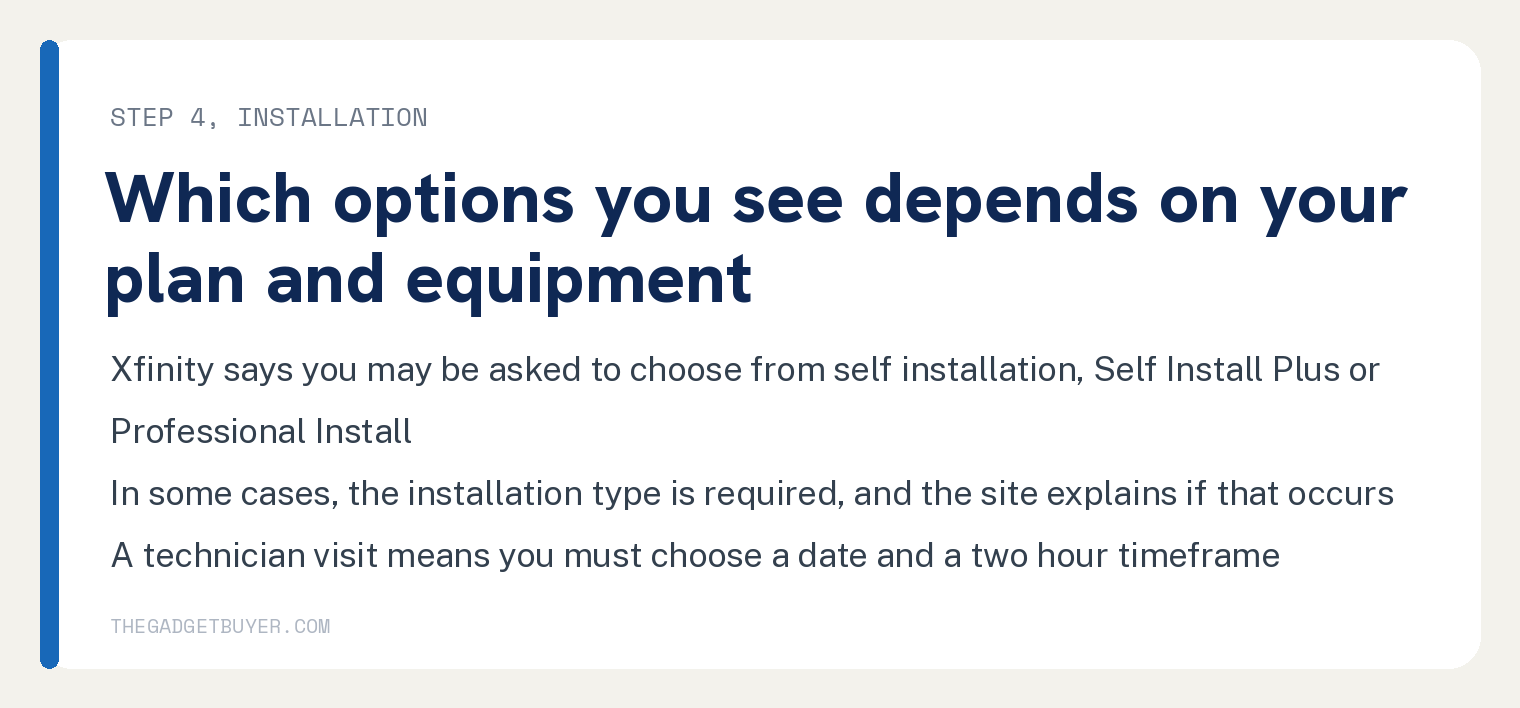
Installation options come next, and which ones you see depends on your plan and equipment. The page’s wording: “Based on your plan and equipment, you may be asked to choose from self-installation, Self Install Plus, or Professional Install. In some cases, the installation type is required and the site explains if that occurs.”
Self installation means you pick the start date at the new address, and the page shows your current equipment with a link to installation guides. Self Install Plus or Professional Install means you “must choose a date and two-hour timeframe for a technician to arrive.”
Click Keep Moving once more after the installation details.
Step 5: review and consent
The review page lists the addresses, the equipment, and any plan changes or payments due. Two clicks finish it.
The screen’s wording: “Click Review/Consent to accept the terms of the transfer. In the Equipment summary section, click View all to confirm the equipment being transferred.” Once the order is submitted, “you’ll get a confirmation page.”
What to bring on move day
Bring every piece of Xfinity equipment, every cable and every power cord. Xfinity’s equipment page says “you’ll need to gather and bring all Xfinity equipment, accessories, cables and power cords that connect your Xfinity TV”, Internet and Voice services.
The list on that page opens “Your equipment might include:” and names a TV Box, Remote, Modem, Router, Xfinity Internet and Xfinity Voice modem (eMTA) and Wireless gateway, with a pointer to view your equipment information in My Account. The cable list opens “Your cables may include power cables, cords and accessories, like:” and names Coaxial cables, HDMI cables, Ethernet cables and All electrical cords and accessories.
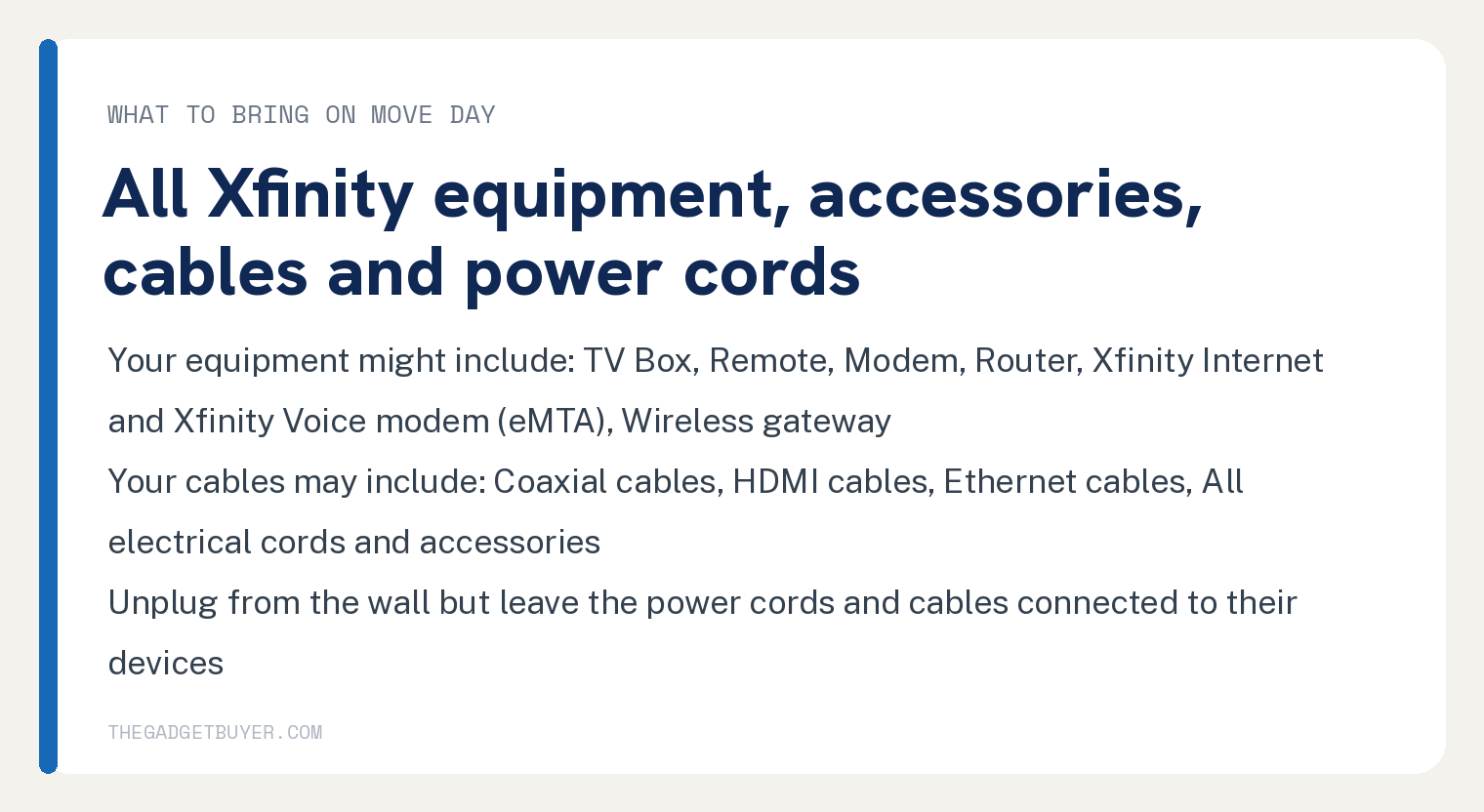
One tip from the page saves setup time: “Unplug your cords from the wall but leave the power cords and cables connected to their devices to save time when setting up your services.”
Professional installation may be chosen or, in some cases, required. Xfinity’s equipment page says “You may choose to have your new equipment and services professionally installed, and in some cases, it may be required.” and that an eligible customer can install and activate once they have arrived with all of the equipment.
If the new address is outside Xfinity’s area
Three ways to reach Xfinity are on the page: submit a request for an agent to contact you, “call Xfinity customer support at 1-800-XFINITY”, or start a chat on xfinity.com. The page’s line is “If your new address is outside of our service area, you can submit a request for an agent to contact you to discuss your options.”
Home internet may end there, and a mobile line can stay. Xfinity’s wording: “When you’re moving outside our service area, you may not be able to keep Xfinity services in your home. However, if you had an Xfinity Mobile account, you can keep your Xfinity Mobile service after you’ve moved!” and “An additional monthly fee per line may apply on your Xfinity Mobile bill along with other restrictions.”
Where Xfinity’s pages stop
Neither page prints how far ahead to book the move or how long it takes. The words days, weeks, advance and notice do not appear in either page’s text.
Neither page prints a fee for moving Xfinity Internet. The one fee line on the move page is about Xfinity Mobile after a move outside the service area.
For the connection once you are in, see Xfinity WiFi connected but no internet and Xfinity WiFi keeps disconnecting. Moving a phone line is covered in how to switch phones on Xfinity Mobile.
Frequently asked questions
Can I transfer Xfinity internet to a new address online?
Yes. Xfinity’s move page says internet, TV and Voice transfer online at xfinity.com/moving, and Xfinity Home needs a call or a chat.
Do I bring my modem when I move with Xfinity?
Yes. Xfinity’s equipment page says to bring all Xfinity equipment, accessories, cables and power cords, and its list of what your equipment might include has the Modem, Router and Wireless gateway on it.
What if Xfinity does not serve my new address?
Request an agent contact, call Xfinity customer support or chat on xfinity.com. Xfinity says you may not be able to keep Xfinity services in your home, and an Xfinity Mobile line can continue with a possible extra monthly fee per line.
Does Xfinity charge to move internet service?
Neither Xfinity page used here prints a fee for moving internet service. The review screen shows “any plan changes or payments due” before you consent, so check that page before you click.