
Oura Ring Not Charging and How to Fix It
Most Oura Ring charging problems come from dirty contacts or a weak cable, not a dead ring. Clean the ring and the dock, seat the ring flat, and plug the charger into a wall adapter.
The dock light pulses white while the ring charges, then turns green when it is full. If it never lights up at all, the fix is almost always the cable, the power source, or gunk on the contacts.
This works for the Oura Ring 5, the Ring 4, and the older Gen 3, all covered in our Oura Ring review.
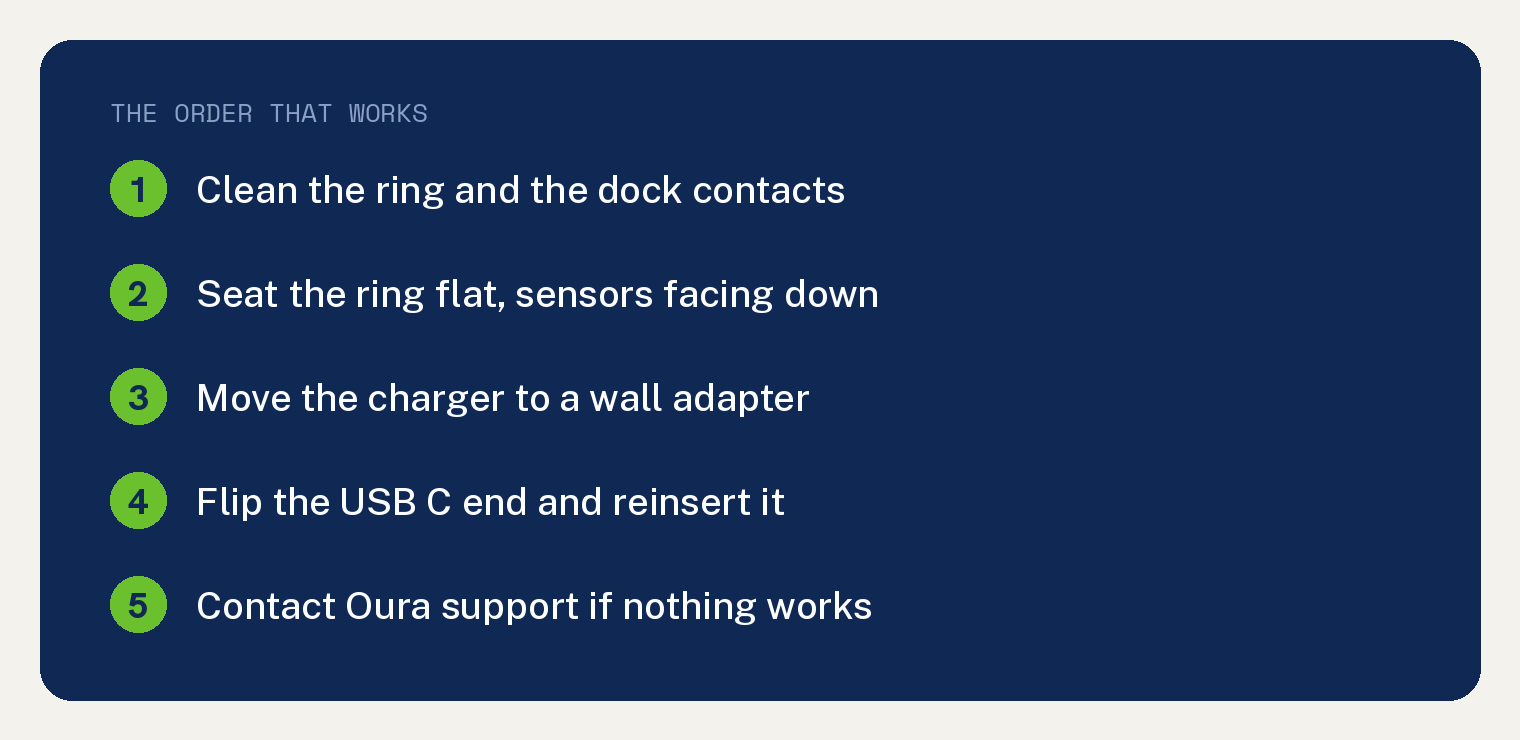
Why your Oura Ring won’t charge
You wear the ring day and night, so sweat, lotion, and skin oil build up on the metal charging pads. That film blocks the connection.
The other common causes are a ring that is not seated right on the dock, a slow or dead cable, or a weak power source like a USB hub.
A truly failed battery or charging coil is rare. Rule out the easy stuff first.
Clean the charging contacts first
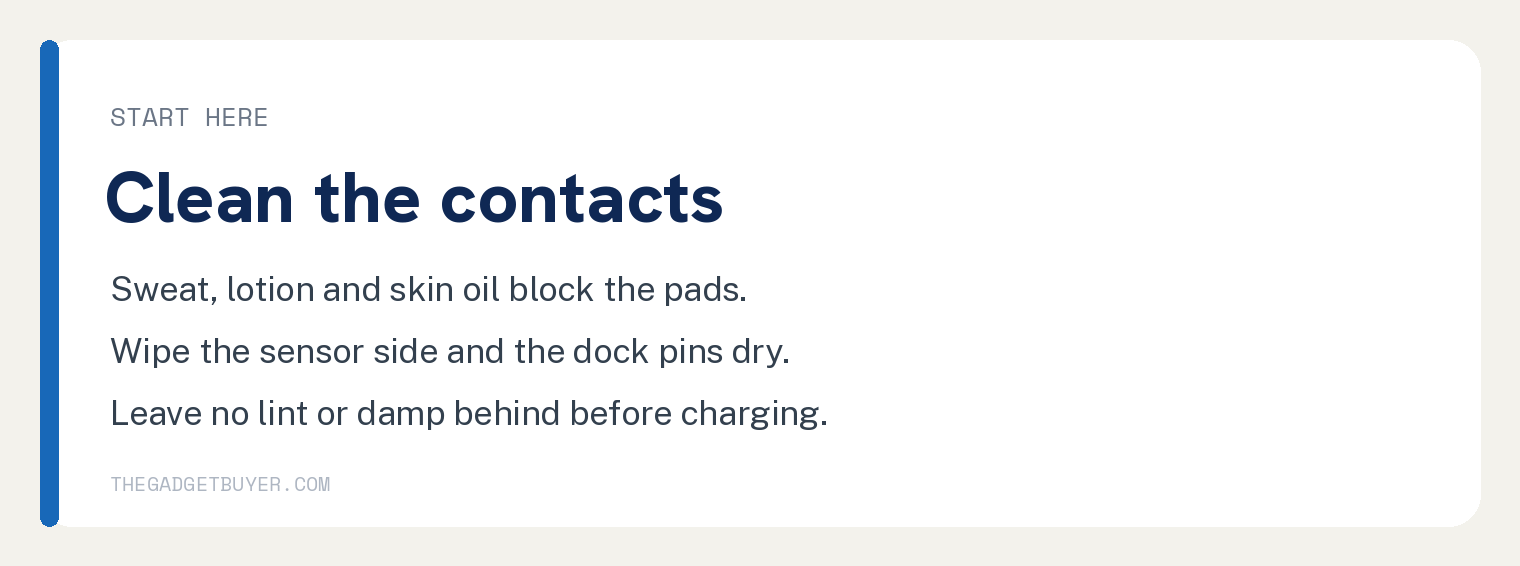
This is smart upkeep for a ring you wear all day, and it clears many slow or stalled charges. You need a dry, soft cloth.
- Take the ring off the dock.
- Wipe the flat sensor side inside the ring with the cloth.
- Wipe the small metal pins on the charging dock.
- Make sure both are dry, with no lint or debris left behind.
For stuck grime, lightly dampen the cloth with water, then dry everything fully before charging.
Seat the ring correctly on the dock
The ring only charges when its sensors line up with the dock pins. Place it flat, sensor side down, centered on the dock.
It should sit still without wobbling. When it is right, the dock light starts to pulse white.
If the light does not appear or fades out, nudge the ring until it sits square and steady.
Check the cable and power source
A weak port is a common culprit. Plug the charger into a wall adapter instead of a laptop or a USB hub.
- Rotate the USB C end of the cable 180 degrees and reinsert it.
- Try a different wall outlet.
- Swap in another USB C cable if you have one.
Give it a few minutes on each try. A good connection makes the dock light pulse white.
Quick diagnosis
| What you see | Likely cause | Fix |
|---|---|---|
| Dock light never turns on | Cable or power source | Wall adapter, flip the cable, swap cables |
| Light flickers on and off | Ring not seated right | Center the ring, sensors down |
| Charges slowly or not fully | Dirty contacts | Clean ring and dock pins |
| Nothing works after all this | Battery or coil fault | Contact Oura support |
Still not charging? Here is what to do
If the contacts are clean, the cable is good, and the ring still will not take a charge, the battery or charging coil may have failed.
Reach out to Oura support to check your warranty and start a replacement. In my experience the response is quick.
One of my daughters had an Oura Ring fail once, and Oura sent a replacement without a hassle. That track record is a big reason smart rings earned a spot in our best smart rings guide.
Frequently asked questions
How long does an Oura Ring take to charge?
A full charge takes roughly 20 to 80 minutes, depending on the model and how empty it is. The app shows the battery percentage as it fills.
Why won’t the charging dock light turn on?
The dock needs real power and a good cable. Move it to a wall adapter, flip the USB C plug, or try another cable, and the light should start pulsing white.
Can moisture stop an Oura Ring from charging?
Yes. A wet ring or wet contacts can block charging and harm the battery. Dry the ring fully before setting it on the dock.
Is it worth fixing an old Oura Ring or buying new?
If it is out of warranty and the battery is failing, a new ring may be the better spend. Our roundup of the best Oura alternatives covers cheaper rings that skip the monthly fee.
How do I know my Oura Ring is charging?
The dock light pulses white while charging and turns green when the ring is full, and the app shows a rising battery level. No light at all means no charge is flowing, so recheck the steps above.