
Roku TV Stuck on Roku Screen Means a 60 Second Unplug First
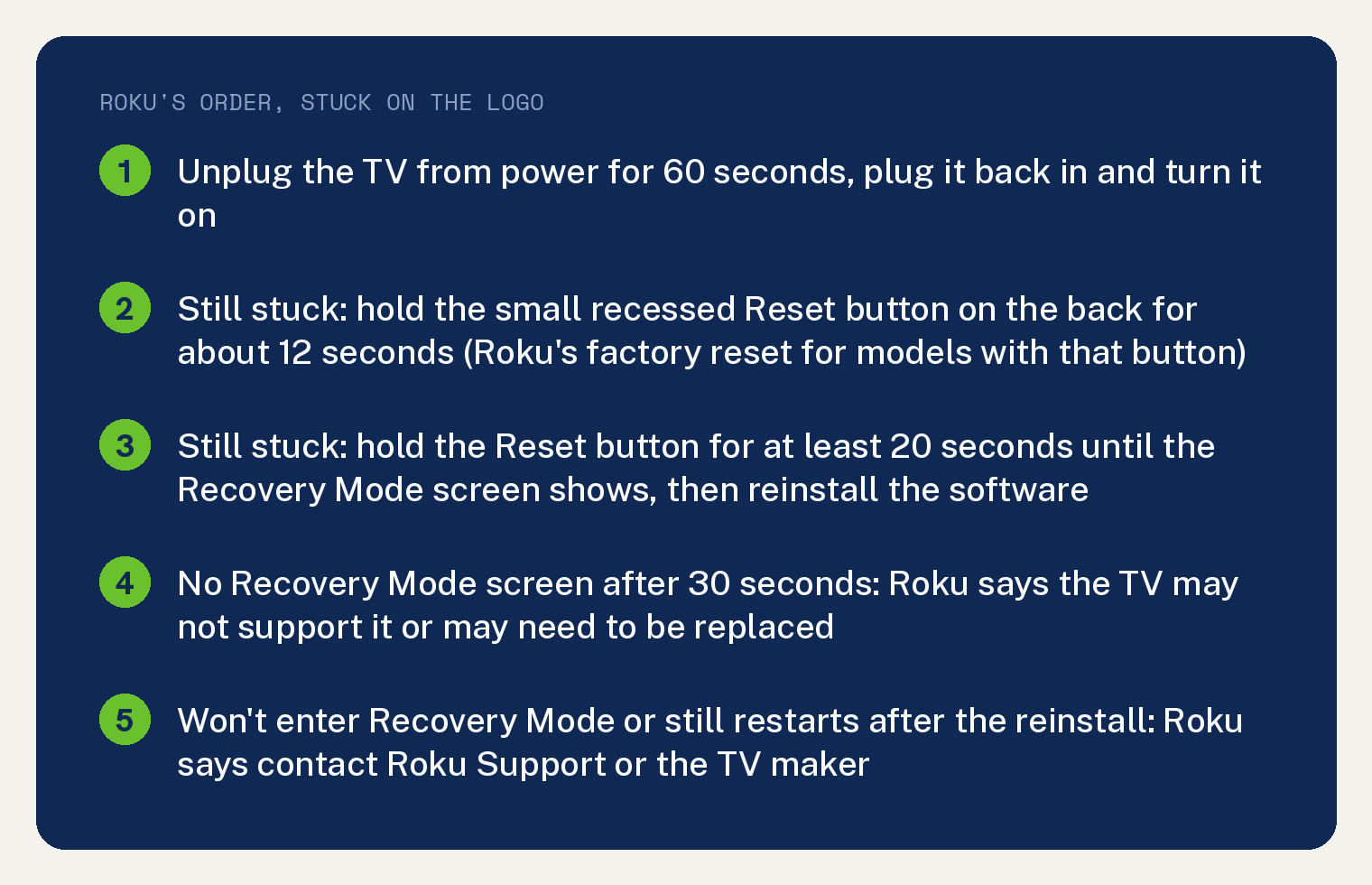
A Roku TV stuck on Roku screen gets four moves from Roku, in this order: unplug the TV for 60 seconds, factory reset it (on models with a Reset button, that is the recessed button on the back) if it still sticks, start Recovery Mode and reinstall the software, then contact Roku or the TV maker if Recovery Mode will not start. Roku’s page covers this exact case: “If your Roku TV keeps restarting, gets stuck on the logo screen, or loops during setup, this guide can help you get your TV working again.”
Roku’s one line on the cause keeps its own hedge: “These issues usually mean the TV’s software didn’t load correctly or got stuck while updating.”
Is my Roku TV stuck on the logo or restarting?
Roku’s page treats three symptoms as one problem, and the logo screen is the first. Its list: “Shows the Roku or TV brand logo, then restarts again”, then “Screen stays dark and the power light flickers” repeatedly, then “Restarts while setting up”.
A TV that shows the logo and reboots over and over is the restart loop, and this site covers the TCL version in a TCL Roku TV that keeps restarting. A TV that sits on the logo and goes no further gets the same four steps below.
Step 1: unplug the TV for 60 seconds
Pull the TV’s power plug, count a full minute, then plug it back in and turn it on. Roku’s words: unplug your TV “from power for 60 seconds”, then “Plug it back in and turn it on”.
Step 2: factory reset with the Reset button on the back
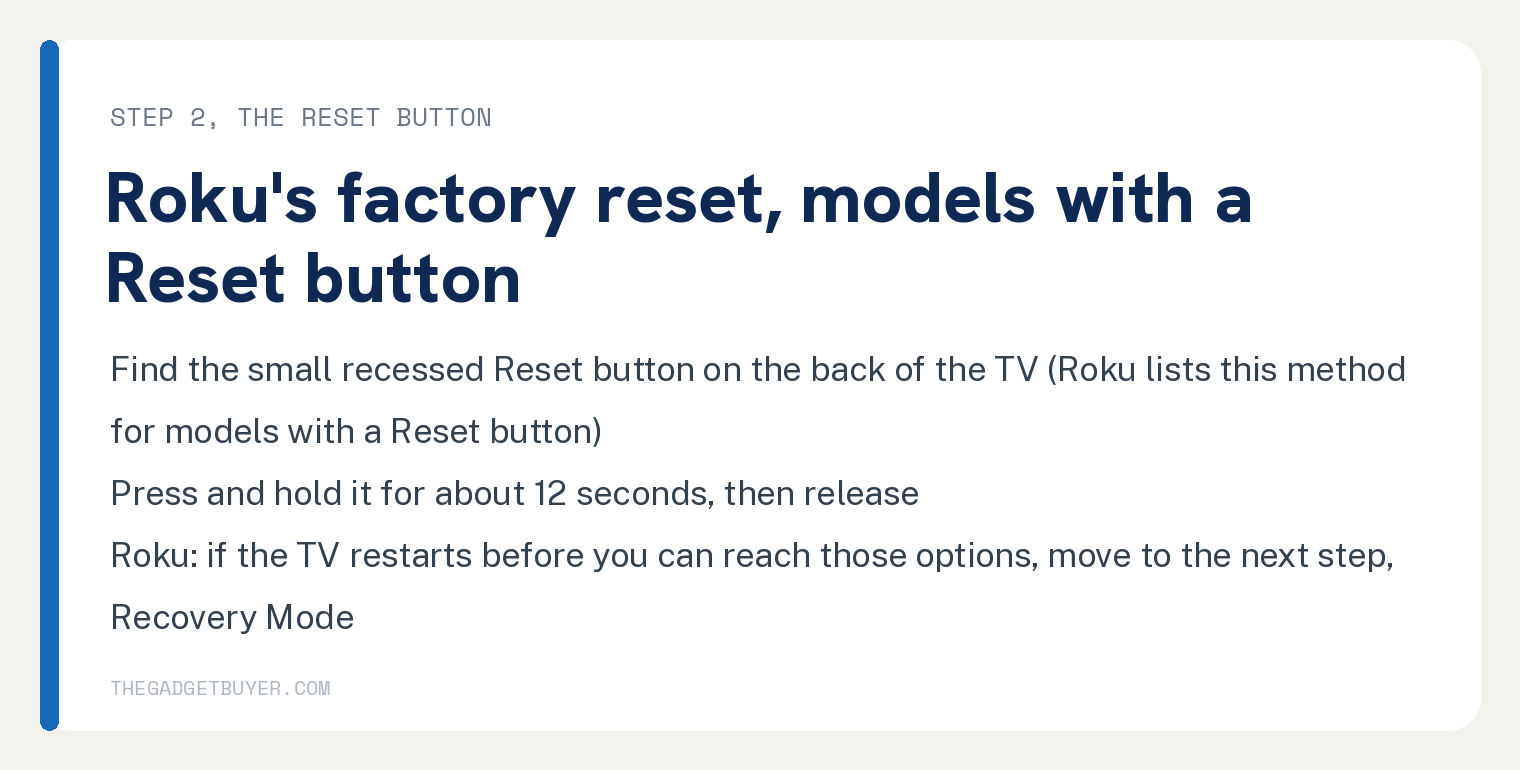
If the logo screen comes back, Roku’s next step is a factory reset, and the method depends on your TV model. The one method Roku’s page prints is for models with a Reset button: “Press and hold the small recessed Reset button on the back of the TV for about 12 seconds, then release.”
Roku adds one condition before the next step: “If your TV restarts before you can reach those options, move to the next step.”
Step 3: start Recovery Mode and reinstall the software
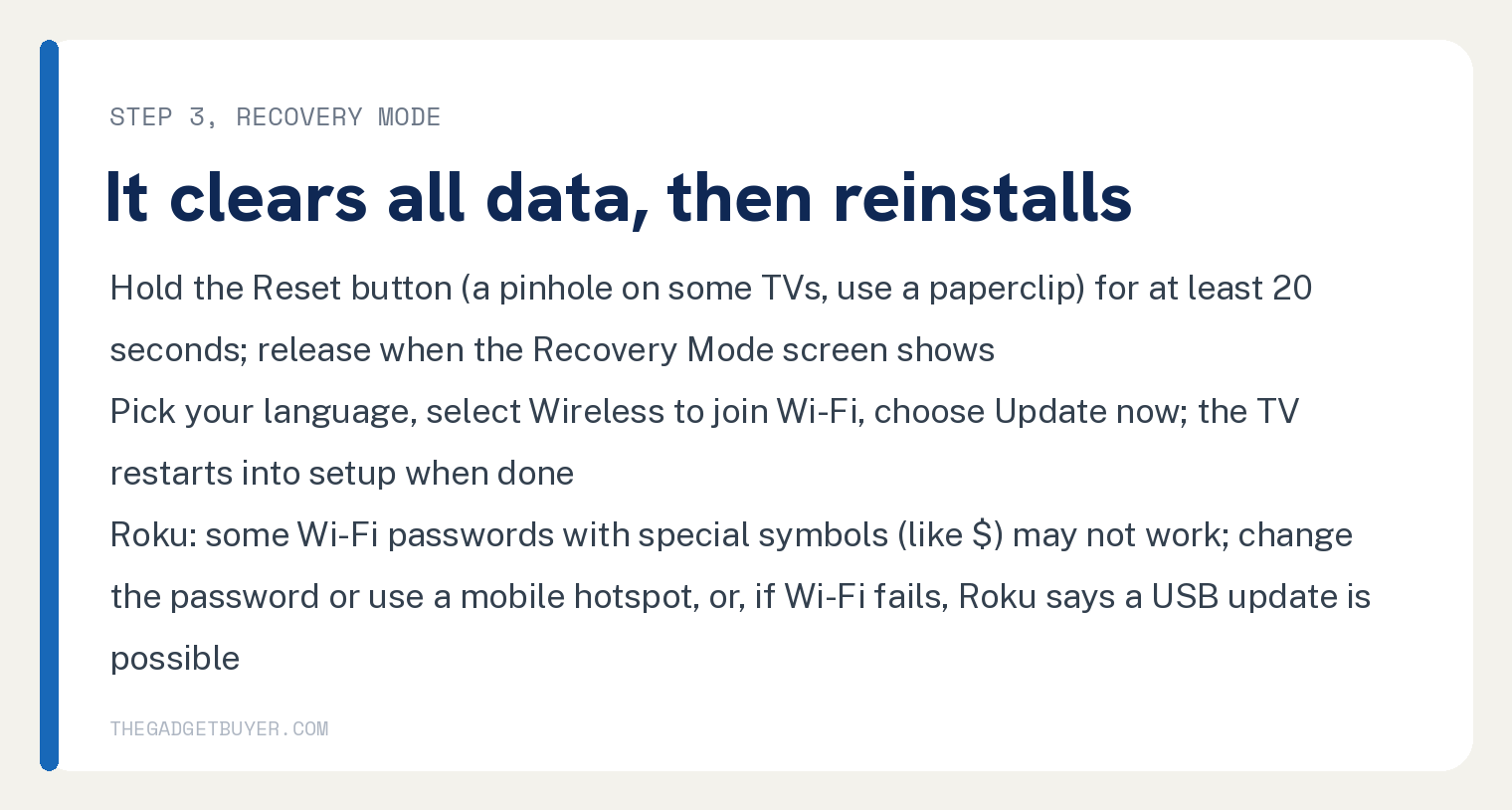
Recovery Mode wipes the TV and reloads Roku’s software, and it is the step Roku moves you to when the TV restarts before you can reach the reset options. Roku’s warning first: “It’s a deeper reset that clears all data and reloads the Roku software.”
To start it, find the Reset button “on the back or bottom of your TV”. Some TVs hide it in a pinhole, and Roku says to “use a paperclip to press it”.
Hold the button for at least 20 seconds and let go when the TV restarts and shows the Recovery Mode screen. Roku’s line: “Release the button when the TV restarts and shows a screen that says” Recovery Mode.
That screen is also Roku’s replacement sign: “If your TV doesn’t show this screen after 30 seconds, it may not support Recovery Mode or may need to be replaced.” For that case Roku says to contact Roku Support or your TV manufacturer for repair or replacement options.
Once Recovery Mode is up, Roku’s steps are to “Use your remote to pick your language”, select Wireless to join Wi-Fi, choose Update now “to download and reinstall the software”, and wait: “When the update finishes, your TV will restart and guide you through setup again”. Roku’s last line in that list: “If the TV continues looping or doesn’t enter Recovery Mode, move on to the next step”.
Roku adds a note on passwords: “Some Wi-Fi passwords with special symbols (like $) may not work. If that happens, change your Wi-Fi password or try a mobile hotspot.” For a TV that cannot join Wi-Fi in Recovery Mode, Roku says “it’s possible to update your TV using a USB drive.” and links its USB update page.
Step 4: when Roku says to contact support
After Recovery Mode, Roku’s page has one case left: “If your TV won’t go into Recovery Mode or still restarts after reinstalling software,” contact Roku Support “or the TV manufacturer if it’s made by a brand like TCL, Hisense, etc.”
Have the TV’s device ID ready. Roku: “Be prepared to check the device ID on the back of the TV or its box to help with troubleshooting.”
What causes a Roku TV to get stuck on the Roku screen?
Roku’s one cause line, software that did not load or got stuck while updating, is quoted at the top with Roku’s own hedge word kept.
Beyond that, Roku’s page cited below prints no hardware cause, no power board, capacitor, overheating or HDMI device: those strings count 0 on the page. It prints no number of minutes or hours to wait on the logo screen before acting, and no repair cost or warranty line.
It also prints no remote or menu route to a factory reset: the strings menu and Settings count 0 in the article, and the only reset method it lists is the Reset button on models that have one. This article stays with what the page prints.
If the TV turns on to a black screen with no logo at all, this site covers a TCL Roku TV with a black screen but working sound. If the remote’s power button does nothing, see a Roku remote power button that is not working.
Frequently asked questions
How long should a Roku TV stay on the Roku screen?
Roku’s page gives no number of minutes. It gives the steps: unplug for 60 seconds, reset with the Reset button on models that have one, then Recovery Mode. The one timed sign it names is this: “If your TV doesn’t show this screen after 30 seconds, it may not support Recovery Mode or may need to be replaced.”
Does a factory reset fix a Roku TV stuck on the logo?
It is Roku’s next move after the 60 second unplug. The method depends on your TV model, and the one Roku’s page prints is for models with a Reset button: “Press and hold the small recessed Reset button on the back of the TV for about 12 seconds, then release.” Roku’s cue to move on to Recovery Mode: “If your TV restarts before you can reach those options, move to the next step.”
Will Recovery Mode delete everything on my Roku TV?
Yes. Roku’s page says it “clears all data and reloads the Roku software”, and after the update “your TV will restart and guide you through setup again”.
Is a Roku TV stuck on the logo screen broken for good?
Roku’s page names one sign and keeps it conditional: no Recovery Mode screen after 30 seconds means the TV “may not support Recovery Mode or may need to be replaced.” A TV that enters Recovery Mode and still restarts after the reinstall is Roku’s contact support case, and the page prints no repair cost.