
If Your Roku TV Won’t Turn On, Roku Says Outlet, Then Reset
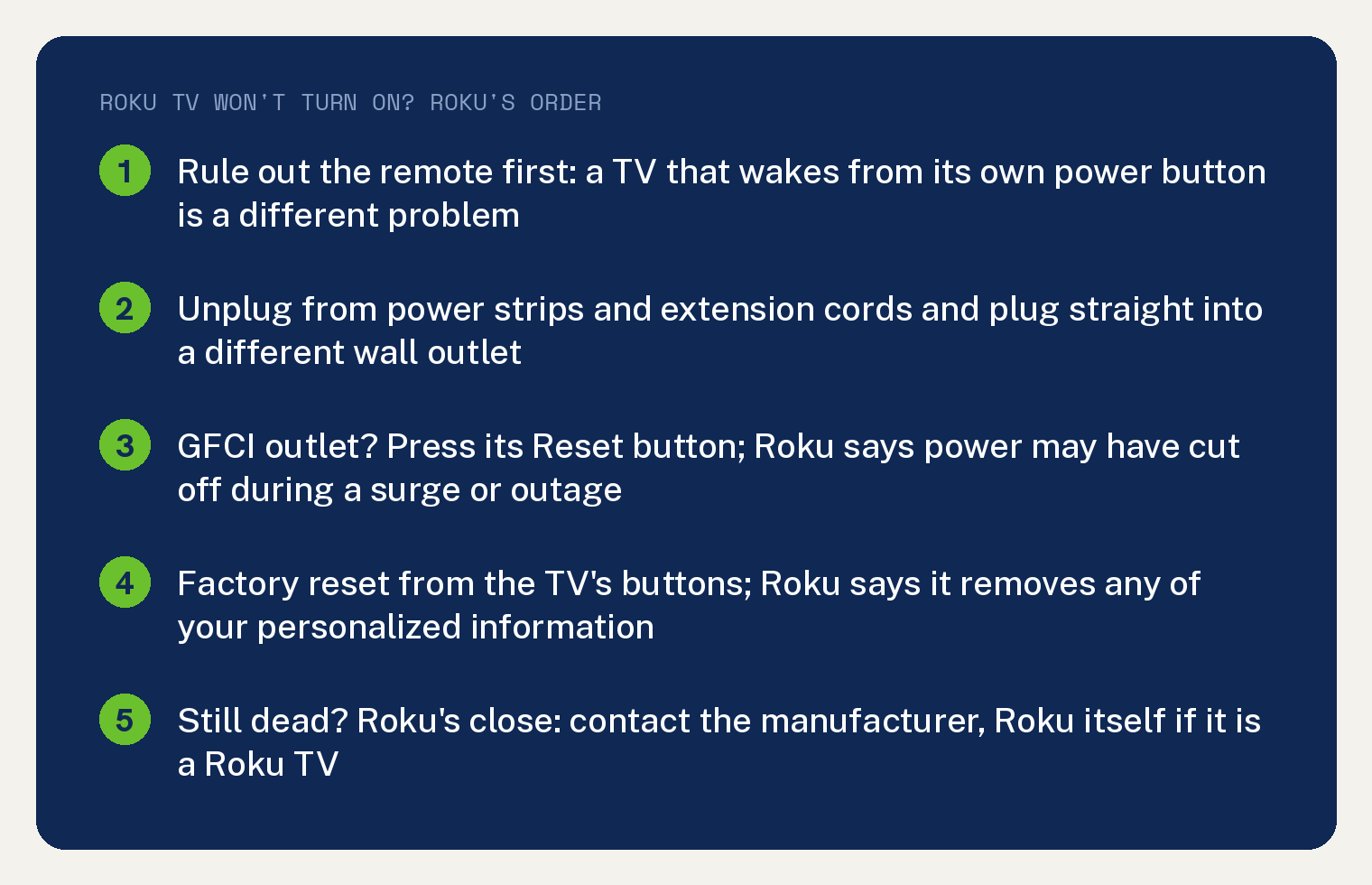
When a Roku TV won’t turn on, Roku’s page gives two steps in this order: move the TV to a different wall outlet with nothing in between, then factory reset it from the buttons on the set. If neither brings it back, Roku’s close is to contact the manufacturer.
Roku writes one page for two symptoms, a set that will not power on and a set that plays sound with no picture. Its opening line covers both: “If your Roku TV™ will not power on, or has no picture and is only playing sound, there are several steps that you can try to fix these issues.”
Before you start, rule out the remote. A set that ignores the remote’s power button but wakes from the button on the TV itself is a different problem, and this site’s Roku remote power button article covers it.
What should I try first when my Roku TV won’t turn on?
Pull the plug out of whatever it is in and put it straight into a different wall outlet. Roku’s step reads: “Unplug your TV from its power source, including any power strips or extension cords, and plug it directly into a different wall outlet.”
Roku’s step names the power strip and the extension cord, so both come out of the chain for this test.
If the TV was on a GFCI outlet, press Reset. Roku’s note: “If your Roku TV is plugged into a GFCI outlet”, then “power may have cut off during a surge or outage.”
Roku adds that “These outlets usually have two buttons” and says to “Press the Reset button to restore power to the outlet.”
For the sound with no picture version of the problem, Roku wants the set turned off first: “If your TV has no picture but has sound, first turn it off by pressing the Power button on your Roku remote or using the Power button on the TV.”
How do I factory reset a Roku TV that won’t turn on?
Use the buttons on the TV. Roku’s page says why that route exists: “It is possible for your TV to get into a state where you cannot access the various menus, including the menu option that lets you perform a factory reset.”
Read the cost before you press anything. In Roku’s words, “Factory reset returns the TV to its original state and removes any of your personalized information.”
Afterwards the TV walks you through setup again. Roku’s page says “you will need to go through the Guided Setup process”, and tells you to “Be ready to reconnect your TV to Wi-Fi”, to re link your Roku account, and to set up your streaming channel accounts, plus any input configuration including live TV inputs.
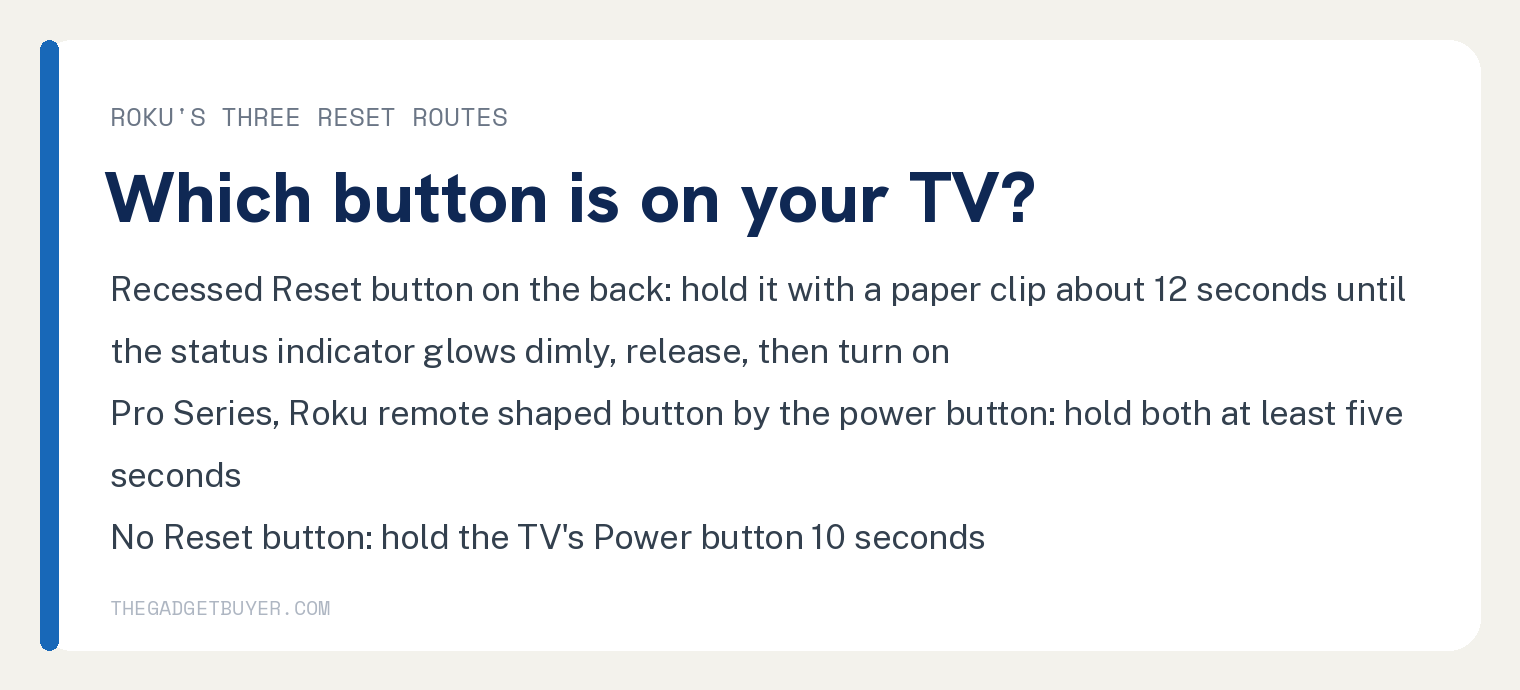
Which button you hold depends on what is on the back or side of your TV. Roku splits it three ways.
TVs that have a Reset button
Look for a recessed button on the connector panel at the back. Roku: “Some Roku TVs have a Reset button located in a recessed groove on the back panel.”
- Press and hold the recessed Reset button with a straightened paper clip or a ballpoint pen.
- Keep holding for about 12 seconds. Roku’s sign that it worked: “When the reset cycle completes, the status indicator on your TV will glow dimly.”
- Let go. Roku’s wording: “Release the Reset button. The TV is now powered off.”
- Turn the TV on and go through guided setup.
TVs that have a Roku remote button
Roku names the Pro Series here. Roku’s page: “Roku Pro Series TVs have a button shaped like a Roku remote located next to the power button on the right side panel.”
Hold that button and the power button together. Roku’s step reads: “Factory reset the TV by holding both the Roku remote and power buttons down for at least five seconds.”
TVs that have no Reset button
Use the power button alone. Roku’s one line for this case: “Hold down the Power button on the TV for 10 seconds to reset.”
What if the Roku TV still won’t turn on after a reset?
Call the company that made the set. Roku’s close: “If you have followed all the steps provided in this article and your TV will not power on, or has no picture and only plays sound, you will need to contact the manufacturer.”
The page splits the call by who built the set: “If it is a Roku TV, contact us”, and “If your TV was made by another manufacturer find out where to get support.”
A TV that lights up and then stalls on the Roku logo is a different page on this site: Roku TV stuck on the Roku screen. A set that shuts itself off is Roku TV keeps turning off, and a TCL set with the same dead symptom gets TCL’s own steps.
What Roku’s page does not say
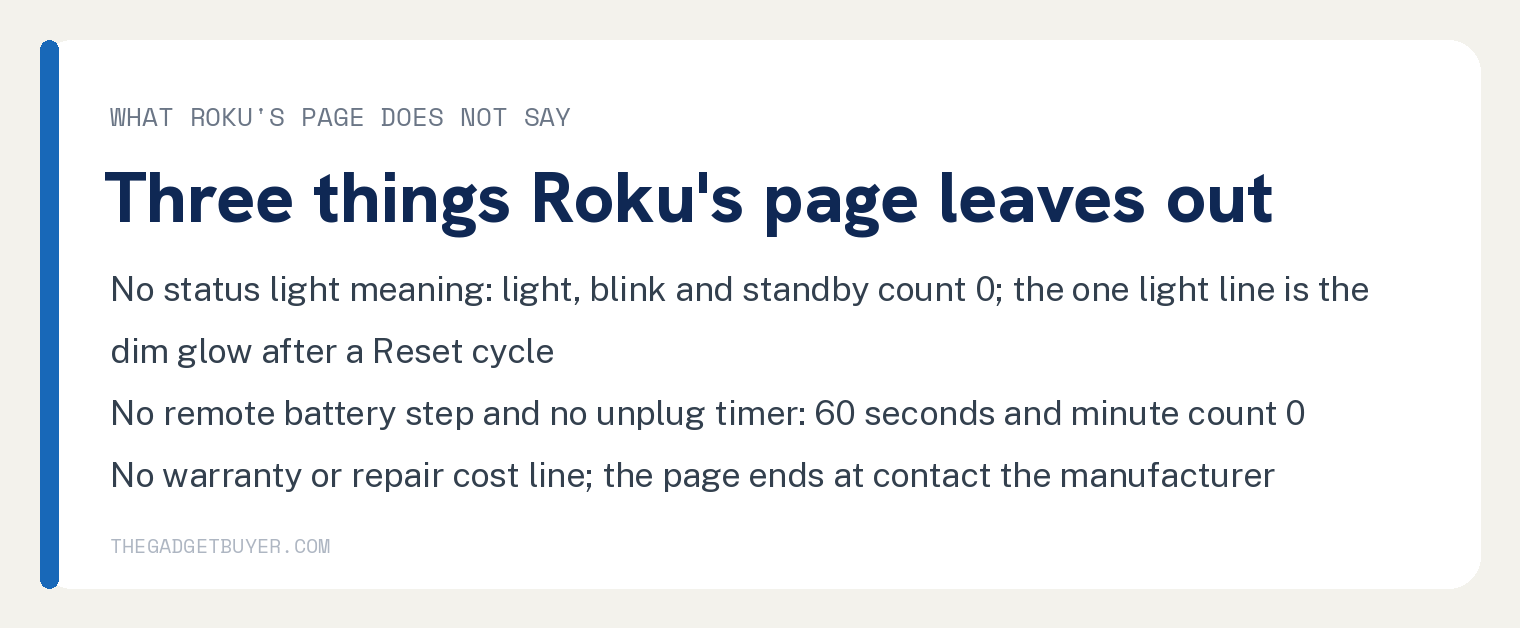
It gives no meaning for a status light on a TV that will not power on. The strings light, blink and standby count 0 on the page; its one light line is the dim glow at the end of a Reset button cycle.
It gives no remote battery step, no wait time for the unplug step, and no HDMI or input check. The strings batter, 60 seconds, minute and HDMI count 0, and every article line that says remote is about the remote’s power button or the Pro Series button.
It prints no warranty or repair cost line. Warranty, cost and repair count 0, and the page ends at contact the manufacturer.
Frequently asked questions
Why won’t my Roku TV turn on at all?
Roku’s page names a GFCI outlet: “power may have cut off during a surge or outage.” The rest of the page is steps to try, in the order outlet first, then factory reset, with contact the manufacturer at the end.
Does a factory reset delete everything on a Roku TV?
Roku says it “removes any of your personalized information” and returns the TV to its original state. You go through Guided Setup again, reconnect to Wi Fi, re link your Roku account, and set up streaming channel accounts and inputs.
How long do I hold the Reset button on a Roku TV?
About 12 seconds on a set with the recessed Reset button, until the status indicator glows dimly. On a Pro Series set, hold the Roku remote shaped button and the power button together for at least five seconds; on a set with no Reset button, hold the power button for 10 seconds.
Should I unplug my Roku TV for 60 seconds?
Roku’s page sets no timer for the unplug step, which is to unplug the TV from everything, including power strips and extension cords, and plug it directly into a different wall outlet.