
What to Do If Your Apple Watch Face Comes Off
If your Apple Watch face comes off or lifts away from the case, stop wearing it and do not try to glue it back on. Apple says not to use a damaged Apple Watch, not to open it or repair it yourself, and to contact Apple or an Apple Authorized Service Provider instead.
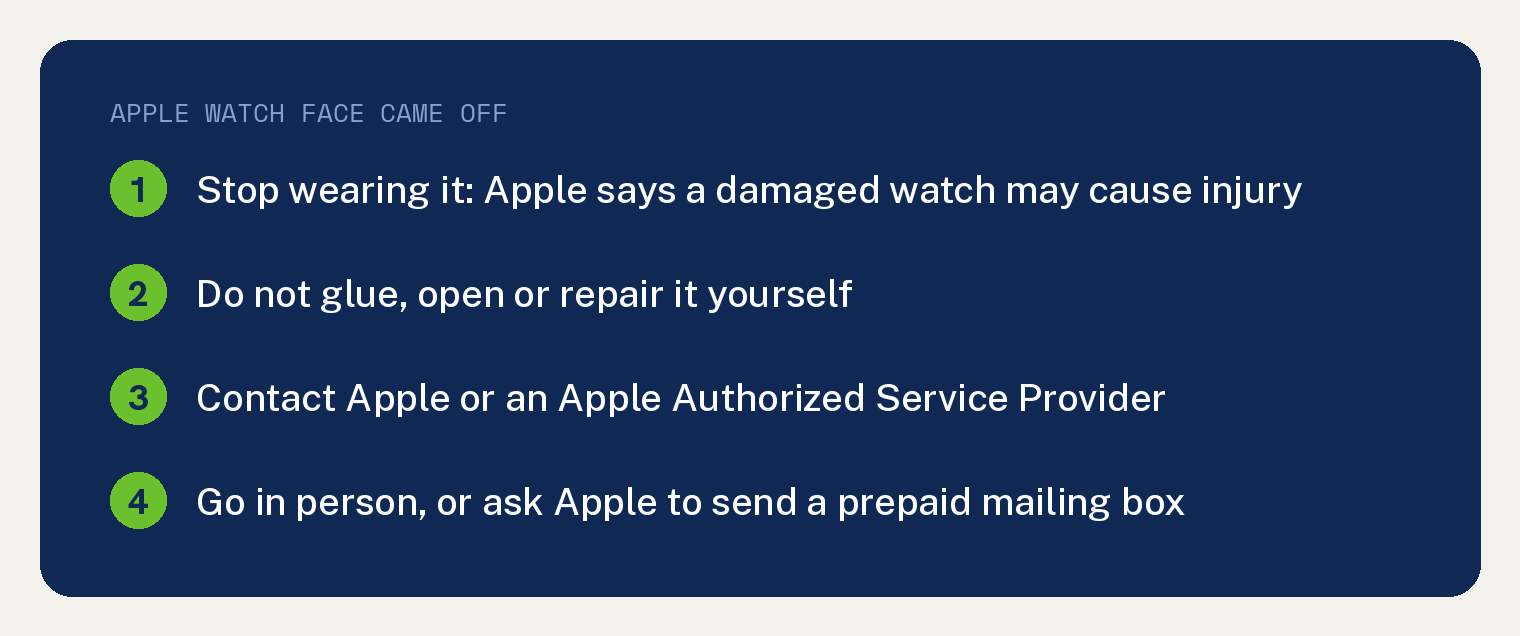
Apple’s safety information for Apple Watch says: “Don’t use a damaged Apple Watch, such as one with a cracked screen or case, visible liquid intrusion, or a damaged band, as it may cause injury.”
We treat a screen that has come away from the case as damage under that rule, since Apple’s examples include a cracked screen or case. The steps below come from that safety page in the Apple Watch User Guide for watchOS 27 and from Apple’s service and repair page for Apple Watch.
Is it safe to keep wearing an Apple Watch with a loose screen?
No. Apple says a damaged Apple Watch may cause injury, and a cracked screen or case is one of the examples it gives. We read a screen that has come off as that type of damage.
Take it off your wrist and keep it off until it has been repaired.
Can I glue my Apple Watch screen back on?
No. Apple’s safety page says “Don’t open Apple Watch and don’t attempt to repair Apple Watch yourself.”
That rules out glue and home repair kits, because each one means repairing the watch yourself. Apple says disassembling the watch “may damage it, result in loss of water resistance, and may cause injury to you.”
On Apple Watch Ultra models, Apple adds one more rule: do not unscrew the rear screws. For a damaged watch, the safety page says “If your Apple Watch is damaged or malfunctions, contact Apple or an Apple Authorized Service Provider.”
Can I replace the Apple Watch battery myself?
No. The same safety page says “Don’t attempt to replace the Apple Watch battery yourself” and gives the reason: “you may damage the battery, which could cause overheating and injury.”
Apple says only Apple or an authorized service provider should service the battery. If you order battery service, Apple says you may receive a replacement Apple Watch in place of your original one.
For battery life on a watch that is not damaged, see our guide on how to stop an Apple Watch battery dying fast.
Where do I take an Apple Watch with a screen that came off?
Take it in person to a Genius Bar or an Apple Authorized Service Provider, or mail it to Apple. Both routes are on Apple’s service and repair page for Apple Watch.
- In person: Apple says its technicians “will inspect your Apple Watch, explain your options, and handle it from there.”
- By mail: Apple says it can send you a prepaid shipping box, so you can mail the watch in for repair “on your schedule and without an appointment.”
To begin online, Apple’s repair page says “To get started, tell us what’s going on with your Apple Watch.” Its cost estimate asks for your model, and a link reads “Help identify your model” if you are not sure.
Our guide to the ways to tell which Apple Watch you have can help you find your model. For more on repair shops, read where you can get your Apple Watch screen fixed.
Will Apple fix my Apple Watch for free?
Not always. Apple says “If your situation isn’t covered and consumer law doesn’t apply, there will be a cost associated with repairs through Apple.”
The Apple Limited Warranty covers the watch “against manufacturing issues for one year from the date you bought them.” Apple also says “Our warranty doesn’t cover accidental damage or batteries that wear down from normal use.”

Apple gives you a personalized estimate after it inspects the watch. Its repair page says “We’ll need to inspect your product to provide a personalized estimate.”
Apple Authorized Service Providers price their own work. Apple says they “can set their own service fees and will provide their own estimate.”
Apple also says “If your issue is ineligible for service, you may need to pay the full value for a replacement device.”
Shipping can add to the bill. Apple says “A shipping fee may be added if we need to ship your device.”
Apple adds that its warranty is in addition to the rights consumer law gives you in your country or region. To see where your watch stands, use the link on Apple’s repair page that reads “Check your coverage status here.”
Does AppleCare cover an Apple Watch screen that came off?
If an accident such as a drop or bump caused it, AppleCare covers the repair. Apple’s repair page says “Your Apple Watch is covered for unlimited repairs for accidents like drops or bumps.”
Expect a service fee. Apple says “Fees may be subject to tax. For service covered by an AppleCare plan, your service fee is the same at Apple and all Apple Authorized Service Providers.”
AppleCare adds Express Replacement. With AppleCare, Apple says it will “send you a replacement Apple Watch, even before you send yours back.”
If the repair costs more than you want to spend, our guide on how to pick the right Apple Watch to buy can help you choose a replacement.