
AirPods Keep Pausing? 8 Fixes That Work
AirPods keep pausing because the ear detection sensors think an AirPod left your ear. Dirty sensors, a loose fit, or hair over the sensor all trigger it.
The two fastest fixes: clean your AirPods with a soft dry cloth, and turn off Automatic Ear Detection in Settings.
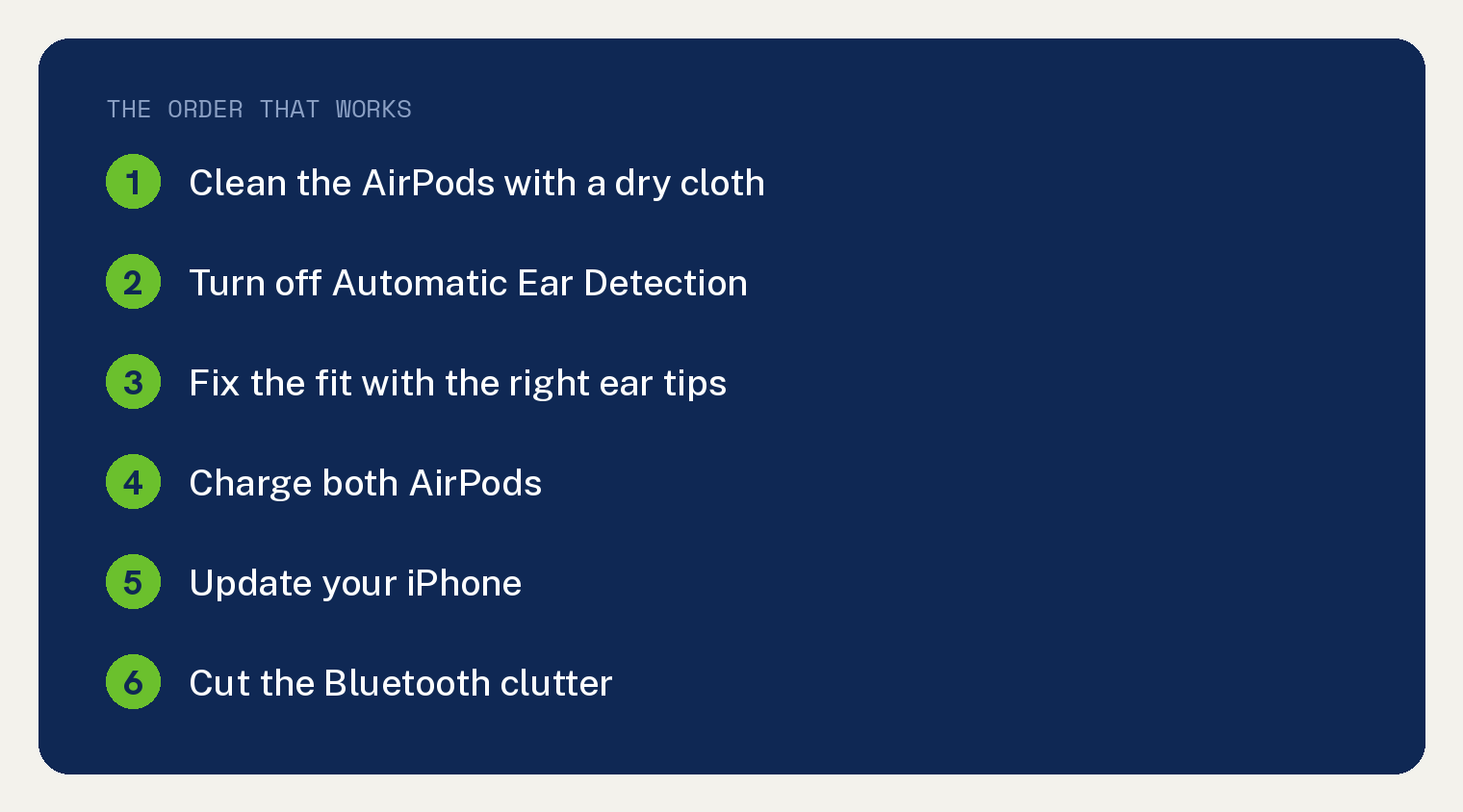
Below are all 8 fixes in the order worth trying. Steps confirmed against Apple’s AirPods documentation on iOS 26 in July 2026.
Why do AirPods keep pausing?
Each AirPod carries a small sensor that knows when it sits in your ear. Pull one out and your music pauses, which is the feature working as designed.
The problem starts when the sensor gets fooled. Earwax or gym sweat on the sensor, a loose fit, or hair sliding over the earbud can all read as an AirPod leaving your ear.
A shaky Bluetooth connection causes pausing too. That version usually comes with stutters or crackles instead of clean pauses.
How do you stop AirPods from pausing?
1. Clean the AirPods
Wipe each AirPod with a soft, dry cloth. Pay attention to the darker sensor areas on the side of each bud.
Do not use water or cleaning spray on the speaker mesh. A dry cotton swab works for tight spots.
2. Turn off Automatic Ear Detection
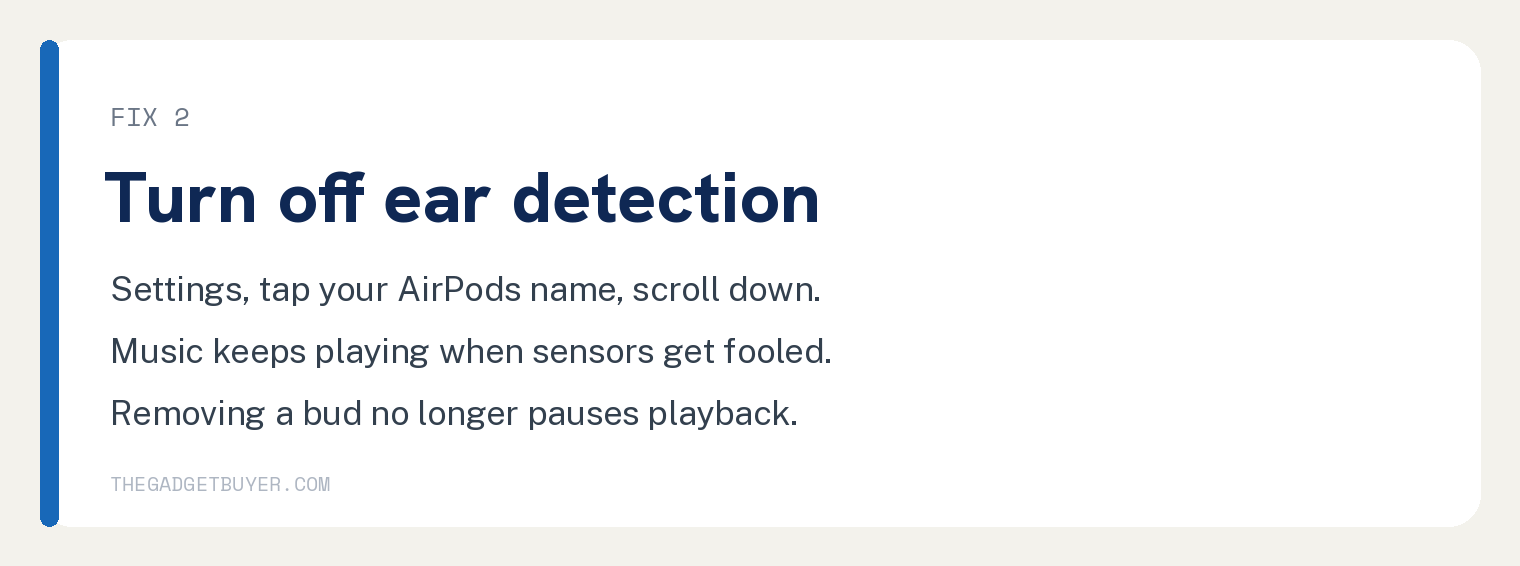
- Put your AirPods in your ears so they connect.
- Open the Settings app (the gray gear icon).
- Tap your AirPods name near the top of the screen.
- Scroll down and tap the switch next to Automatic Ear Detection so it turns gray.
Music now keeps playing even when the sensors get confused. The tradeoff is that removing an AirPod no longer pauses playback, and battery drains if you leave them out and playing.
3. Fix the fit
A loose AirPod shifts as you walk, and every shift can read as a removal. On AirPods Pro, try the other ear tip sizes in the box until the seal feels snug.
Apple’s ear tip fit test helps here. In Settings, tap your AirPods name, then tap Ear Tip Fit Test and follow the prompts.
4. Charge both AirPods
When one AirPod dies, playback can stumble or pause as the connection juggles itself. Pop both buds in the case for a few minutes and check their charge on your iPhone.
If the case itself will not top them up, work through our guide to an AirPods case that is not charging first.
5. Update your iPhone
Open Settings, tap General, then tap Software Update. AirPods firmware updates ride along automatically while the buds charge near your iPhone, and Apple ships fixes for exactly this kind of bug.
6. Cut the Bluetooth clutter
Pausing with stutters points at interference or a device fight. Turn Bluetooth off on nearby laptops and tablets that also pair to your AirPods.
If your AirPods jump between your iPhone and another device on their own, that automatic switching can pause you mid song. In Settings, tap your AirPods name, tap Connect to This iPhone, and choose When Last Connected to This iPhone to calm it down.
7. Forget and pair again
- Open Settings and tap Bluetooth.
- Tap the small blue i in a circle next to your AirPods.
- Tap Forget This Device, then confirm.
- Open the case lid near your iPhone and follow the popup to pair again.
If the popup never appears, our guide to an iPhone that is not finding AirPods walks through that snag.
8. Reset the AirPods
Put the AirPods in the case and close the lid for 30 seconds. On AirPods Pro and earlier, open the lid, then hold the setup button on the back of the case until the light flashes amber and then white, about 15 seconds.
On AirPods 4 there is no button. Open the lid and double tap the front of the case when the light flashes, then repeat the double tap two more times as the flashing changes, per Apple’s reset page.
After the reset, pair them again from the popup. This wipes the settings, so expect to redo your ear detection and control choices.
If nothing worked
Pausing that survives a reset points at a failing sensor or battery. Run a quick sanity check on the basics first: volume balance and sound quality problems have their own causes, covered in our guides to one AirPod playing louder than the other and AirPod noise cancelling not working.
Then contact Apple Support with your serial number. AirPods carry a 1 year warranty, and Apple can test the sensors in a store.
Frequently asked questions
Why do my AirPods pause when I am walking or running?
Movement jostles a loose AirPod enough to trip the ear sensor. Try smaller or larger ear tips for a tighter seal, or turn off Automatic Ear Detection before workouts.
Why do my AirPods pause when I have not touched them?
Dirty sensors are the top cause, followed by automatic switching to another Apple device. Clean the buds first, then set Connect to This iPhone to When Last Connected.
Do AirPods pause when the case light blinks?
Case lights signal charge and pairing states rather than playback. Our guide to AirPods light colors decodes what each one means.
Does turning off ear detection hurt battery life?
It can. With the feature off, AirPods keep playing when you set them down, so make a habit of putting them back in the case.