
Fitbit Alarm Not Going Off: What to Check, by Model
Fitbit alarm not going off? Check that the alarm saved, turn off Do Not Disturb and Sleep Mode, and enter your PIN if device lock is on. On the Versa and Sense models Google names, charge a battery that is under 8%, then test the vibration motor.
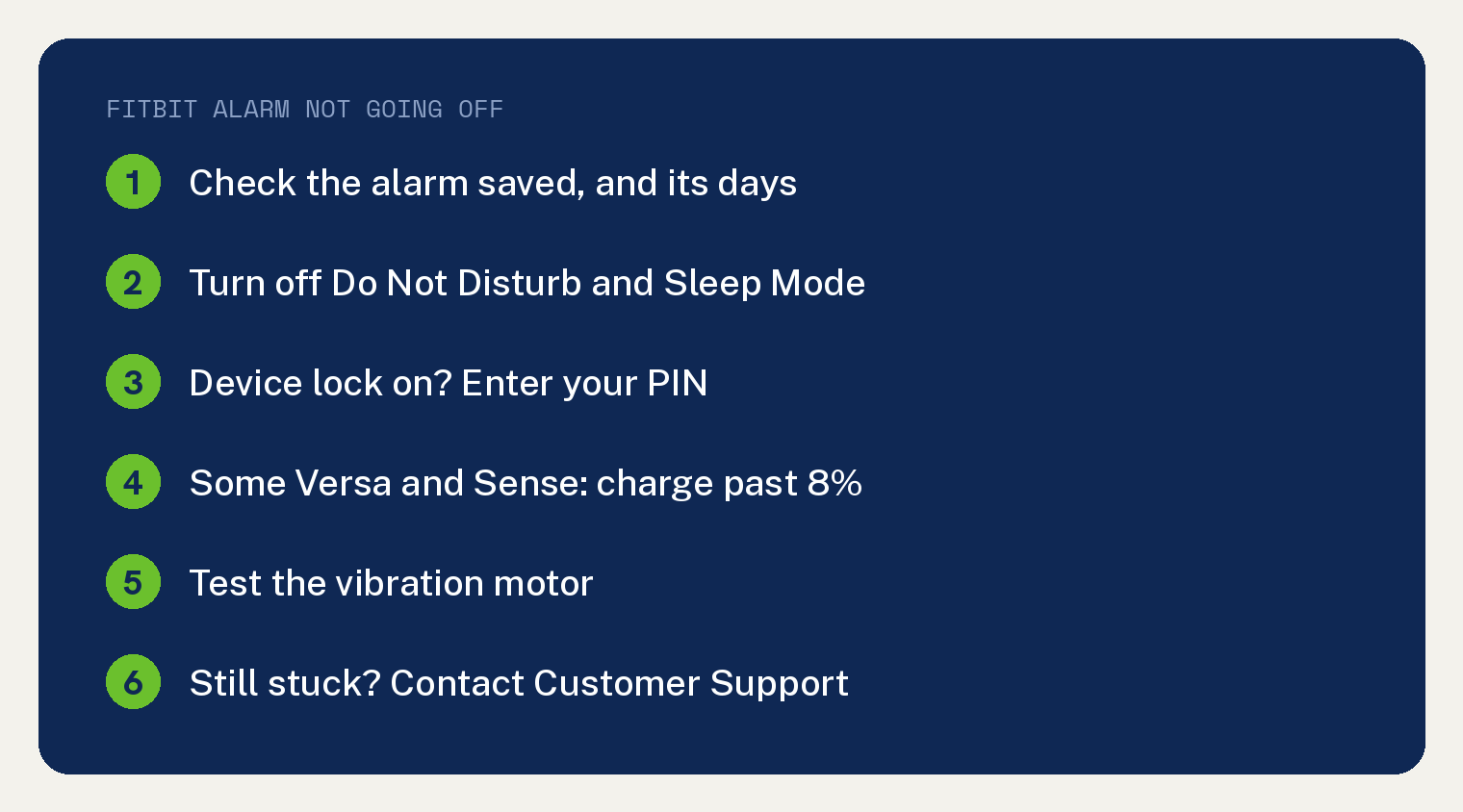
These checks come from two Google help pages: why a Fitbit device did not alert you and managing alarms on a Fitbit. The first one covers alarms with your other buzzes: “Your Fitbit device vibrates to alert you at various times, including if you set an alarm”.
Is your Fitbit alarm set in the right place?
First, confirm the alarm saved. Google’s checklist for a Fitbit that did not alert you opens with “Make sure you successfully set an alarm.”
Where you set it depends on your model. Google’s alarm page has these set alarms on the device itself: Google Fitbit Edge, Google Pixel Watch Series, Fitbit Charge 6, the Fitbit Versa series, Fitbit Inspire 3, Fitbit Charge 5, Fitbit Luxe, Fitbit Charge 4 and Fitbit Charge 3.
Every other Fitbit gets its alarms from the phone app. Google’s line is “For all other Fitbit devices, set alarms in the Google Health app.”
That is the app you knew as Fitbit: on May 19, 2026, the “Fitbit app became the Google Health app”. In it, tap Connections at the top left, pick your device, go to Alarms and tap Add New Alarm.
Check the days you picked, too. Google’s set up steps include “Choose the days you want to be alerted.” on the device, and “Set the days and frequency, then save.” in the app.
Own a Sense, Sense 2, Versa 2, Versa 3 or Versa 4? Alarms you ask the voice assistant for live apart from the Alarms app. Google says Alarms app alarms on those watches “are separate from alarms you set with your voice assistant.”
If the Google Health app cannot reach your tracker at all, work through our Fitbit won’t sync fixes first.
Check Do Not Disturb, Sleep Mode and device lock
Turn off Do Not Disturb and Sleep Mode on the Fitbit itself. Google’s checklist asks you to make sure both “are turned off on your Fitbit device.”
For where those settings sit on your model, Google points to its guide titled “How do I navigate my Fitbit device?”
On a Fitbit Inspire, Inspire HR or Inspire 2, also check quick settings. Google’s line for those three models reads “make sure that notifications are turned on under quick settings.”
If device lock is on, unlock it with your PIN. Google writes: “If device lock is active on your Fitbit device, make sure you entered your PIN code recently to unlock your device.”
Phone alerts missing as well? Our guide to Fitbit notifications not working covers that side.
Is the battery too low for the alarm?
It can be on some Versa and Sense models. Under 8% battery, Google says their alarms do not go off, so charge the watch before you sleep.
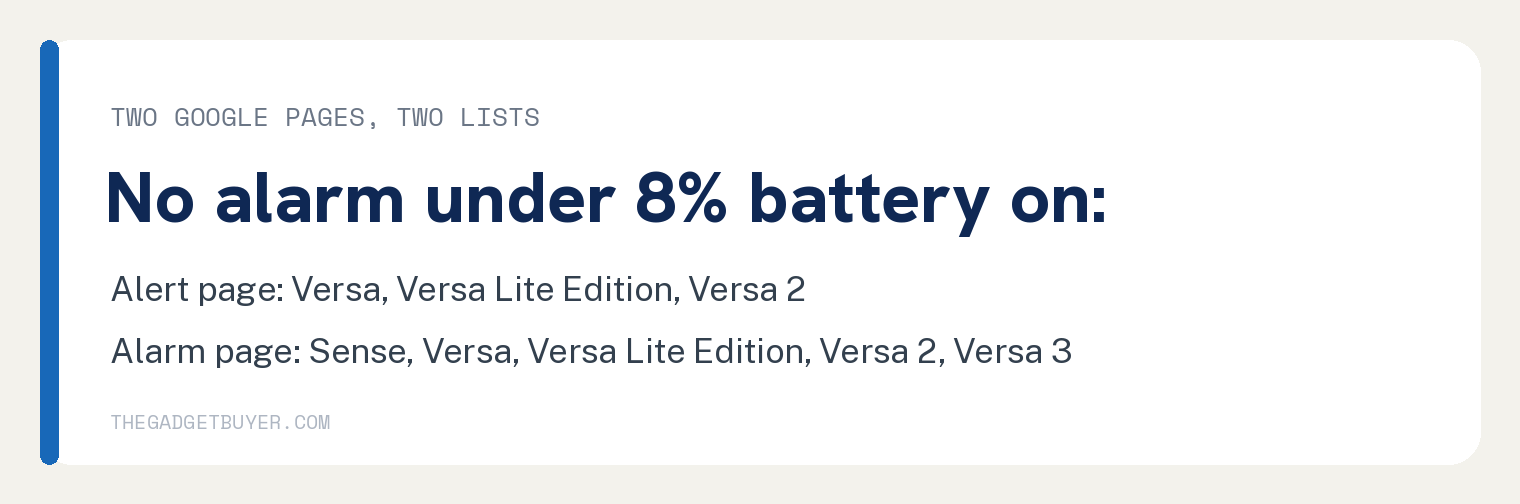
Google’s two pages name different models for this rule. Here they are side by side; the table is ours and each list and quote is Google’s.
| Google page | Models named | Google’s words |
|---|---|---|
| Why didn’t my Fitbit device alert me? | Fitbit Versa, Versa Lite Edition, Versa 2 | “alarms don’t alert you if your battery is below 8%.” |
| Manage alarms on your Fitbit device | Sense, Versa, Versa Lite Edition, Versa 2, Versa 3 | “won’t go off if your device has less than 8% battery.” |
Of the two, only the alarm page names the Sense and Versa 3 in its 8% battery line. If you own one of those, the alert page alone would not tell you.
Battery running down overnight? See why your Fitbit battery is draining so fast.
How do you test your Fitbit’s vibration motor?
Test the motor once you know the alarm is set right. Google’s page says: “If you correctly set the alarm or aren’t receiving other alerts, test your device’s vibration motor:”
The test depends on your model group:
- Ace and Alta series: connect the device to its charging cable and press the button. “The button is on the end of the charging cable that you plug into a USB port.”
- Ace 2, Ace 3, Charge series, Flex 2, Inspire series, Luxe, Sense series, Versa 3, and Versa 4: connect the device to the charging cable.
- Blaze, Versa, Versa Lite Edition, and Versa 2: open Timer, choose the stopwatch and tap the play icon. “Your device should vibrate.”
If you still have trouble after these checks, Google’s page ends by sending you to Customer Support.
Fitbit alarm questions
Why did my Fitbit alarm go off early?
If Smart Wake is on, it can wake you before the set time. Google says Smart Wake “attempts to find the best time to wake you starting 30 minutes before the alarm time you set.”
Google adds: “It avoids waking you during deep sleep so you’re more likely to wake up feeling refreshed.” For a buzz at the exact time, leave Smart Wake off when you set the alarm, since the set up steps make it a choice: “Choose to turn on Smart Wake.”
If Smart Wake finds no good moment, you still get the alarm on time: “If Smart Wake can’t find the best time to wake you, your alarm alerts you at the set time.” For sleep data that never shows up, see our fix for a Fitbit not tracking sleep.
Do Fitbit alarms make a sound?
Google describes them as vibrating, silent alarms. Its alarm page says “Alarms on your Fitbit device vibrate to gently awake or alert you at a set time.”
When one goes off, “Your device vibrates and flashes when a silent alarm goes off.”
Why does my Fitbit alarm keep going off?
An alarm you do not dismiss comes back. Google says: “This notification repeats several times or until dismissed. If you don’t dismiss an alarm, it repeats in 9 minutes.”
What if my Pixel Watch alarm is not going off?
Open the alarm on the watch and check its vibration and sound settings. Google’s Pixel Watch alarm page, which its Fitbit alarm page links, lists these among the edit options: “Turn the alarm vibration on or off.” and “Turn the alarm sound on or off.”
Alarm sync with your phone has a limit: “This feature is available for Pixel Watch 2 and later paired with Pixel Phones.” If watch and phone alarms do not match, check that “both devices have the latest operating system and Clock app updates” and that the watch is connected to your phone.
Sources
- Why didn’t my Fitbit device alert me? (Google Health Help)
- Manage alarms on your Fitbit device (Google Health Help)
- Set and manage alarms on Google Pixel Watch (Google Pixel Watch Help)
- Changes in the Google Health app (Google Health Help)