
iPhone Won’t Connect to Car Bluetooth? Apple’s Six Steps
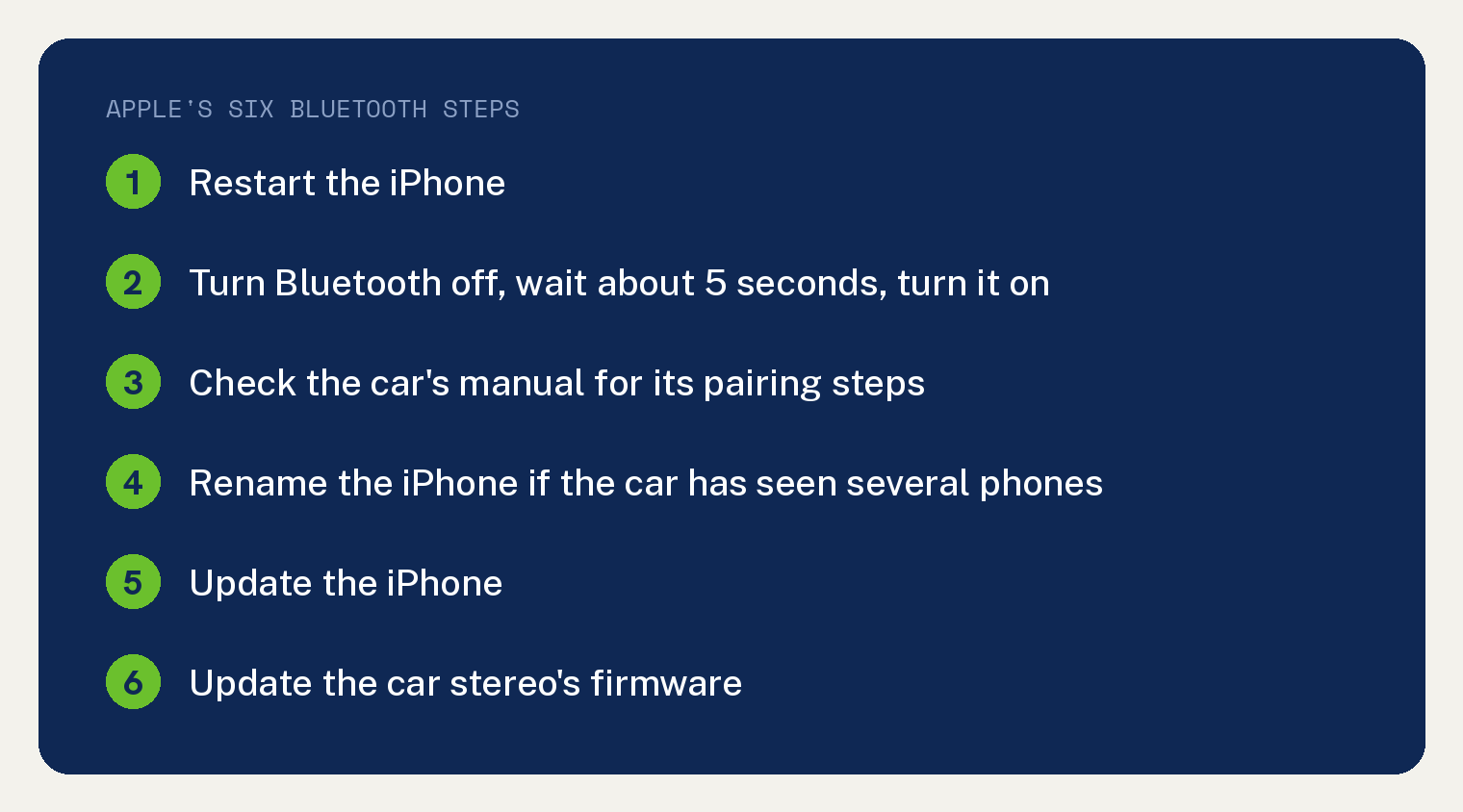
When your iPhone won’t connect to car Bluetooth, Apple’s own car page gives six Bluetooth steps: restart the iPhone, turn Bluetooth off and on, check the car’s manual, rename the iPhone if the car has seen more than one phone, update the iPhone, and update the car’s stereo firmware. The same page puts CarPlay first for an iPhone, in the sentence quoted next.
Apple’s car page opens with that split: “Use CarPlay if you want to connect your iPhone. If that’s not available for your vehicle or you want to connect an iPad or iPod touch, use USB playback or Bluetooth.”
First, is this a CarPlay car or a Bluetooth car?
Apple’s car page treats the two as different setups. If your car supports CarPlay, Apple’s page says “First, make sure that your country or region supports CarPlay and that your car supports CarPlay. Make sure to also use the latest version of iOS and the latest version of your vehicle’s software.”
For a wired CarPlay car, Apple says “If your car supports CarPlay using the USB port, plug your iPhone into the USB port of your car or stereo. The USB port might be labeled with a CarPlay icon or a smartphone icon.”
For a wireless CarPlay car, Apple’s page says “If your car supports wireless CarPlay, your iPhone may offer to connect wirelessly for your next drives after plugging in over USB.”
Apple’s page continues “Otherwise, you can press and hold the voice command button on your steering wheel to set up CarPlay. Or make sure that your car is in wireless or Bluetooth pairing mode.”
Apple’s page then says “Then on your iPhone, go to Settings > General > CarPlay > Available Cars and choose your car. Check the manual that came with your car for more information.”
If CarPlay used to work and stopped after an update, that is its own problem, and we have written up CarPlay not working after an iOS update separately. The rest of this article is about a car that pairs over plain Bluetooth.
Apple’s six Bluetooth steps, in Apple’s order
Under its heading “Use Bluetooth to connect your iPhone, iPad, or iPod touch”, Apple’s car page prints this list.
- “Restart your device.”
- “Go to Settings > Bluetooth, and turn off Bluetooth. Wait for about 5 seconds, then turn Bluetooth back on.”
- “Check the manual that came with your car for more information on how to pair with a Bluetooth device. Most cars require a phone setup on the car display.”
- “If you’ve connected multiple phones to your car stereo, try renaming your device: Go to Settings > General > About > Name, and type a new name. Then try connecting again.”
- “Update your device.”
- “Make sure that your stereo is using the latest firmware from the car manufacturer. Check your car’s manual for more information.”
Two of those six steps send you to the car’s manual. Apple’s page handles the iPhone side and hands the car side to the car maker.
If the car connected before and now will not
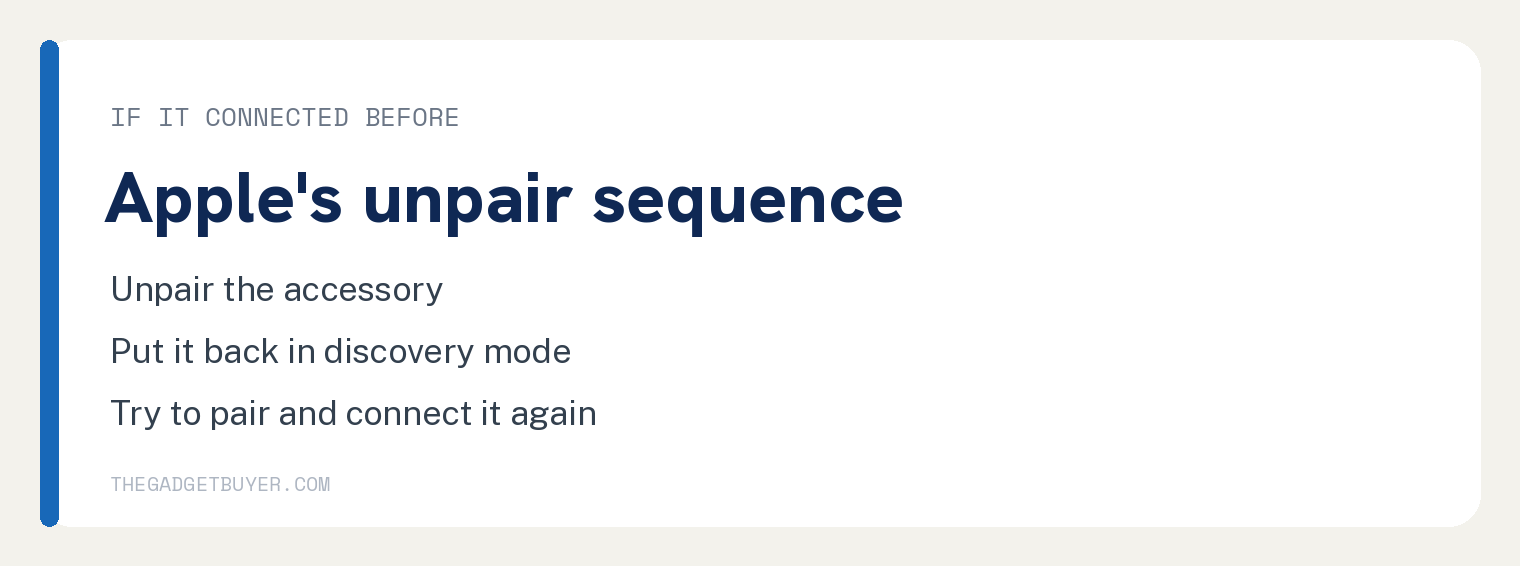
Apple’s Bluetooth accessory page covers a device that paired once and stopped. Under its heading “If you still can’t connect”, Apple’s first case reads “If your Bluetooth accessory was previously connected to your iOS or iPadOS device:” and its three steps are “Unpair the accessory.” then “Put it back in discovery mode.” then “Try to pair and connect it again.”
On Apple’s page, “Unpair the accessory” is a link to a separate Apple page, article 105108, which this article did not check and does not cite.
Apple’s second case on that page reads “If your accessory pairs with some devices, but not your iOS or iPadOS device:” and its two steps are “Unpair the accessory from your other devices.” then “Try to pair with your iOS or iPadOS device again.”
That page is written for accessories in general. Its opening line reads “If a Bluetooth accessory, like a wireless keyboard, doesn’t connect to your iPhone or iPad, learn what to do.”
Where Apple’s two pages stop
Searched on the article bodies of both Apple pages on 12 October 2026, the words forget, delete, remove and head unit each return zero hits. Apple’s car page prints the words car display once, in the sentence “Most cars require a phone setup on the car display.”
So these two pages do not tell you how to clear an old pairing from the car’s side. For the car’s side, Apple’s car page says “Check the manual that came with your car for more information on how to pair with a Bluetooth device.”
Those counts cover the two pages named in the Sources section and nothing wider. Apple’s iPhone User Guide and your car maker’s site may say more, and this article does not claim otherwise.
If nothing on the iPhone side helps
Apple’s accessory page sets a compatibility boundary: “To find out whether your accessory is compatible with your iOS or iPad OS device, contact the manufacturer of the accessory.”
The same page lists when to contact Apple instead. Its lead in reads “If you still have any of these issues, contact Apple Support:” and the three items are “You can’t turn on Bluetooth or the setting is grayed out.”, “You can’t connect any Bluetooth accessories with your device.” and “The accessory manufacturer confirmed that your accessory is working correctly.”
If the iPhone pairs with the car and the audio stutters or lags, that is a different problem, covered in how to fix Bluetooth lag. If you are handing the car to a second iPhone, see how to switch phones on Apple CarPlay.
An iPad with the same symptom is covered in iPad Bluetooth not connecting.
Questions readers ask
Why won’t my iPhone connect to my car’s Bluetooth after it worked before?
Apple’s accessory page gives the sequence for an accessory that was previously connected: “Unpair the accessory.” then “Put it back in discovery mode.” then “Try to pair and connect it again.” For the car’s side, Apple’s car page says “Check the manual that came with your car for more information on how to pair with a Bluetooth device.”
Does renaming the iPhone help?
Apple’s car page gives that step one condition: “If you’ve connected multiple phones to your car stereo, try renaming your device: Go to Settings > General > About > Name, and type a new name. Then try connecting again.”
Should I use CarPlay instead of Bluetooth?
Apple’s car page says “Use CarPlay if you want to connect your iPhone.” and offers Bluetooth “If that’s not available for your vehicle”. Its precondition reads “First, make sure that your country or region supports CarPlay and that your car supports CarPlay. Make sure to also use the latest version of iOS and the latest version of your vehicle’s software.”