
A Previous Owner’s Apple ID Is Locking Your iPhone
If a previous owner’s Apple ID is locking your iPhone, only the previous owner or Apple can remove it, not you. This is Activation Lock, a theft protection feature, and there is no honest do it yourself bypass.
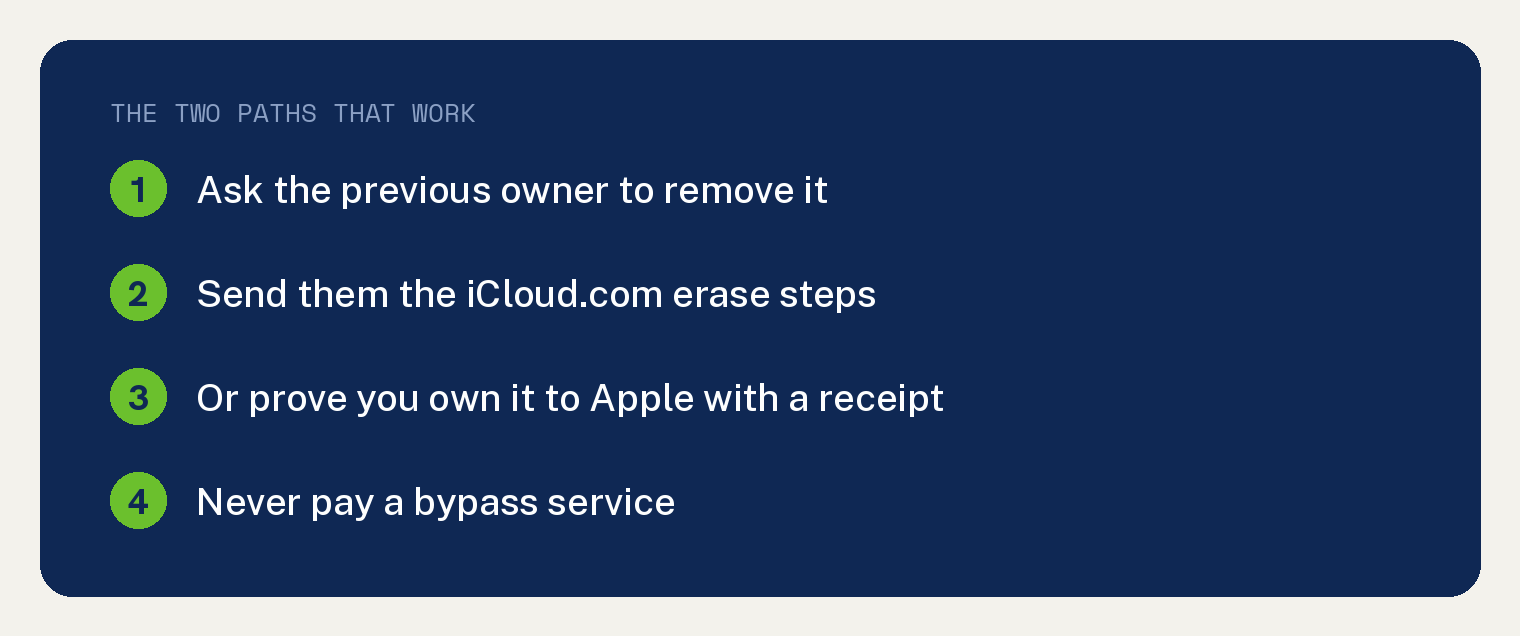
That sounds discouraging, but you have two real paths that work. Here is exactly what to do.
Why is a previous owner’s Apple ID still on the iPhone?
Apple ties every iPhone to the owner’s Apple ID through a feature called Activation Lock.
When Find My is on, the phone stays linked to that Apple ID even after a reset. This stops thieves from wiping and reselling a stolen phone.
The downside is that a used phone sold without proper sign out stays locked to the old owner. The phone is not broken. It is waiting for that account to let go.
Path 1: Ask the previous owner to remove it
This is the fastest and most reliable fix. The old owner can release the phone in about a minute from anywhere.
Send them these steps.
- Go to iCloud.com and sign in with the Apple ID that locks the phone.
- Click Find My, or Find Devices.
- Click All Devices at the top, then pick the iPhone.
- Click Erase this device, then after it erases, click Remove from Account.
Once they remove it, restart your iPhone and set it up fresh as your own. The lock is gone for good.
Path 2: Prove you own it to Apple
Cannot reach the seller? If you bought the phone legally, Apple can help, but you need proof.
You will need the original receipt or invoice showing the purchase. It has to name the device or serial number.
- Gather your proof of purchase from Apple or an authorized seller.
- Go to Apple’s Activation Lock support page, or contact Apple Support directly.
- Explain that you own the device and cannot reach the previous owner.
- Submit your proof. Apple reviews it and may remove the lock for you.
A phone bought from a stranger with no receipt is the hard case. Without proof, Apple cannot verify the phone is yours.
What you should not do
Skip any website or app that promises to bypass Activation Lock for a fee. These are scams or tools that break Apple’s rules, and they often leave the phone unstable or relocked.
The safest rule is to avoid the problem before you buy. Never accept a used iPhone until the seller erases it in front of you and it boots to the Hello setup screen with no Apple ID prompt.
If the phone asks for someone else’s Apple ID during setup, it is still locked. Stop and get it removed first.
How to check before you buy a used iPhone
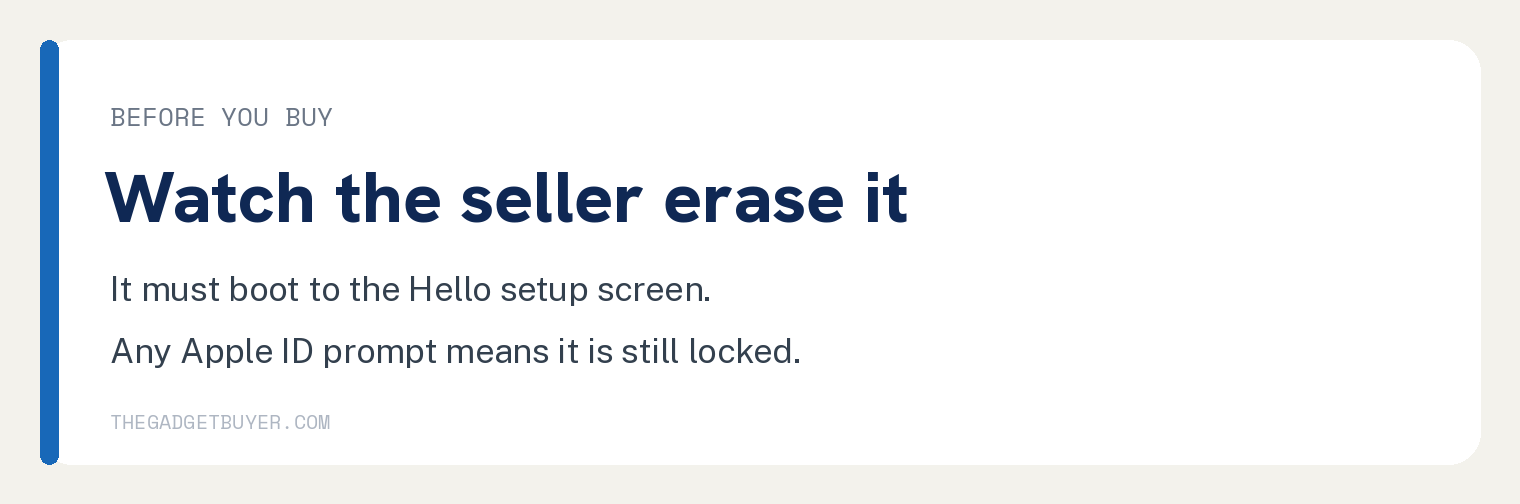
A two minute check saves you a locked phone. Ask the seller to do this while you watch.
- Open Settings, tap the name at the very top, scroll down, and tap Sign Out.
- Enter the Apple ID password to turn off Activation Lock, then confirm.
- Go to Settings, General, Transfer or Reset iPhone, then Erase All Content and Settings.
- Let it restart. It should reach the Hello screen with no old Apple ID attached.
If it reaches that clean setup screen, the phone is truly yours to set up. For more on accounts, see our guides on where your Apple ID is being used and whether an Apple ID has to be an email address.
FAQ
Can I remove Activation Lock without the previous owner?
Only through Apple, and only with valid proof of purchase. There is no legitimate way to bypass it on your own without that proof.
Does a factory reset remove the previous owner’s Apple ID?
No. A reset wipes your data but leaves Activation Lock in place. The account must be removed by the owner or by Apple. If your phone keeps asking for a password, see our guide on an iPhone that keeps asking for the Apple ID password.
Is the phone useless if I cannot get past the lock?
Mostly, yes. A locked iPhone cannot be set up or used normally. That is why checking before you buy matters so much.
What if I forgot my own Apple ID on my own phone?
That is a different fix. You can recover your account. Here is how to reset a forgotten Apple ID password and change your Apple ID email address.