
Strava Not Syncing With Google Health: It Now Runs One Way
Strava not syncing with Google Health comes down to a change of direction: the Strava connection now sends activities one way, from Google Health to Strava. If you want Strava workouts inside Google Health, the route that still works is Health Connect on an Android phone or Apple Health on an iPhone, with both apps connected to it.
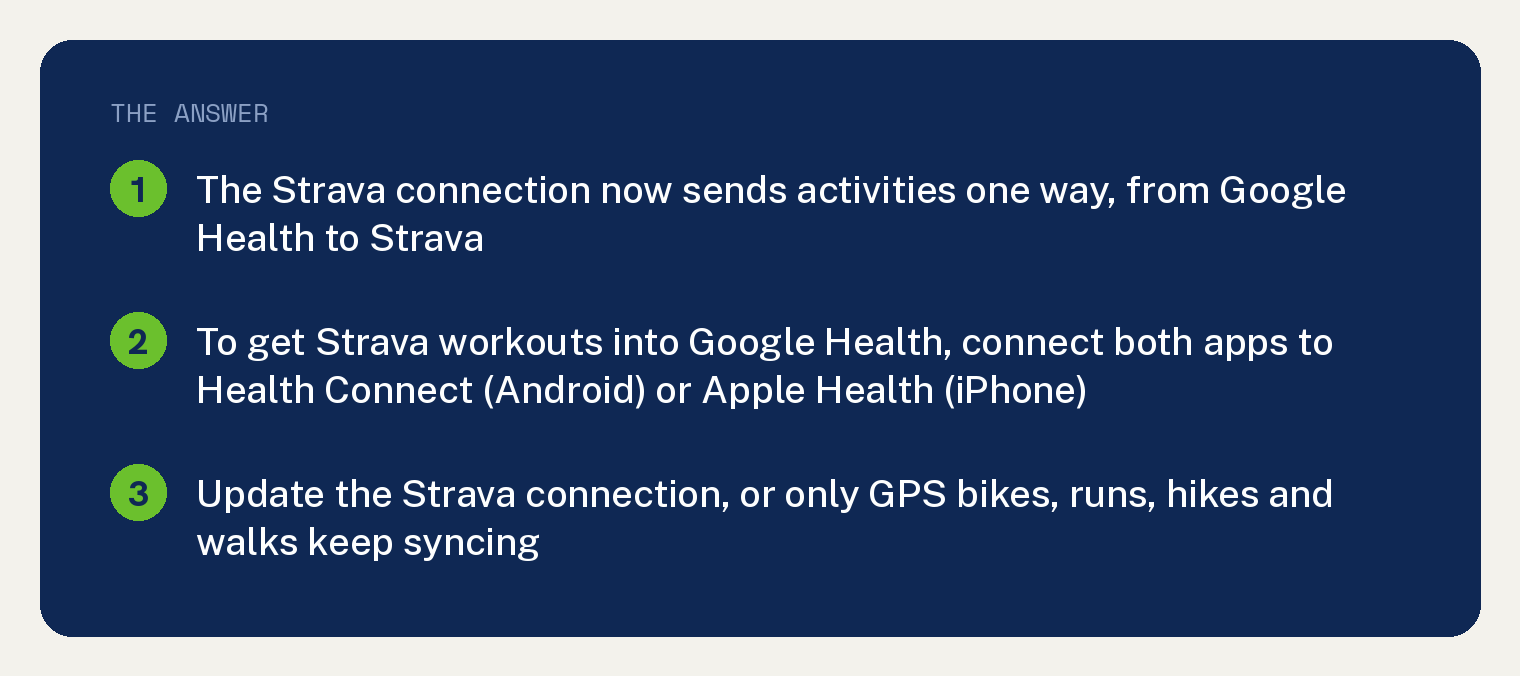
Google prints the change in the Strava section of its connections page: “Activities logged in Strava will no longer sync to Google Health via the Strava integration.” Strava’s own help page says the same and adds that it applies “regardless of your connection settings.”
Which way does the Strava and Google Health connection work now?
Google Health to Strava only. Once you update the connection, any activity you log in Google Health can sync to Strava, with or without GPS.
Google’s line: “The Strava and Google Health integration has been updated so that you can now automatically sync any activity you log in Google Health to Strava.”
If you never updated the connection, the old limits still apply, and the four GPS activity types are the ones that keep syncing. Strava’s words: “If you don’t update your connection, only GPS-enabled bikes, runs, hikes, and walks will continue to sync.”
Both companies say they are working on sending Strava activities back the other way. Google’s page reads: “We are working with Strava to enable more import options for activities logged in Strava.”
How do I get Strava workouts into Google Health now?
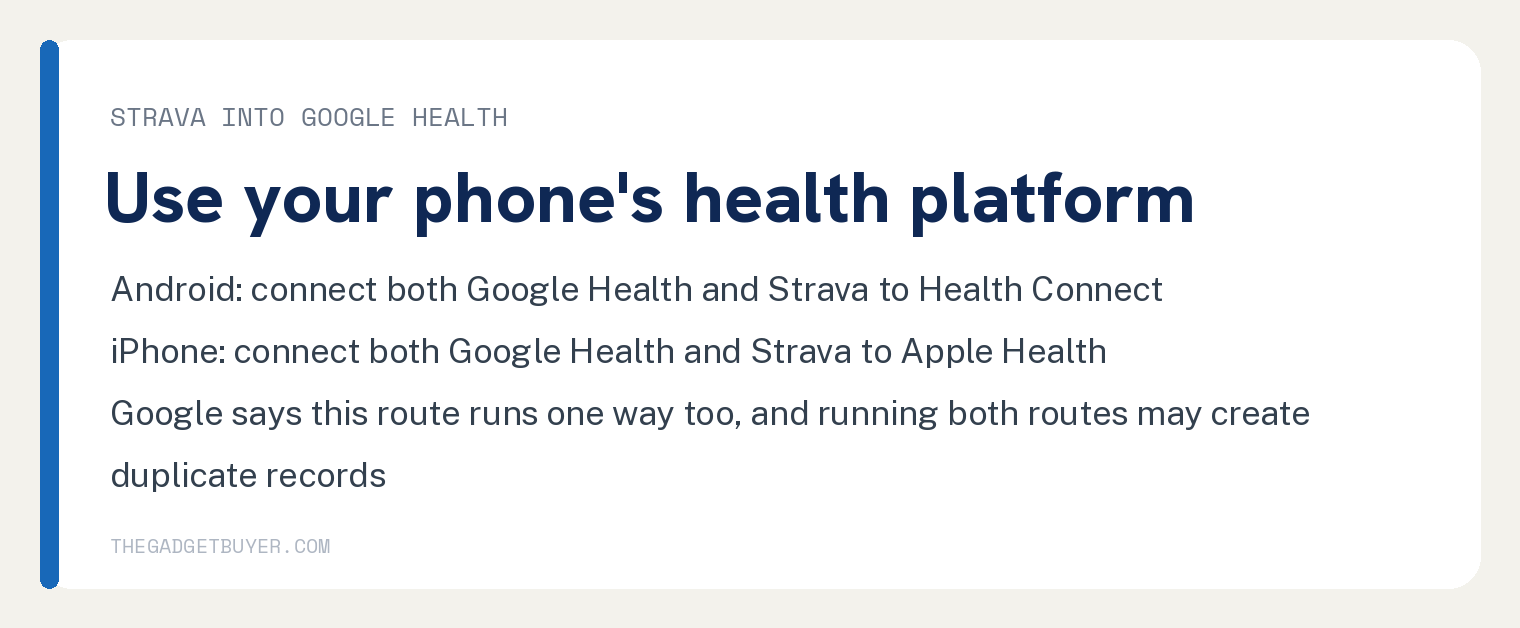
Connect both apps to your phone’s health platform. On an Android phone that platform is Health Connect, and on an iPhone it is Apple Health.
Google states it under its “Strava and Health Connect and Apple Health” heading: “If you are an Android phone user, the Google Health app can import activities you log in Strava if you connect both Google Health and Strava to Health Connect.” The next sentence gives the iPhone version with Apple Health in place of Health Connect.
This route also runs one way. Google: “Strava does not import Google Health (Fitbit or Pixel Watch) activities from Health Connect or Apple Health.”
Run both routes at once and the same workout can land in Google Health twice. Google’s note says you “may see duplicate activity records in Google Health.”
How do I update the Strava connection in the Google Health app?
Google’s connections page gives these steps under its Strava section.
- Open the Google Health app. At the top left, tap Connections.
- Tap Partner apps or Apps and services.
- Tap Strava and follow the prompts to update the connection. If you never connected before, Strava may sit under Add connections.
- When prompted, authorize Strava to link to your Google Account and follow the prompts on screen, then tap Agree and continue.
- You may be sent to Strava’s login page. Log in to your Strava account.
- Review the permissions, then tap Authorize.
- Tap Done on the confirmation page. The Strava card then shows under Connected.
From the Strava app, the path is the You tab, then Settings, then Connect to an app or device, then Google Health. Authorize both apps when asked.
Only workouts recorded after you connect will sync. Google’s tip: “The connection is forward moving, so only new activities will sync moving forward. Historical activities will not sync upon connecting.”
How do I choose which activities go to Strava?
In Google Health, open Connections, tap Partner apps or Apps and services, then under Connected tap Strava and then Activity writing. Turn each activity type on or off there.
Google: “Once connected, you can control what activity types Google Health syncs to Strava.”
Edits you make later in Google Health stay in Google Health. Strava’s note: “any changes you make to an activity in the Google Health app will not be reflected in Strava.”
Google Health workouts still not reaching Strava?
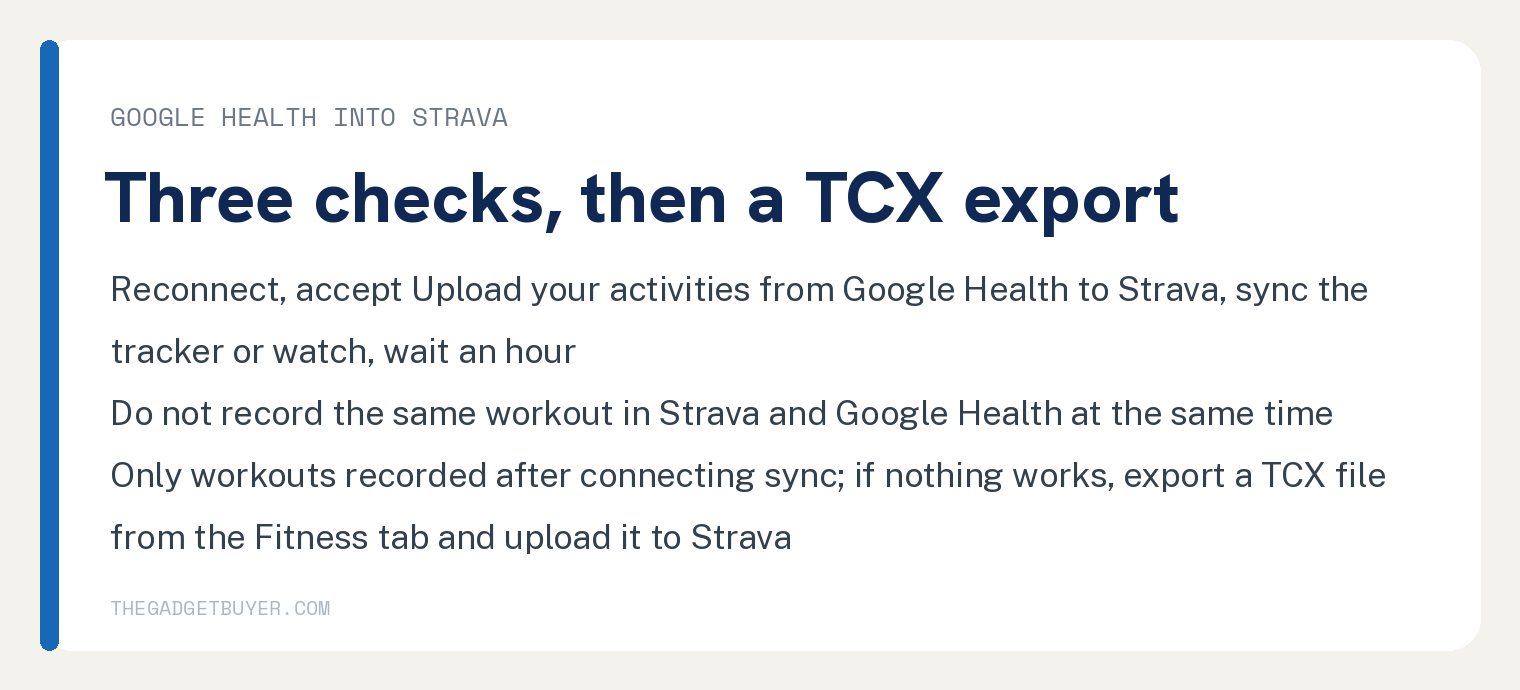
Google and Strava print the same three checks, in the same order.
- Reconnect the accounts and accept the option “Upload your activities from Google Health to Strava”. Then sync your Fitbit tracker or Pixel Watch with the Google Health app and wait an hour.
- Make sure you are not recording the same workout in the Strava app, or any other fitness app, and the Google Health app at the same time.
- Check that the workout was recorded after you connected the accounts. Google’s words: “Previous exercises won’t be uploaded.”
If the tracker or watch itself is not syncing, that is a different problem, covered in our guide to a Fitbit not syncing with the Google Health app.
When the three checks fail, both pages give one fallback: export the workout as a TCX file and upload it to Strava yourself. In Google Health, tap the Fitness tab, select the activity, tap More and then Export, then share or save the file and upload it to Strava.
Does the October 30, 2026 Fitbit change affect Strava?
Google’s page opens with a notice about partner apps that use the Fitbit Web API: “To keep syncing your fitness, sleep, or wellness data without interruption, reconnect your account through the partner app before October 30, 2026.” Google adds that Health Connect and Apple Health users are not affected.
That notice does not name Strava. Google’s own way to check is in the app: open Connections, tap Partner Apps, and look at the list under Needs Action.
Google’s rule for that list: “If an app isn’t marked, its connection is already up to date and no action is required.”
If you have not moved your Fitbit account to Google yet, our guide to a Fitbit account that will not move to Google covers that step.
Frequently asked questions
Why did my Strava runs stop showing in Google Health?
Because the Strava integration now sends activities from Google Health to Strava only. Google’s page says: “Activities logged in Strava will no longer sync to Google Health via the Strava integration.” To bring Strava runs into Google Health, connect both apps to Health Connect on Android or Apple Health on iPhone.
Will my old Strava history or old Google Health workouts sync?
No, the Strava connection does not carry them. Google says that connection only carries activities recorded after you connect, and for an old Google Health workout both pages point to the export route instead: export it from Google Health and upload it to Strava yourself. Google’s Health Connect and Apple Health paragraph does not say whether older Strava activities import that way.
Do I need the old Fitbit app to connect Strava?
Both pages give the connection steps inside the Google Health app and the Strava app, and neither prints a route through the old Fitbit app. If you are looking for that app, see where the Fitbit app went.
Does heart rate go to Strava with the workout?
Neither page’s Strava section names which numbers travel inside a synced activity. The rule both print is about activity types: with an updated connection, Google says you can sync “any activity type logged, with and without GPS, in Google Health to Strava.”
How long does a Google Health to Strava sync take?
Google and Strava both say to sync your tracker or watch and wait an hour after reconnecting. Neither page prints a shorter or longer figure. For a different partner app, see our guide to MyFitnessPal not syncing with a Fitbit.