
Yes, Your Fitbit Still Tracks Without a Phone
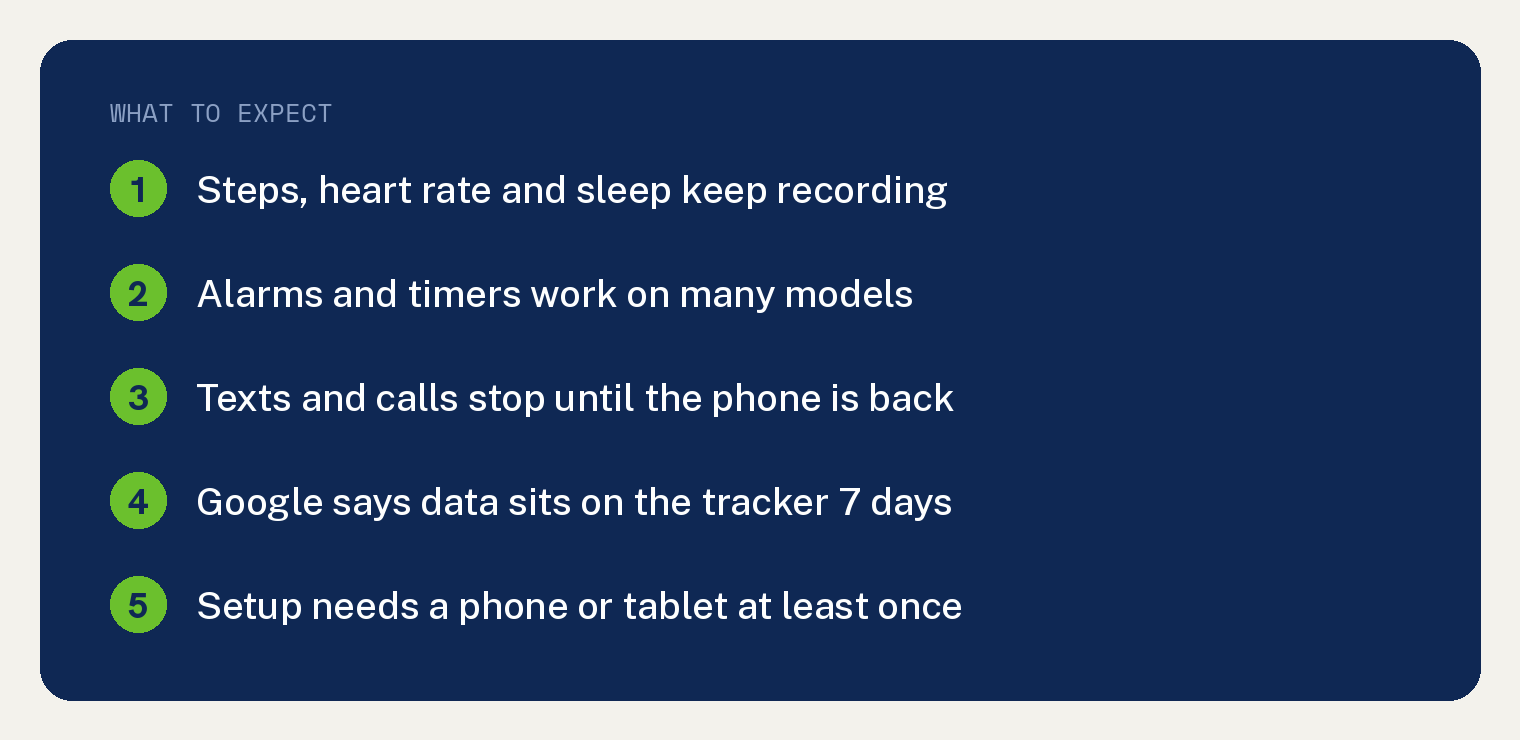
Your Fitbit keeps working when your phone is dead, lost, or sitting on the kitchen counter. Steps, heart rate, sleep, calories and workouts all record on your wrist and wait in the tracker’s memory until the next sync.
One catch comes up front. Setting up a Fitbit takes a phone, and the Google Health app only comes from the Google Play Store and the App Store.
So a phone free day costs you almost nothing. A phone free life needs a plan, and both are covered below.
One more thing worth knowing before you read further. The Fitbit app became the Google Health app in May 2026, so every menu path here uses the new name.
What still works on a Fitbit with no phone nearby?
Every sensor that matters lives inside the tracker. Your phone never did the counting.
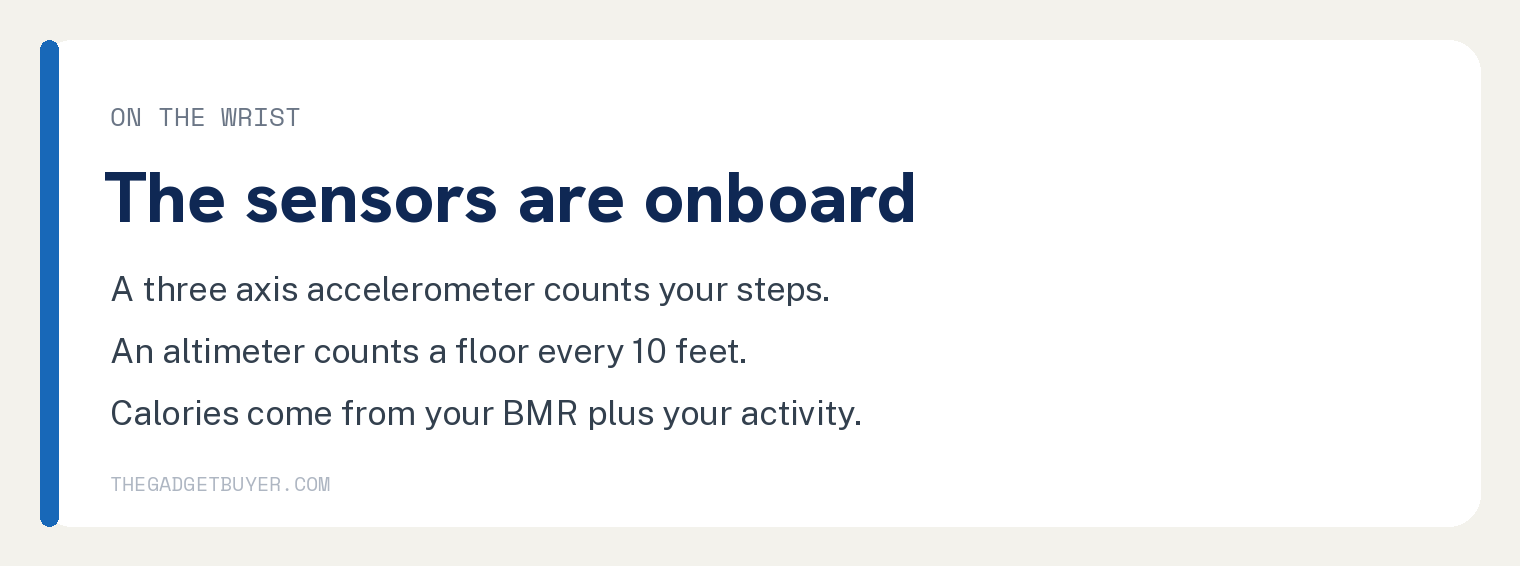
Google says Fitbit devices use a three axis accelerometer to count steps. Models with an altimeter register one floor for roughly every 10 feet you climb.
Distance comes from your steps multiplied by your stride length. Calories come from your basal metabolic rate plus whatever you did that day.
Here is what you can still do from the screen on your wrist.
- See the time and your daily stats. Steps, heart rate, distance and calories update as you move.
- Start a workout. Open the Exercise app on the tracker and pick your activity.
- Set an alarm. Google lists on device alarms for Charge 3, Charge 4, Charge 5, Charge 6, Inspire 3, Luxe, the Sense series and the Versa series.
- Run a timer or stopwatch. Open the Timers app and tap the play icon.
- Swim. Water lock turns on by itself when you start a swim in the Exercise app on Charge 5, Charge 6, Inspire 2, Inspire 3 and Luxe.
Two limits belong in that list. Alarms on Sense, Versa, Versa Lite Edition, Versa 2 and Versa 3 will not go off below 8% battery, and every other Fitbit model sets its alarms inside the Google Health app.
The newest tracker is the odd one out. Google Fitbit Air has no screen at all, just a status light, so it records everything and shows you nothing until you open the app.
Which Fitbit models have GPS that works without a phone?
This is the sharpest dividing line in the whole lineup. Google publishes a GPS table covering every model it supports.
Google splits the current lineup two ways. Charge 6, Versa 4 and Sense 2 use dynamic GPS and fall back to their own sensors when the phone is gone.
Inspire 3 and Google Fitbit Air depend on a phone and record no route and no GPS pace without one.
Google describes dynamic GPS this way. When your phone is nearby the device borrows the phone’s GPS sensors to save battery, and when the phone is gone it falls back to its own.
Older models split the same way. Versa 3 and Sense carry built in GPS, while Luxe, Inspire 2 and Versa 2 rely on your phone.
Charge 4 and Charge 5 use dynamic GPS like the Charge 6, so each one maps a run on its own once your phone is out of range.
Two tips from Google if you plan to run without your phone. Charge the device to at least 80%, because built in GPS drains the battery faster, and wait outside until the screen says Connected before you tap play.
What stops working until your Fitbit syncs?
Anything that needs your phone to be in the room stops immediately. Anything that needs Google’s servers to think about your data stops until you reconnect.
Texts, calls and app alerts stop. Google’s notification page is plain about it: your Fitbit receives notifications from your nearby phone.
Nothing new arrives while the phone is away.
Sleep scores, readiness and heart rhythm checks also pause. They appear in the Google Health app once you sync.
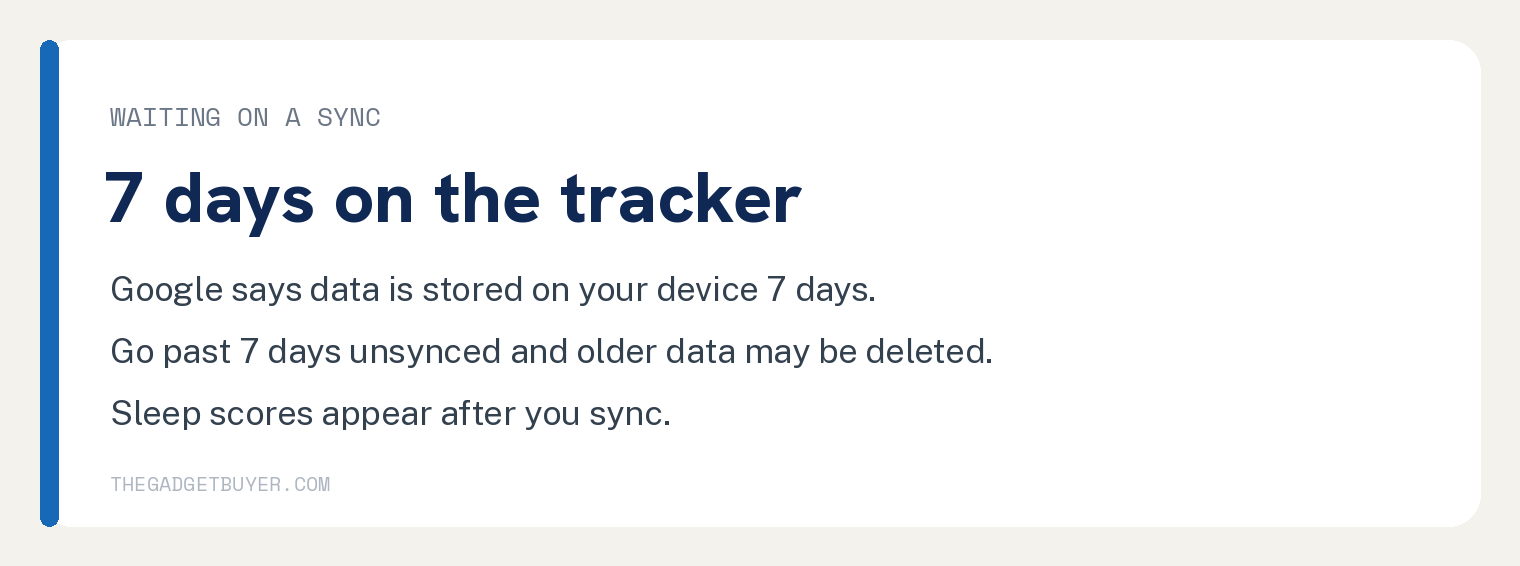
Then there is the clock you should actually watch. On its irregular rhythm notifications page, Google says data is stored on your watch or tracker for 7 days, and that if you have not synced in over 7 days, older data might be deleted.
Google does not publish a separate storage figure for each Fitbit model, so treat one week as your safe window and sync sooner when you can.
How do you sync a Fitbit without your own phone?
Google says Fitbit trackers and watches use Bluetooth Low Energy to sync with phones and tablets, and that you can sync your device with any compatible phone or tablet.
That means a spare tablet, a partner’s phone, or a friend’s phone for five minutes all work. Here is the order that avoids trouble.
- If your old phone is alive and was showing you notifications, open its Settings app, tap Bluetooth, find your Fitbit in the list and tap Forget. That clears the old pairing before you move to a different phone.
- On the borrowed phone or tablet, install the Google Health app. It is in the Google Play Store on Android and the App Store on iPhone and iPad.
- Open the app and sign in with the Google Account you already use for Fitbit. Your history lives in your account, so nothing has to be rebuilt.
- Check that the phone or tablet has WiFi or cellular data. Google notes the app must be connected to the internet to sync.
- Hold your tracker next to the screen. Tap Connections at the top left, then tap Sync. You should see the last synced time update under your device.
When you get your own phone back, repeat the same steps on it. If the tracker refuses to connect, our guide to a Fitbit that will not sync walks through the rest in order.
Do you need a phone to set up a Fitbit at all?
Yes, once. A new Fitbit needs a phone for that first pairing, and there is no way around it.
That first session creates your Google Account, pairs the tracker, and asks for your height, weight and sex. Those numbers feed your stride length, your basal metabolic rate and your calorie burn.
None of that has to happen on a phone you own. A borrowed phone gets you through it in one sitting.
After setup the tracker runs on its own again. You only need a phone or tablet back in the picture when you want to read the data or change something the device cannot change by itself.
What works on the wrist and what waits for a sync?
| Feature | With no phone | After you sync |
|---|---|---|
| Steps and distance | Counted and shown on screen | Daily history and trends |
| Heart rate | Live reading on the wrist | Zones and resting trends |
| Sleep | Recorded overnight | Sleep score and stages |
| Workouts | Exercise app records them | Route map on GPS models |
| Notifications | Nothing new arrives | Texts and calls resume |
| Rhythm checks | Data collected only | Google analyzes it then |
| Bottom line | Tracking never stops | The reading happens here |
Frequently asked questions
How long can a Fitbit go without syncing?
Google says data is stored on your watch or tracker for 7 days. Past that, older data might be deleted and will not be analyzed. If you know your phone is out of action for a while, borrow a phone or tablet once inside that week.
Will I lose my steps if my phone battery dies mid workout?
Your steps, heart rate and workout duration keep recording on the tracker. On a Charge 6, Versa 4 or Sense 2 the device switches to its own GPS sensors. On an Inspire 3 or Google Fitbit Air you lose the route and the GPS pace for that session.
Can I read texts on my Fitbit without my phone?
No. Google’s notification setup page explains that your Fitbit receives notifications from your nearby phone over Bluetooth. Messages that arrived before the phone left may still be sitting on the screen, and nothing new will land until the phone is back.
Does the Google Fitbit Air work without a phone?
It tracks without a phone, and it shows you nothing while the phone is gone. Google Fitbit Air is screenless and uses a status light for charging, battery level and firmware updates. Every number lands in the Google Health app after a sync.
Is an aging Fitbit worth leaning on this hard?
That depends on how old yours is. My family owned three Fitbits and the battery life was terrible on all of them, and all three died beyond repair much faster than they should have for the price. One was replaced under warranty and the other two were out of warranty by then.
We stopped buying them.
My honest take on the brand: so much potential, but I have pretty much given up on them, because there are too many other options now. If yours is already losing charge quickly, check whether it is still covered before you count on it for a week of unsynced data. Our Fitbit warranty guide covers what is included.