
Why Your LG TV Won’t Turn On, in LG’s Own Six Steps
An LG TV won’t turn on fix starts with two things LG puts first: the standby light on the lower edge of the set, and the power cord. LG’s own page says to disconnect the cord, reconnect it securely, and press the power button on the TV itself, then replace the remote batteries if that button works, then, if it still does not turn on, check the outlet and the breaker.
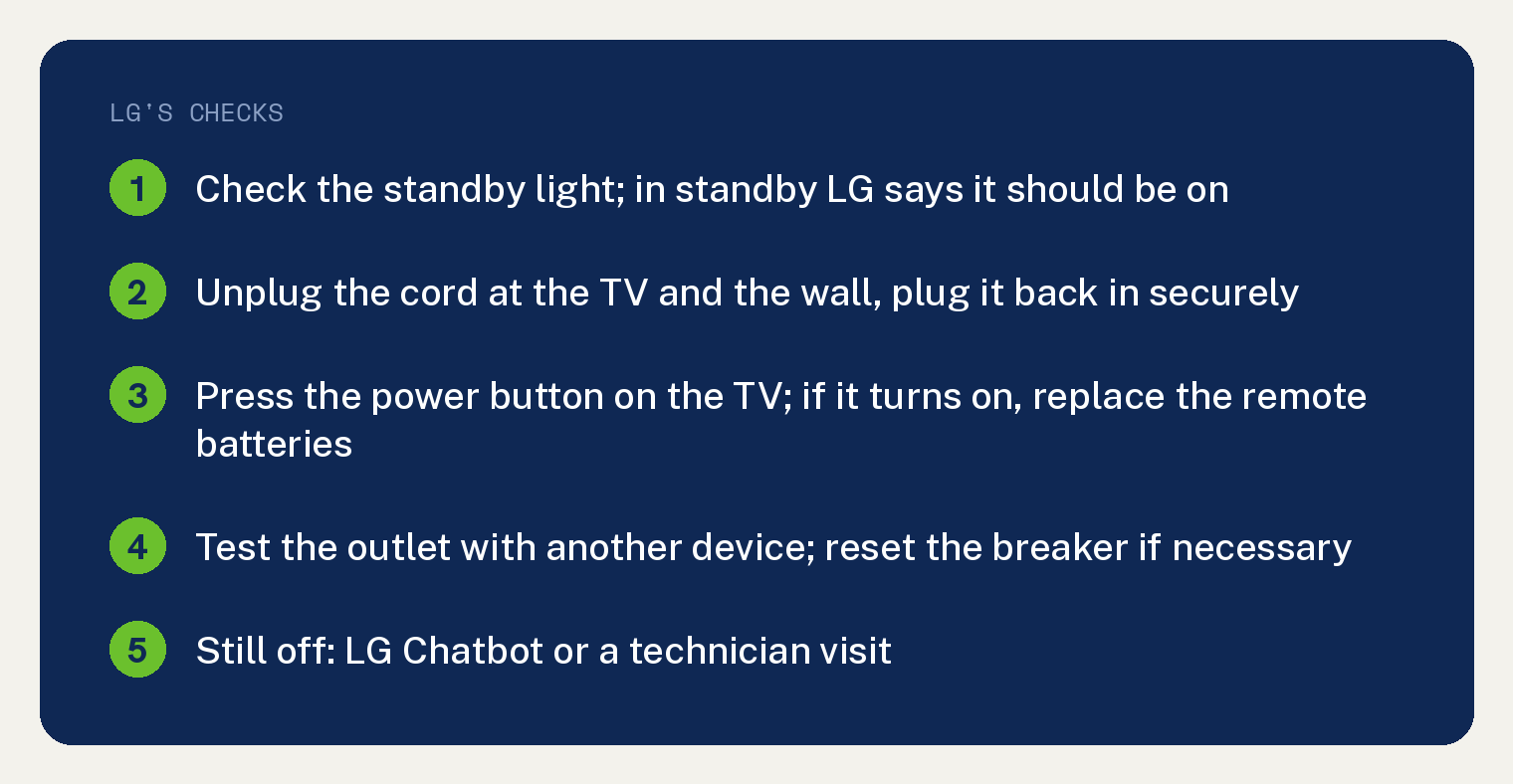
LG’s summary, in its words: “If your TV won’t turn on, check the power connection and the standby light on the lower edge of the TV.” Everything below is LG’s six step order from that page, with LG’s own line on the standby light and a plain note on what the page does not cover.
What does the standby light tell you?
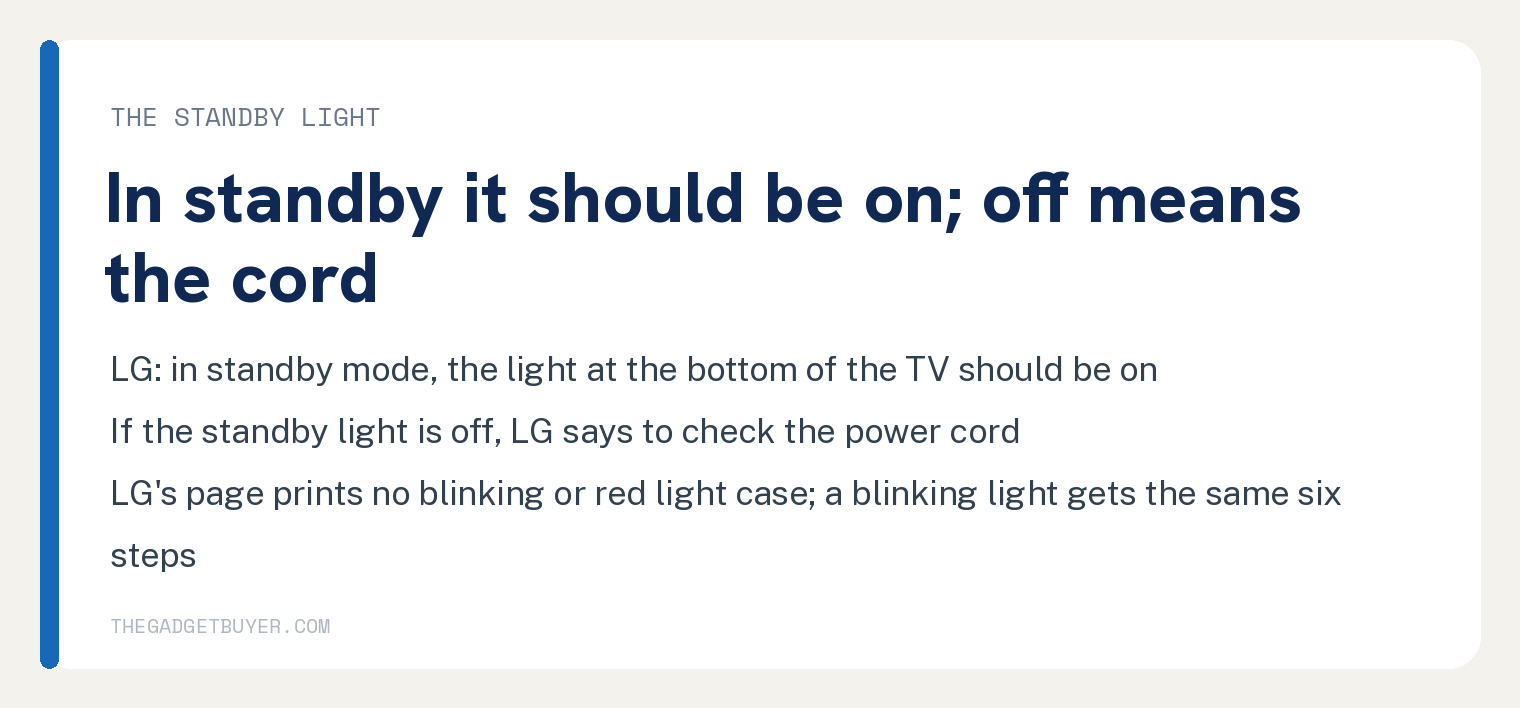
LG’s rule is simple: in standby, the light should be on. LG’s step 1 reads: “In standby mode, the light at the bottom of the TV should be on.” and “If the standby light is off, check the power cord.”
If your light is blinking, LG’s page does not cover it. The page prints no blinking or red light case at all; its rule for the light’s state is the first sentence above, that the light should be on in standby, so a blinking light sends you down the same six steps as a dark one.
Why won’t an LG TV turn on?
LG names four causes on its page, in this order: a loose power connection, depleted remote batteries or signal interference, a power outlet or circuit breaker issue, and a hardware issue. LG’s six steps follow, and the sixth is the one that sends you to LG support.
What are LG’s six steps when an LG TV won’t turn on?
These follow LG’s six step headings, in LG’s order. Do them in order and stop when the TV comes on.
- Check the standby light. It should be on in standby; if it is off, go to the cord.
- Check the power cord. LG: “Unplug the power cord from the back of your TV and the wall outlet. Plug it back in securely.” For a set with a fixed cord, LG says: “If your TV has a built-in cord, unplug and reconnect it at the wall outlet.”
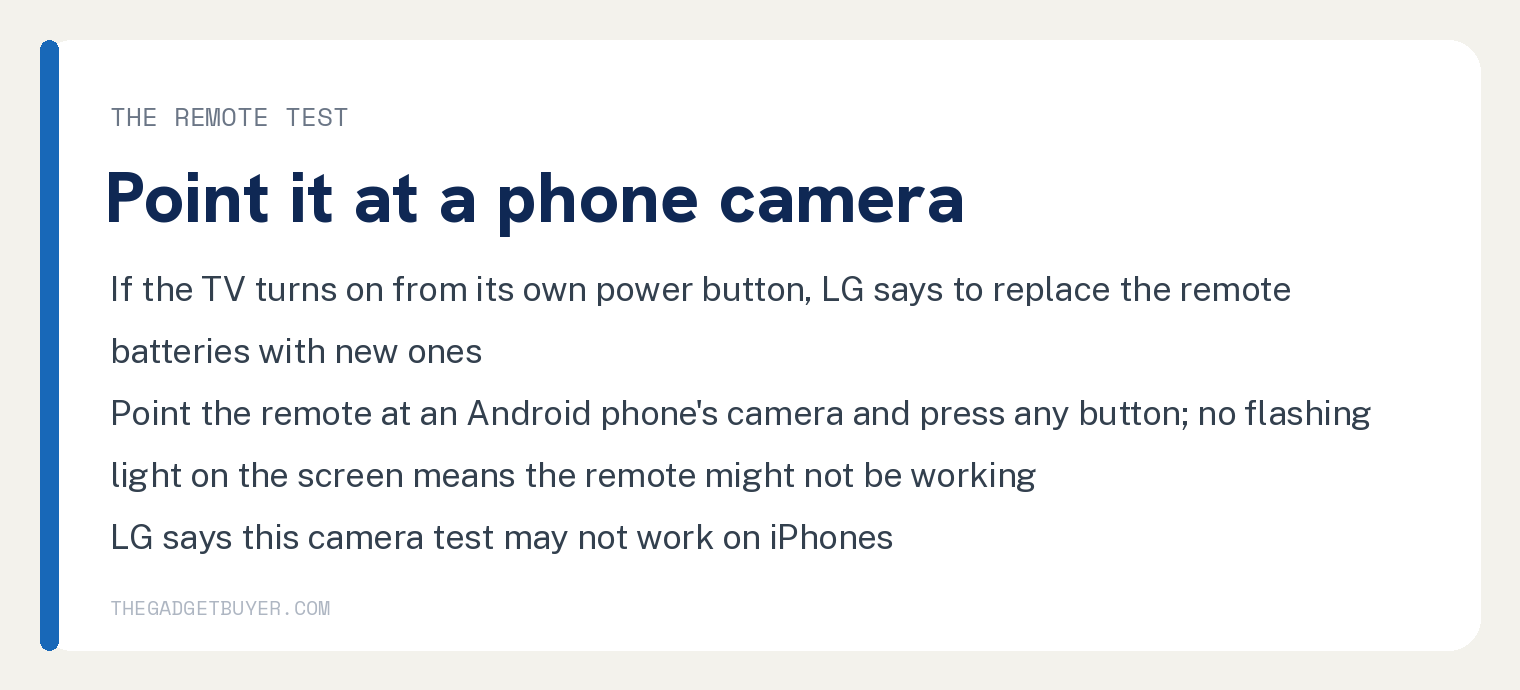
- Test the remote. LG: “If your TV turns on using the built-in power button, replace the remote batteries with new ones.” LG’s camera test for the remote is below.
- Check the outlet and the breaker. Plug another device into the same outlet. LG: “If the other device doesn’t work, check if your home’s circuit breaker has tripped. Reset it if necessary.”
- Try the power button on the TV. LG: “Press the power button located under the logo or on the back of your TV.” LG adds that if the TV turns on this way, “the issue is likely with the remote control or the remote sensor.”
- Still need help. LG’s words: “If the issue persists after following the steps above, you can get further support through LG Chatbot on our website or by requesting a technician visit.”
How do I test an LG remote with a phone camera?
LG gives one test. Point the remote at an Android phone’s camera and press any button; if you see no flashing light on the phone’s screen, LG says the remote might not be working.
LG’s words: “If you don’t see a flashing light on the screen, the remote might not be working.” and “This camera test may not work on iPhones.”
If the remote is the problem and you need the set on now, our guide to controlling an LG TV without the remote is the next stop.
Where is the power button on an LG TV?
LG’s answer: “The location varies by model, but you can usually find it under the logo on the front or on the back of the TV.”
Frequently asked questions
My LG TV has a blinking red light and won’t turn on. What does it mean?
LG’s page prints no blinking light and no red light case; the words blinking and red do not appear on it. LG’s rule for the light’s state is that the standby light should be on in standby mode, so LG’s steps for a set that will not turn on are the same six steps above, ending with LG support.
Is there a hold the power button reset for an LG TV?
LG’s page prints no button hold and no timed unplug. Its cord step is unplug at the TV and the wall, then “Plug it back in securely.”
The TV turns on but there is no picture. Is that the same problem?
No, and LG answers a close case, sound but no picture, separately on the same page. LG: “Press the Volume button on your remote to see if the volume bar appears on the screen.” If the bar or a menu shows, LG says the screen is working and to check the input source or connected devices; if the screen stays completely black, LG says the TV “may need service.”
The next stops on this site are our guide to an LG TV that turns on with no picture or sound and our LG TV screen goes black guide.
Do these steps apply to every LG TV?
LG’s note at the foot of the page: “This guide is based on standard models. The settings menu may vary by model.” LG’s guide names no model or series.
Should I unplug a surge protector first?
LG’s page names the wall outlet and the circuit breaker and prints no power strip or surge protector step. Its outlet test is to plug another device into the same outlet.