
T-Mobile Home Internet Connected but No Internet: 5 Checks
If you have T-Mobile Home Internet connected but no internet, start with the gateway: unplug it from power, wait 30 seconds, plug it back in, and give it 2 minutes before you test. That is the second of the five things T-Mobile’s troubleshooting page says to try first, and its restart step reads: “Unplug your T-Mobile gateway from power, wait 30 seconds, then plug it back in. Allow 2 minutes for it to fully reconnect before testing.”
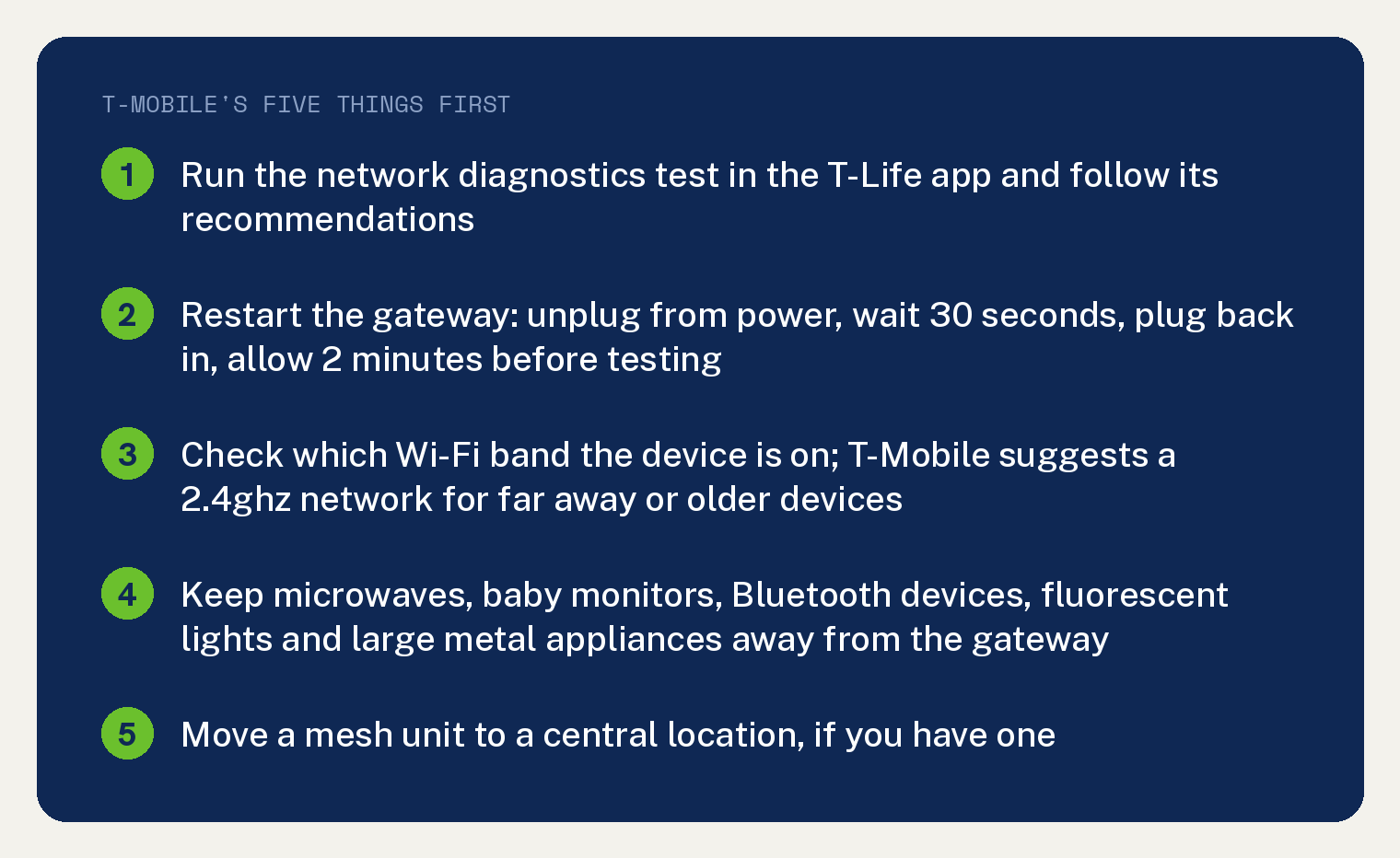
T-Mobile’s page has no heading for a device that is connected with nothing loading. It is organised as five things to try first, then App Help, Gateway Help and Network Help sections, and this article maps your symptom onto the first five and the Network Help lists for a device that can’t connect, a dropping signal, and slow internet, which is this site’s reading.
The page’s own line for the first five reads: “Try these 5 things first. They fix most issues.”
What should I try first when T-Mobile Home Internet says connected but no internet?
T-Mobile’s five, in its order. Run the diagnostics in the T-Life app, restart the gateway, check which Wi Fi band the device is on, move interference away from the gateway, and move a mesh unit if you have one.
- Run the test in the app. T-Mobile’s first heading is “Run a network diagnostics test from the T-Life app”, and the page says “If any issues are found, it provides specific recommendations to help improve your service.”
- Restart the gateway: unplug from power, wait 30 seconds, plug back in, allow 2 minutes. T-Mobile adds that “This clears most temporary slowdowns.”
- Check the band. For devices “that are further away from the gateway or that are older”, T-Mobile’s page says “we suggest creating a 2.4ghz network to connect them to.”
- Move interference away. T-Mobile’s list: “Microwaves, baby monitors, Bluetooth devices, and fluorescent lights can all disrupt your Wi-Fi signal. Keep your gateway away from these devices and avoid placing it near large metal appliances.”
- If you have a mesh unit, T-Mobile’s fifth heading is “Move your mesh to a central location (if applicable)”.
Why does my device say connected but nothing loads?
T-Mobile’s page does not name a cause for that symptom, so the answer is which section of its page to work next. If the device drops and reconnects, use the dropping signal steps below; if pages load slowly or not at all, use the slow internet steps.
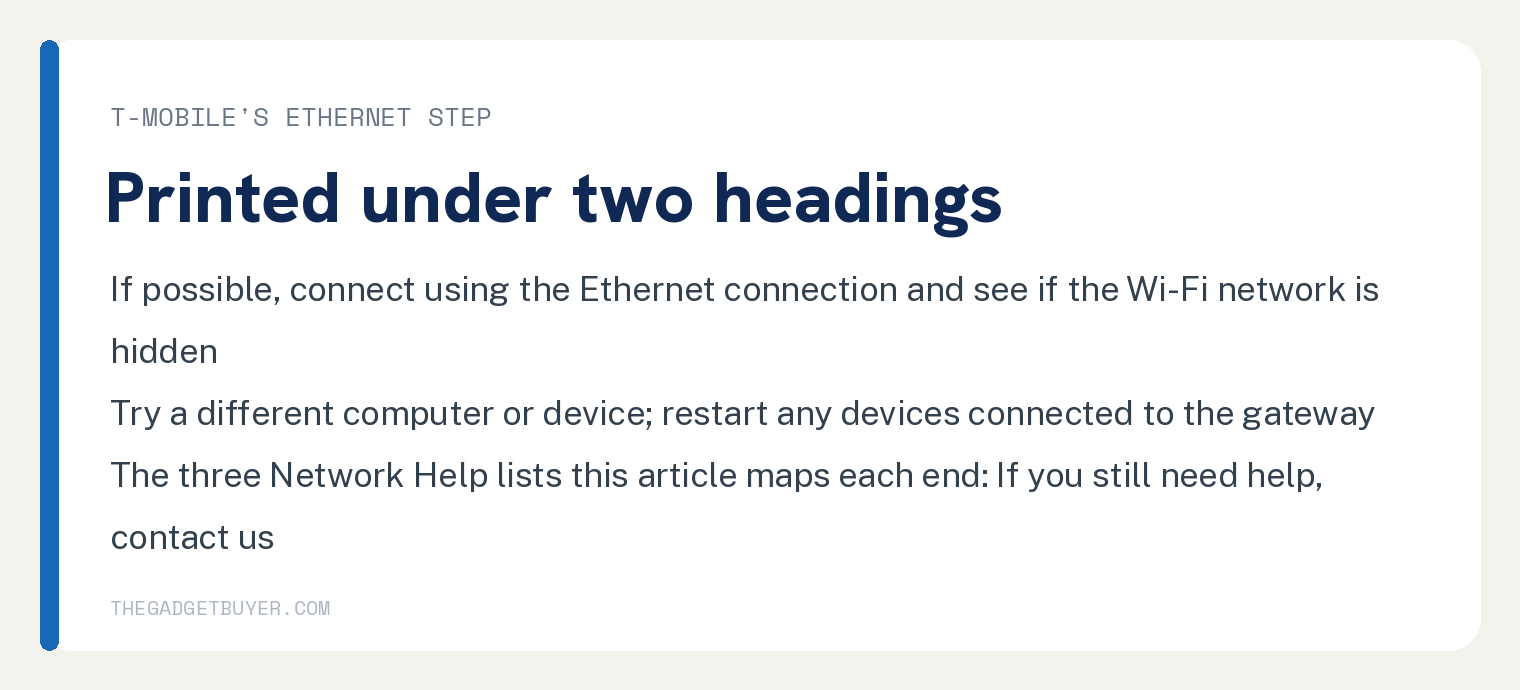
T-Mobile prints one Ethernet step under two of its headings, “Can’t see Wi-Fi network / SSID” and “Can’t connect to Wi-Fi”: “If possible, connect using the Ethernet connection and see if the Wi-Fi network is hidden.”
What are T-Mobile’s steps for a dropping or weak signal?
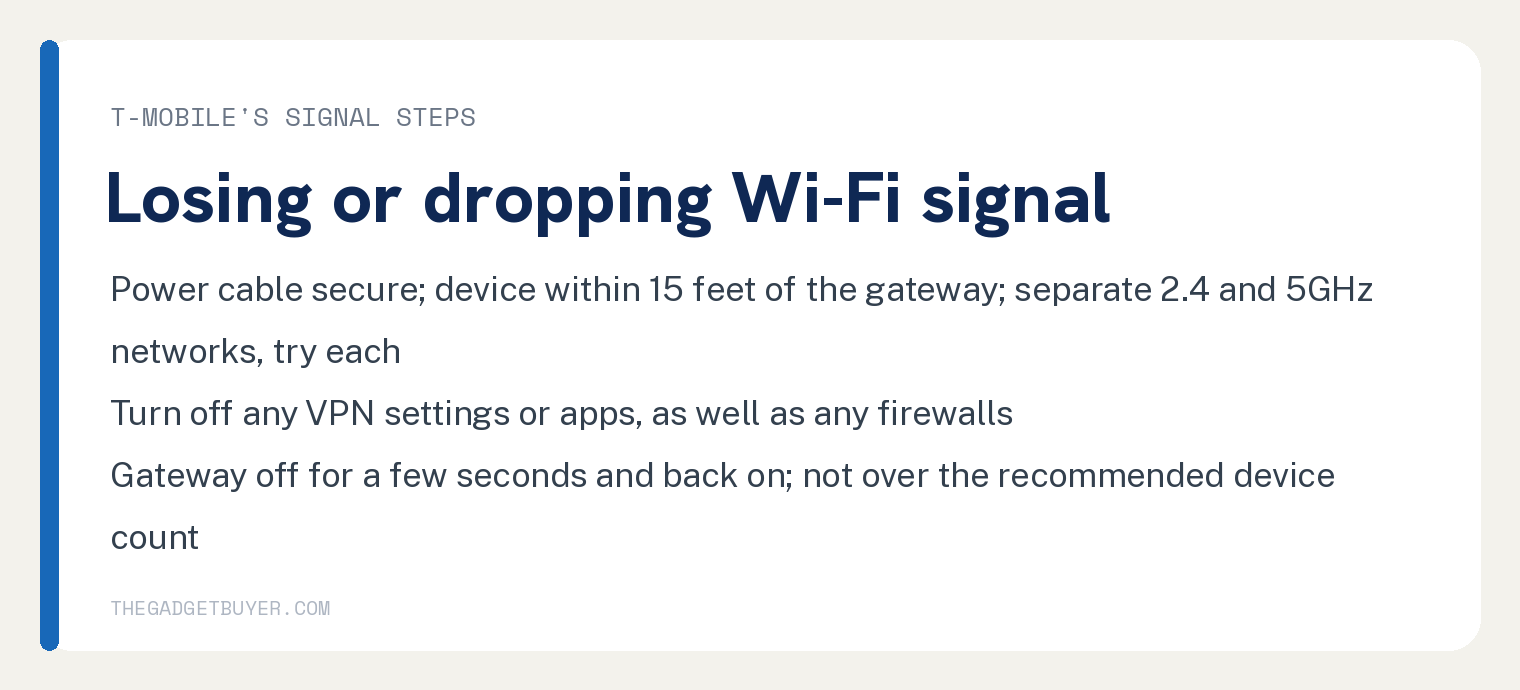
Start at the plug. T-Mobile’s first step under “Losing / Dropping Wi-Fi signal” is “Check that the power cable is securely plugged into the device and outlet.”
Bring the device close. The page repeats one line under six of its headings: “Move the device to within 15 feet of the gateway to ensure there is no interference.”
Split the bands and try each. T-Mobile’s step: “Use the T-Life app to set up separate 2.4 and 5GHz networks. Try connecting to each network.”
Turn off anything sitting between the device and the network. T-Mobile’s wording is “Turn off any VPN settings or apps, as well as any firewalls.”
Then the short power cycle and the devices: “Turn off your gateway for a few seconds, then turn it back on.” followed by “Restart any devices connected to the gateway.”
Count your devices too. T-Mobile’s line, printed under two headings, is “Make sure you’re not exceeding the maximum number of recommended devices.”
What if the gateway is fine but everything is slow?
Work T-Mobile’s “Slow internet” list. Its first step applies to one plan: “If you are on an Internet Lite plan, check your data usage and upgrade your plan if you need more data.”
Then placement, with the app: “Use the T-Life app to check for signal and find the best placement for your gateway.”
If the browser is the only thing with problems, T-Mobile says to “delete the cache, cookies, and history.” A speed test opens its streaming and page or app lists: “Perform a speed test using the Speedtest.net app or website to confirm that your gateway is getting sufficient network speeds.”
The longer power cycle lives under the connection headings: “Turn off your gateway and any connected devices for at least 60 seconds.” then “Turn the gateway on and wait for it to finish booting before powering up other devices.”
When should I call T-Mobile?
After the list you are on runs out. The three Network Help lists this article maps, “Can’t connect to Wi-Fi”, “Losing / Dropping Wi-Fi signal” and “Slow internet”, each end with “If you still need help, contact us”, and the page also points to the TV and Home Internet forum in the T-Mobile Community.
A gateway that will not power on is a different section, “Gateway won’t turn on”, which starts with the power cord that came with the gateway and says to “Remove any extension cords or surge protectors.”
Related on this site: Xfinity WiFi connected but no internet, what T-Mobile Home Internet plans cost, and improving a Verizon 5G Home Internet signal.
Where T-Mobile’s page stops
It prints no heading and no sentence for connected but no internet. The strings connected but no internet and no internet count 0, and every connected on the page is about connected devices or a device connected to the gateway.
It gives no gateway light meaning. LED and blinking count 0, and the one light on the page is a fluorescent light in the interference list.
It prints no SIM, tower or outage check for this symptom, and no factory reset or APN step. Its four SIM mentions are about moving a SIM into a replacement gateway, and reset counts 0 on the whole page.
Frequently asked questions
How long should I unplug the T-Mobile gateway?
T-Mobile’s page prints three power off timings. Its first five things say to unplug, wait 30 seconds, plug back in and allow 2 minutes; its “Can’t see Wi-Fi network / SSID” and “Can’t connect to Wi-Fi” lists say “Turn off your gateway and any connected devices for at least 60 seconds.”
Three of its lists, T-Life app issues, “Losing / Dropping Wi-Fi signal” and “Slow internet”, say to turn the gateway off for a few seconds, then turn it back on.
Does T-Mobile Home Internet need a factory reset when it shows connected but no internet?
T-Mobile’s troubleshooting page prints no reset step. The string reset counts 0 on it, and its steps run from the T-Life diagnostics test through restarts, bands, placement and the Ethernet step to contact us.
Is it my phone or the gateway?
T-Mobile’s page prints no step that answers that by name. Its lists say to try a different computer or device and to restart any devices connected to the gateway.
Why is my T-Mobile internet slow on an Internet Lite plan?
T-Mobile’s first slow internet step names that plan: “If you are on an Internet Lite plan, check your data usage and upgrade your plan if you need more data.”