
How Often Should You Replace Your Router?
How often should you replace your router? Review it at around four to five years, and replace it sooner if security updates stop or persistent problems cannot be resolved.
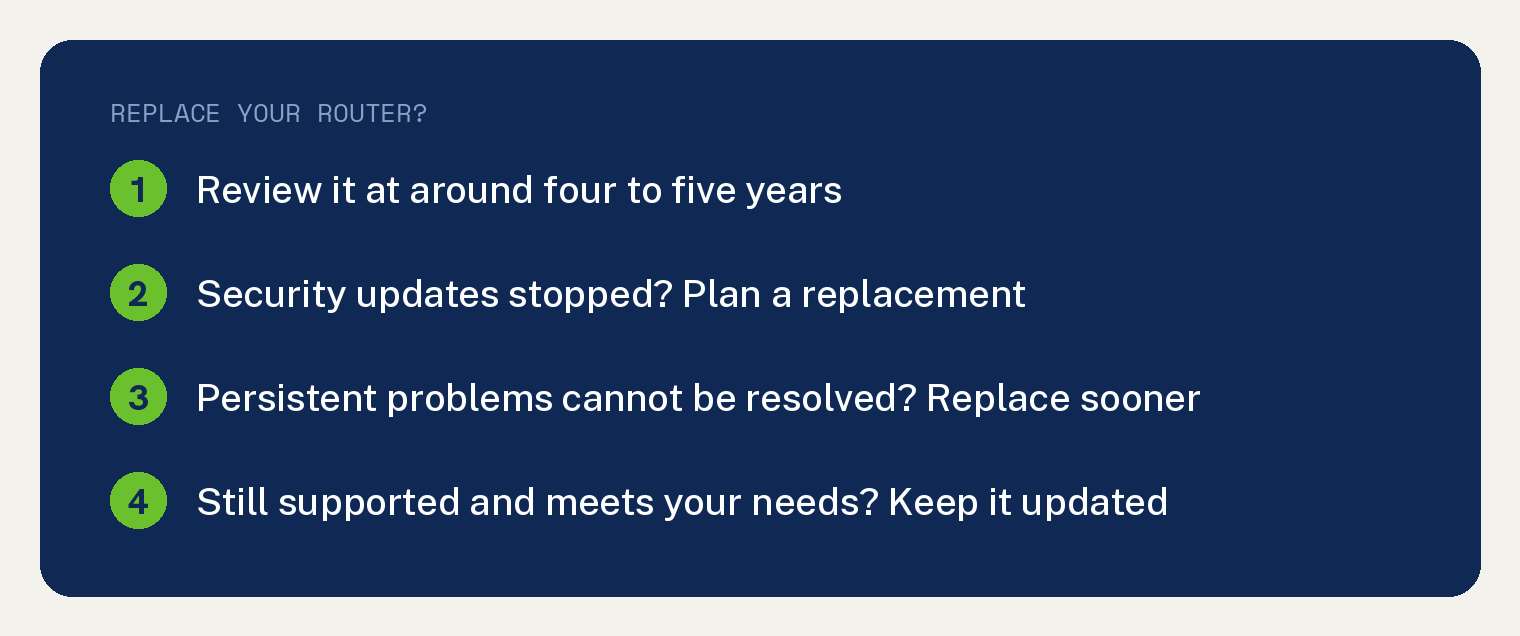
Netgear, which makes Nighthawk routers and Orbi mesh systems, sets that checkpoint in its replacement guide: “Around four to five years is a practical checkpoint to review its condition, software support, and performance.”
The checkpoint is a review date. Netgear’s guide says “Some routers may need replacing sooner, while others continue to meet their owners’ needs for longer.”
When to replace your router sooner
Netgear’s guide says: “Consider replacing a router that no longer receives security updates, has persistent hardware problems, or cannot meet your coverage and connection needs after troubleshooting.”
The first one is easy to miss. Your router may keep connecting after its support ends, and Netgear points out that “continued operation does not mean it is receiving new security fixes.”
Netgear’s guide says: “If the manufacturer no longer provides security updates, plan a replacement.”
How do I know if I need a new router?
Netgear’s checklist opens with “Use this checklist to review your current setup:”
- Security support. Check the support information for your exact model and confirm its maker still provides security updates. Netgear owners can look up a model’s status in Netgear’s “End of Service information” pages.
- Connection reliability. Look into repeated disconnects or unexpected restarts that keep happening after you update the router and check the cables and power.
- Performance. “If speeds remain disappointing near the router, compare wired and wireless results and rule out an internet-provider issue.”
- Coverage. “If rooms remain difficult to connect after improving router placement, consider whether a mesh system would better suit your layout.” Our guide on whether you need mesh Wi-Fi or just a better router walks through that choice.
- Household demand. If things slow down when several people stream, game or join video calls, review what your router can handle and your internet plan.
Troubleshoot before you buy a new one
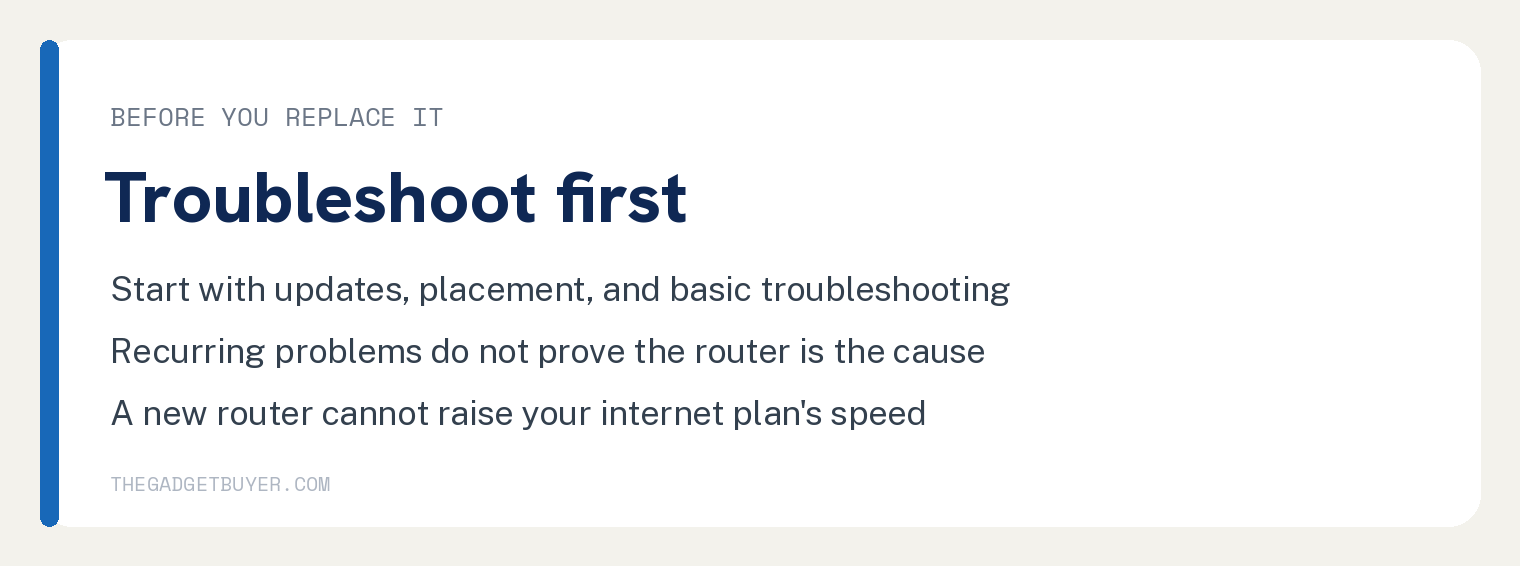
Start with updates, placement and basic troubleshooting before you decide to upgrade. Netgear also says “One slow device or a temporary outage does not automatically mean your router needs replacing.”
When my Sony Bravia TV was slow, I reset my router and modem multiple times and even switched between my AT&T router and my mesh router, hoping that would speed things up.
The cause turned out to be the TV’s built in OS. Our guide to fixing a slow smart TV covers that case.
If you are not sure where a slowdown starts, use our guide to find out if it’s your internet or your router.
What I did when my router started having issues
My own Netgear Nighthawk started having issues, and I replaced it with an eero mesh network that has worked great for several years. Read about that setup in the mesh Wi-Fi I run after dumping my old router.
If you own a Nighthawk that keeps dropping its connection, try our steps for a Nighthawk that keeps dropping WiFi before you shop.
If your router is still supported and meets your needs
Keep it. Netgear’s guide says: “If your router is still supported and meets your needs, keep it updated and review its performance periodically.”
Install updates when they arrive, and turn on automatic updates where your router supports them.
How long do routers last?
“Routers can remain useful for several years.” Netgear treats around four to five years as a review point “rather than a fixed expiration date.”
Replace one sooner if its support ends or persistent problems cannot be resolved.
Do routers go bad?
Yes. Per Netgear’s guide, “Router hardware can develop faults, and software support can end even while the device still works.”
“Recurring problems are a reason to troubleshoot, but they do not prove that the router is the cause.”
Will a new router make my internet faster?
Netgear’s guide says a new router may improve performance if your current router is the bottleneck. A new router “cannot raise the speed supplied by your internet plan.”
“Results also depend on your devices, placement, interference, and connection type.”
Can I replace my internet provider’s router?
“It depends on your provider and service.” Netgear adds that “Some allow compatible customer-owned equipment, while others require their gateway to remain connected.”
Check your provider’s equipment requirements before you buy a replacement.