
PS5 RAM Is 16GB of GDDR6 Shared by Games and the OS
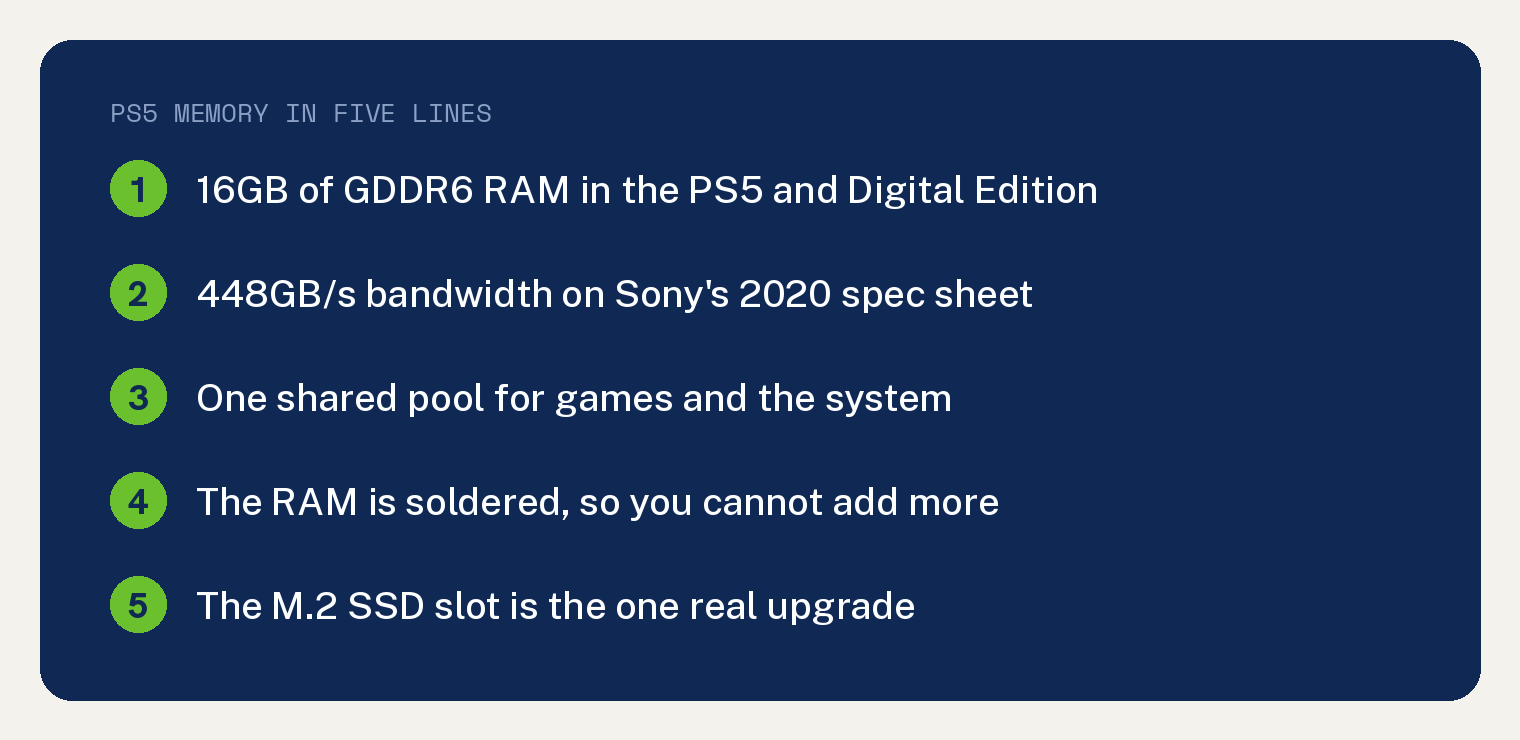
The PS5 has 16GB of GDDR6 RAM. Sony published that figure in its March 2020 PS5 hardware specs, listing the memory at 448GB/s of bandwidth.
That pool of PS5 RAM does the work you see, from drawing the game on screen to running the menus you scroll through.
Sony has published no separate memory spec for the current disc and Digital Edition consoles, and nothing Sony has said since 2020 indicates the 16GB figure changed. The PS5 Pro rearranges how that memory gets used.
What does the PS5 use its 16GB of RAM for?
RAM is the console’s short term workspace. Anything a game needs in the next second has to already be sitting there.
Textures, character models, level geometry, sound, and physics data all share the same 16GB.
The SSD keeps that workspace fed. Sony’s 2020 spec sheet listed a raw read bandwidth of 5.5GB/s for the launch console’s SSD, which is why a level can appear almost as soon as you press the button.
Sony’s hardware team describes the eight GDDR6 chips inside a standard PS5 as handling high speed rendering for games plus the slower processing for the rest of the system software.
How much of the 16GB do games actually get?
Sony does not publish that number. There is no official figure on PlayStation.com telling you how much memory the system software holds back and how much a game can use.
Exact splits that circulate on forums trace back to leaked developer documents and third party teardowns, so treat any precise figure you see with suspicion.
What Sony does document is the shape of the system: one shared pool, used by the game and the operating system together.
How much memory and storage does each PS5 model have?
Sony currently sells three PS5 consoles. Each carries different storage, and the Pro carries a different memory layout.
| Spec | PS5 | PS5 Digital Edition | PS5 Pro |
|---|---|---|---|
| Memory | 16GB GDDR6 | 16GB GDDR6 | Eight GDDR6 chips plus one DDR5 chip, Sony says 28% faster memory |
| Bandwidth | 448GB/s | 448GB/s | Sony publishes no GB/s figure |
| Storage | 1TB SSD | 825GB SSD | 2TB SSD |
| Disc drive | Built in | Sold separately | Sold separately |
| Best for | Playing discs | Cheapest way in | Highest frame rates |
The PS5 Pro ships as an all digital console. Sony sells a Disc Drive for it separately, and an internet connection is required to pair that drive with the console at setup.
The Digital Edition takes the same separate Disc Drive. The console with a disc drive already fitted is the 1TB model.
If you are working out where a console will sit, the PS5 console dimensions are listed in a separate guide.
Does the PS5 Pro have more RAM than the PS5?
Sony has not published a total memory capacity for the PS5 Pro.
Sony’s engineers described a ninth memory chip in the PlayStation 5 Pro teardown posted on the PlayStation Blog in April 2025. Every PS5 up to the current model used eight GDDR6 chips for both game rendering and system tasks.
The PS5 Pro adds a DDR5 chip dedicated to the slower system work, which leaves the eight GDDR6 chips free to handle rendering alone. That same teardown says the GDDR6 chips are faster than the ones in earlier PS5 models, without giving a speed.
The one number Sony has attached to that speed is in its September 2024 PS5 Pro announcement, which describes the console as having 28% faster memory. Sony has published no bandwidth figure in GB/s for the Pro, so there is nothing to multiply against the 448GB/s above.
Can you add more RAM to a PS5?
No. The memory chips are soldered straight onto the PS5 motherboard, so there are no slots and no modules to swap.
Nothing you can buy will raise the 16GB figure. Any product advertising extra PS5 RAM is selling you storage or a cooling fan.
The storage is the part you can upgrade
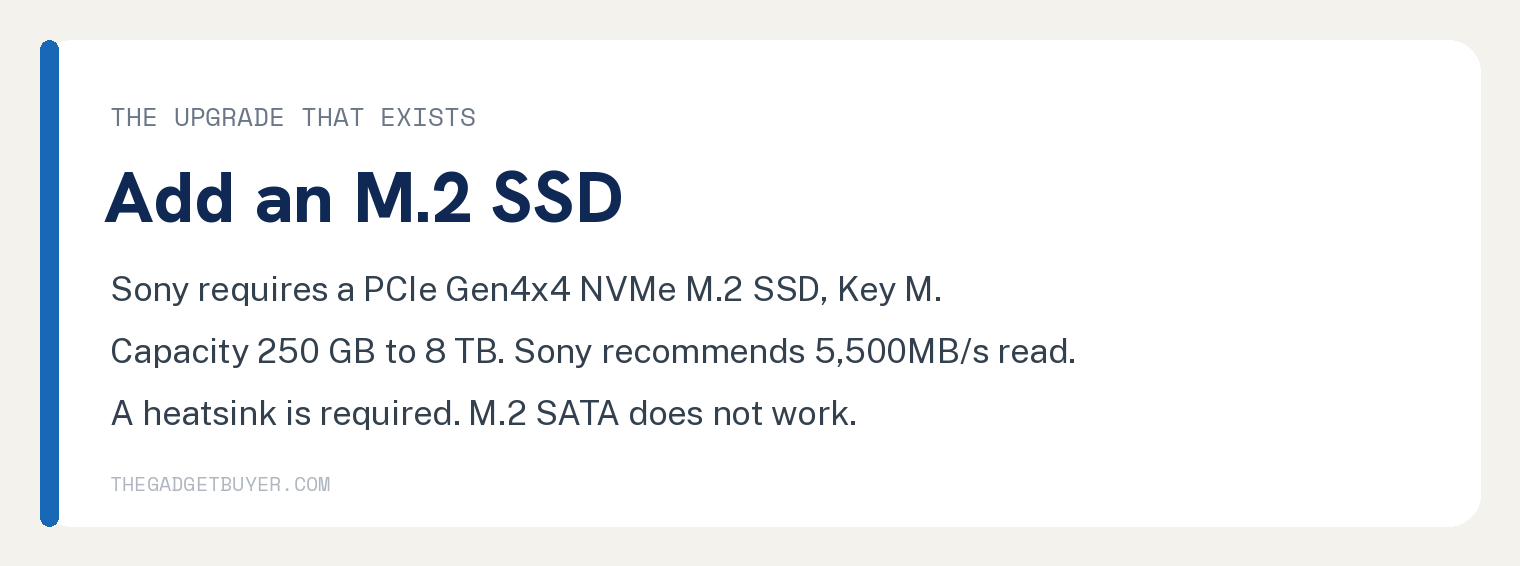
Every PS5 has an M.2 expansion slot under a removable cover. Sony publishes real requirements for what goes in it.
- Interface: PCI Express Gen4x4 supported M.2 NVMe SSD, Key M
- Storage space: 250 GB to 8 TB
- Form factor: 2230, 2242, 2260, 2280, or 22110
- Width up to 25 mm, length 30, 42, 60, 80, or 110 mm, thickness up to 11.25 mm including any cooling parts, of which no more than 2.45 mm may sit below the board
- Sequential read speed of 5,500MB/s or faster is recommended
- A heat dissipation mechanism such as a heatsink is required
That 2.45 mm allowance below the board is what rules out most double sided heatsinks. Sony warns separately that cooling structure sizes vary greatly, so check the heatsink measurements before you buy.
Sony states that M.2 SATA drives are not supported. Drives that use Host Memory Buffer can run slower than expected, because the PS5 console does not support that feature.
Sony’s own list of what you need to fit one is short: a table to work on, a #1 Phillips screwdriver, and a flashlight if the room is dim.
The console shows a formatting guide the first time it starts up with the new drive installed. Formatting erases everything already on that drive, and Sony warns the erased data cannot be recovered, so move anything you want off it first.
Do not cut the power while the format runs.
Why does your PS5 feel slow?
The 16GB never changes, so a PS5 that got slower over time has a different cause. Work through these in order.

1. Close the games and apps left running
Press the PS button on your controller. The Control Center appears along the bottom of the screen.
Highlight the game or app tile, press the options button, then choose Close Game. The tile should vanish from the Control Center.
Here is the full walkthrough on how to close apps and games on the PS5.
Your PS5 also drops into rest mode on its own after it sits idle, and rest mode is a low power state that keeps parts of the console awake. Sony’s power saving guide says to pick Restart PS5 from the Power menu when your console is having issues, because that turns it off completely and then on again.
2. Check how full the SSD is
Open Settings using the gear icon at the top right of the home screen. Choose Storage.
You will see how much free space is left on the console storage. A drive with almost nothing free cannot finish downloads or updates, and that reads as a console that is stuck.
3. Run Repair Console Storage in Safe Mode
Start the console in Safe Mode, then pick the third option in the list, Repair Console Storage.
Sony’s Safe Mode guide states that this option does not erase data, and suggests it when a PS5 will not start up properly or you are having storage issues. That makes it the lower risk thing to try before a database rebuild.
4. Rebuild the PS5 database
This scans the drive and builds a fresh index of everything on it. Menus and game lists usually respond faster once it finishes.
The console has to be in Safe Mode for this one too. Follow the steps to rebuild the PS5 database.
5. Test your network connection
Stutter during online play usually traces back to the connection. This guide to the causes of PS5 lag spikes covers what to check first.
6. Update the system software
Go to Settings, then System, then System Software, then System Software Update and Settings. The console tells you whether an update is waiting.
If none of that helped
A console that locks up hard is a different problem from one that feels sluggish. Start with how to power off a frozen PS5 safely.
If it still crawls after a database rebuild and a clean system update, contact PlayStation Support and ask for a hardware check.
PS5 RAM questions people ask
Is 16GB of RAM enough for the PS5?
Every PS5 game released so far was built for that exact figure. Studios design to 16GB because it is the only amount the hardware offers, so a game that ships on PS5 fits inside it.
What kind of RAM does the PS5 use?
GDDR6, the same class of memory found on graphics cards. Sony’s 2020 spec sheet lists it as 16GB of GDDR6 with 448GB/s of bandwidth.
Does adding an M.2 SSD give the PS5 more RAM?
Storage and memory are separate systems. An M.2 SSD gives the console more room for game installs, and loading still runs through the same 16GB of RAM.
How does PS5 memory compare to a gaming PC?
A gaming PC splits memory into system RAM for the processor and video memory on the graphics card. The PS5 pools both jobs into one 16GB block, which is why a flat 16GB to 16GB comparison does not line up.
Do all three PS5 models have the same memory?
The PS5 with a disc drive and the PS5 Digital Edition both carry 16GB of GDDR6. The PS5 Pro uses eight GDDR6 chips plus a ninth DDR5 chip, and Sony has published no capacity figure for it.